Professional AI prompts for author bio portraits help you create clean, high quality and trusted profile photos for your book, blog, or personal website. In this article, you will get carefully tested AI photo editing prompts that can turn a simple selfie into a professional author bio image with better background, outfit, lighting and pose. These prompts are designed to keep your face fully real while improving the overall look, so your author profile feels more strong and reliable.
I have also made sure that each prompt works well for both men and women, so anyone can use them without any confusion. You can easily use these prompts with tools like Gemini AI, Flow AI or ChatGPT image editing. Just upload your photo and copy paste the prompt to get a realistic result. I have personally created and tested these prompts on different images to check skin detail, lighting balance and natural feel.
Professional AI Prompts for Author Bio Portraits
Style 1: Classic and Intellectual Styles
Create smart, bookish and professional portraits with clean and timeless author look.
1. The Classical Library Look
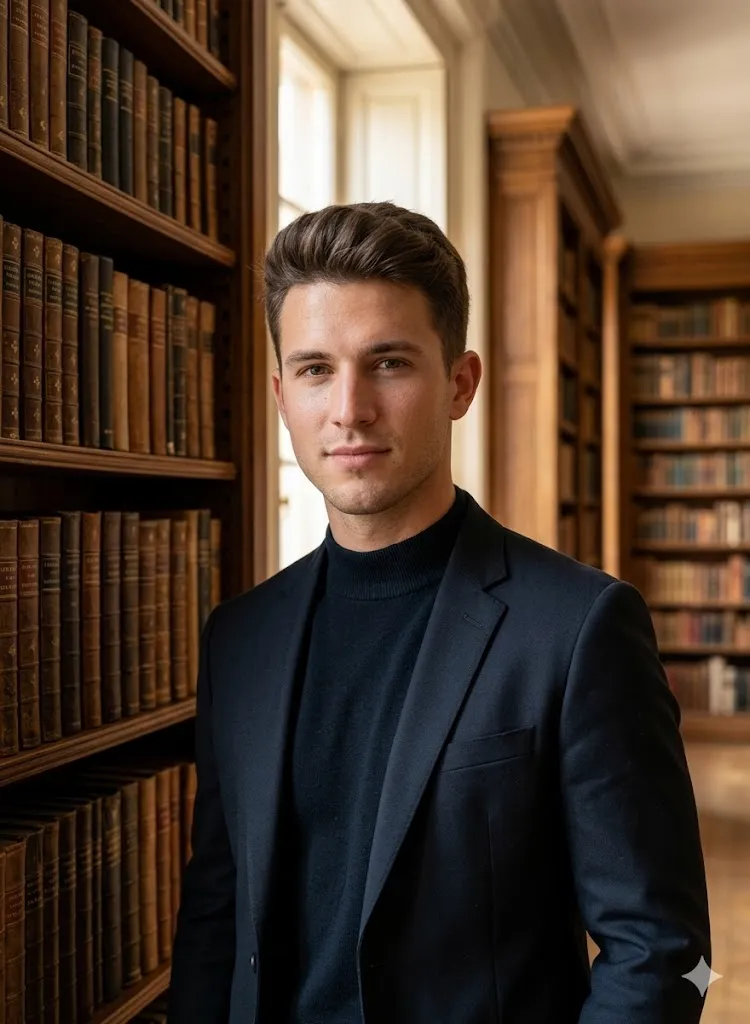
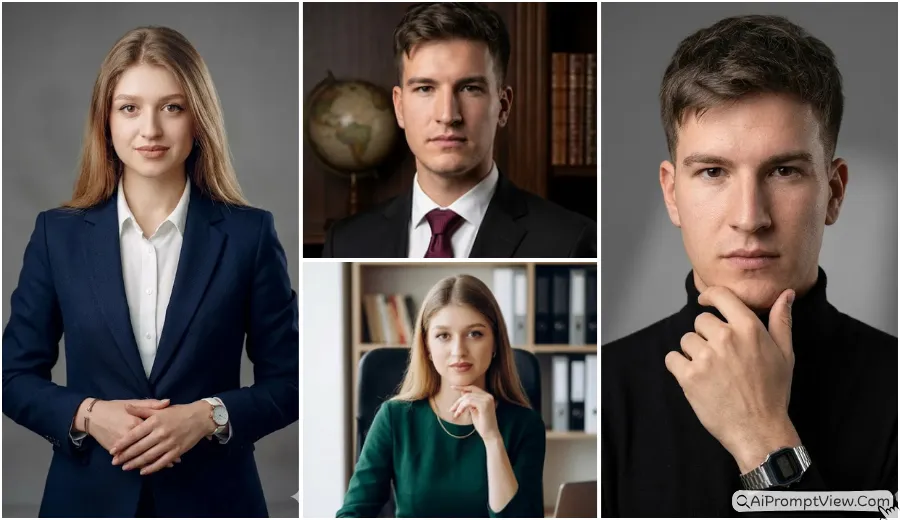
Edit my photo and place me inside a large and elegant library filled with old wooden shelves and classic books. Change my outfit to a dark high neck sweater with a well fitted blazer. Keep my face exactly the same with same eyes, skin tone and jawline. Make me stand slightly relaxed near a bookshelf. Add soft morning light coming from a window. Use high detail skin texture with natural pores and realistic shadows. Keep the image very sharp and clean in 8k quality with no text or watermark.
2. The Modern Minimal Office Look
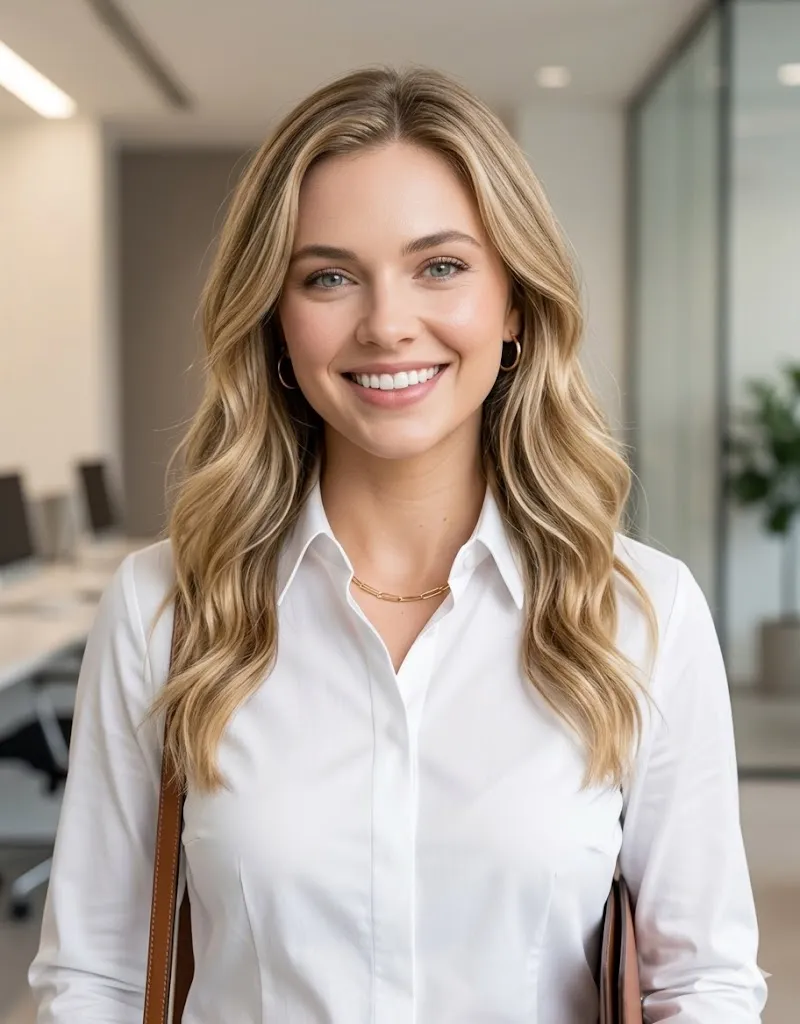
Edit my photo into a clean and modern office background with soft blur and neutral tones. Change my outfit to a white formal shirt with a sharp collar. Keep my face fully same without any change in features. Use studio style lighting that highlights my face in a natural way. Make the final image look like a real corporate headshot with clear skin detail and balanced light. Keep it in high quality and remove any text or design from the image.
Style 2: Creative and Moody Vibes
Make artistic, warm or dark mood photos with creative and emotional feel.
3. The Creative Coffee Space Look
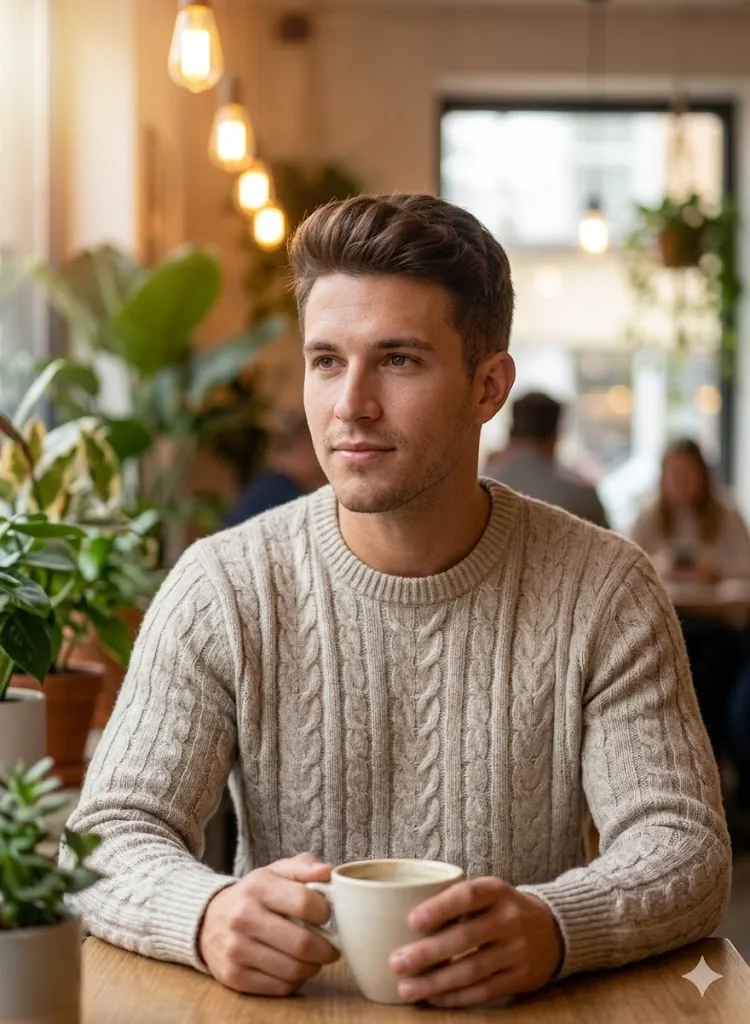
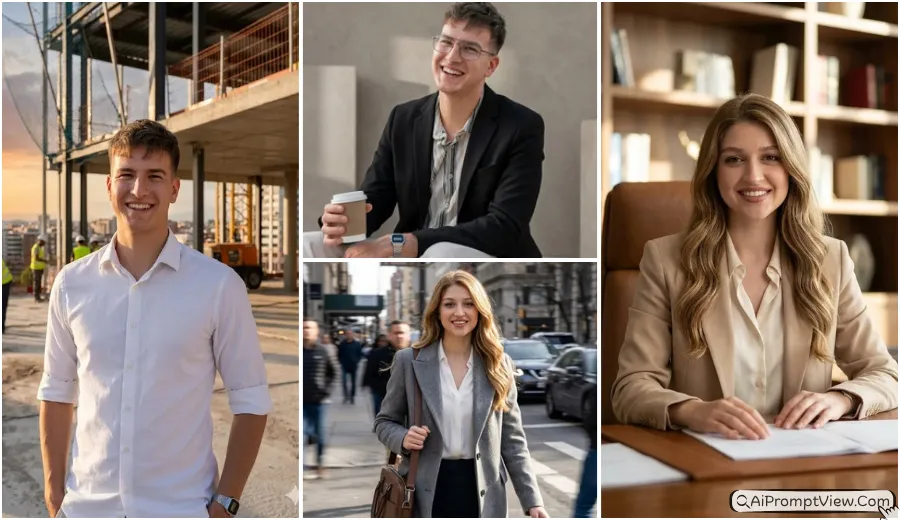
Edit my photo and place me inside a small stylish coffee space with plants and warm lights. Change my outfit to a soft knit sweater in light color. Keep my face exactly same and natural. Make me hold a simple cup and look slightly away from camera with a calm expression. Add soft blur in background with warm light effect. Focus on real skin texture and natural shadows. Keep the final result very realistic with no text or logo.
4. The Dark Mystery Author Look
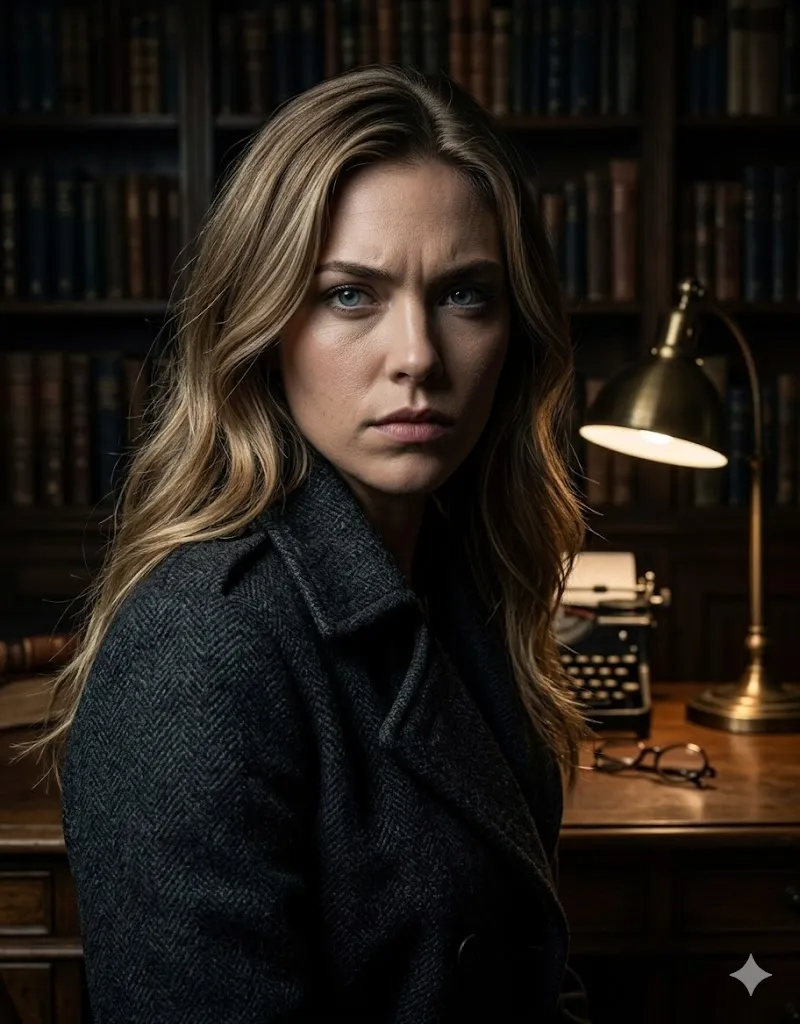
Edit my photo to give it a cinematic, 'Nordic Noir' mystery author vibe. Change the background to a dark, moody study with a single desk lamp casting dramatic shadows. Change my clothes to a dark charcoal trench coat or a heavy pea coat. My face must be 100% the same as the uploaded image, but change my expression to be serious and intense. Use high-contrast lighting, 8k resolution, and deep textures. Ensure the skin looks real and not 'plastic.' No words or AI watermarks.
Style 3: Success and Authority Looks
Create powerful, confident and professional images that show success and strong personality.
5. The Public Speaker Stage Look
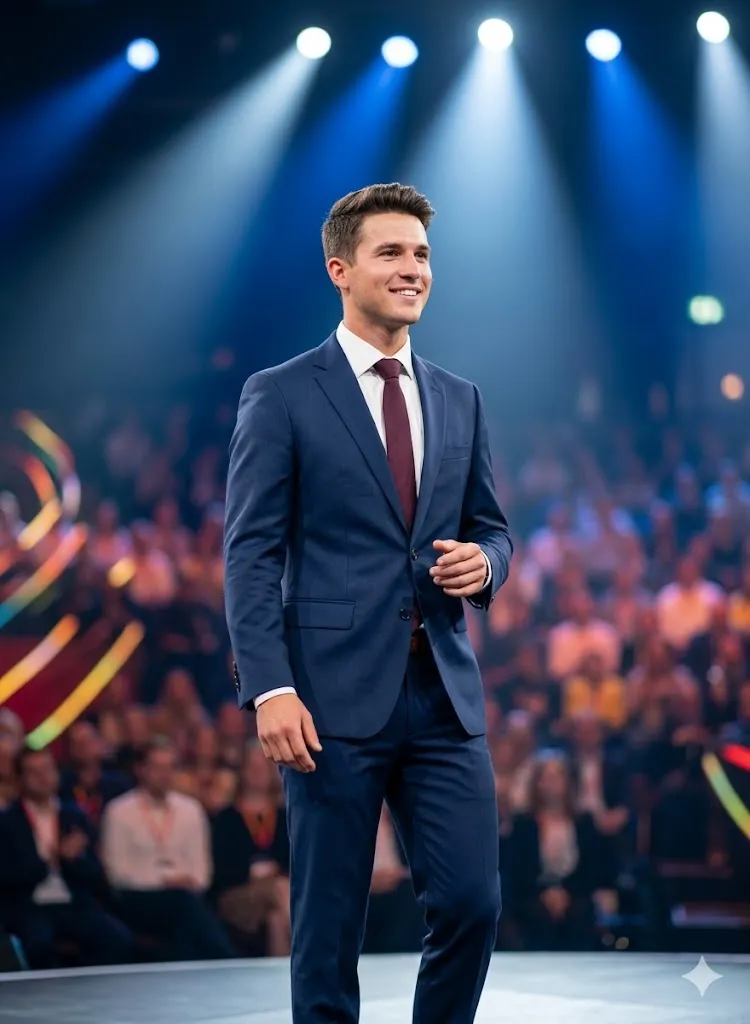
Edit my photo and place me on a professional stage with a soft blurred audience in background. Change my outfit to a formal suit in dark blue tone. Keep my face fully same and natural. Make my posture straight and confident. Add bright stage lights that create a powerful and inspiring mood. Ensure the image looks like a real event photo with natural skin and sharp detail. No text should be added.
6. The Urban Rooftop Look
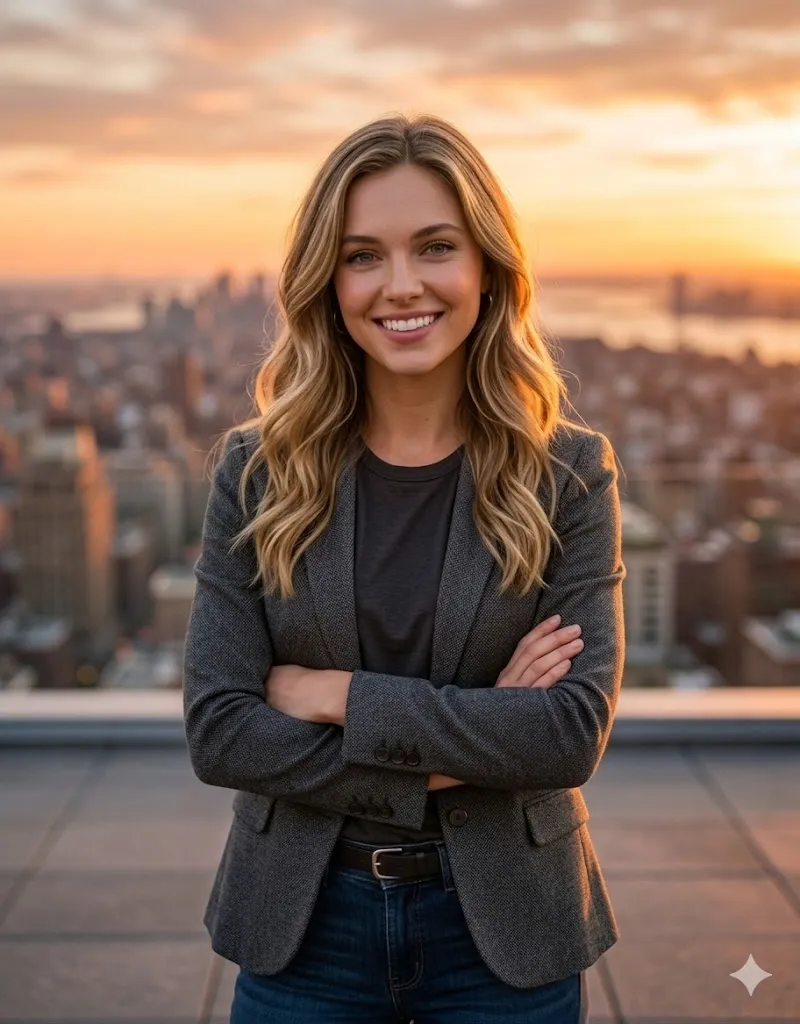
Edit my photo and place me on a rooftop with a city view during sunset. Change my outfit to a smart casual jacket with a dark shirt. Keep my face exactly same. Make me stand with arms crossed and look directly at camera. Add warm sky colors in background with soft blur. Use realistic light on face and natural skin detail. Keep the image in high quality with no text.
Style 4: Nature and Peaceful Themes
Make soft, calm and natural photos with outdoor light and peaceful background.
7. The Garden Writer Look
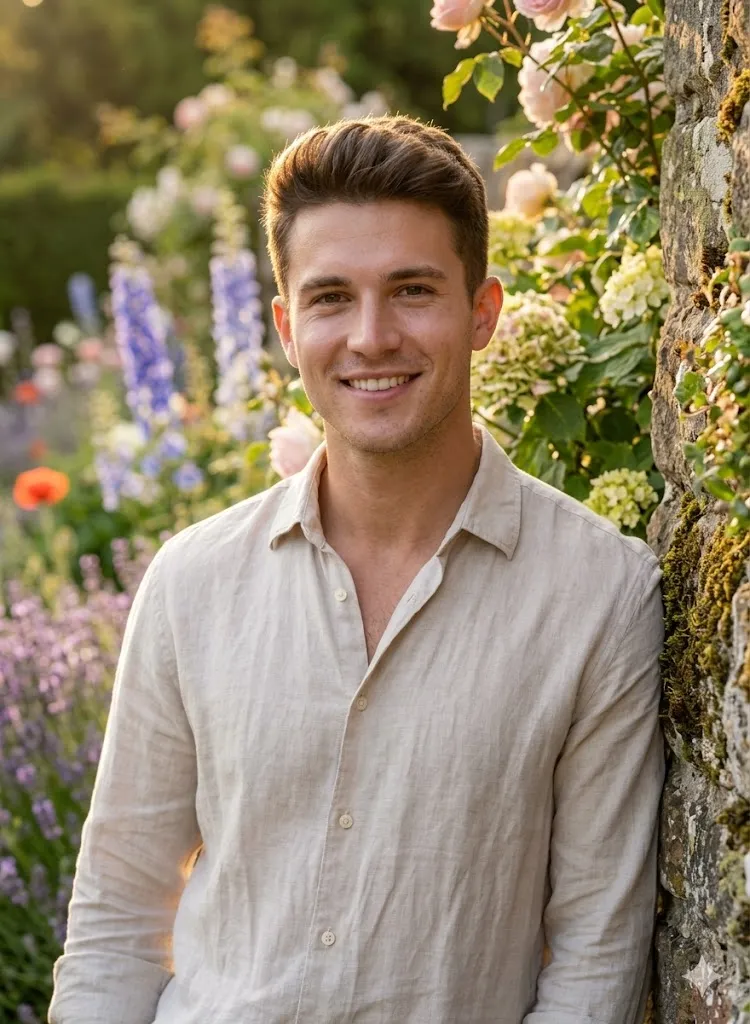
Edit my photo to put me in a lush, blooming English garden during the golden hour. Change my clothes to a flowing linen shirt or a soft pastel dress. My face must remain 100% identical to the uploaded image. The lighting should be warm and golden, catching the edges of my hair. Use a shallow depth of field so the flowers in the background are softly blurred. High-detail skin rendering, ultra-realistic, and zero text.
8. The Tech Author Look

Edit my photo and place me inside a modern tech lab with blue light in background. Change my outfit to a clean modern jacket. Keep my face exactly same without change. Use cool lighting and sharp detail. Make the image look like a real press photo of a tech person. Keep skin natural with small details. No text or overlay should be present.
Style 5: Artistic and Bold Styles
Create unique, colorful and creative portraits with bold and eye catching style.
9. The Studio Artist Look
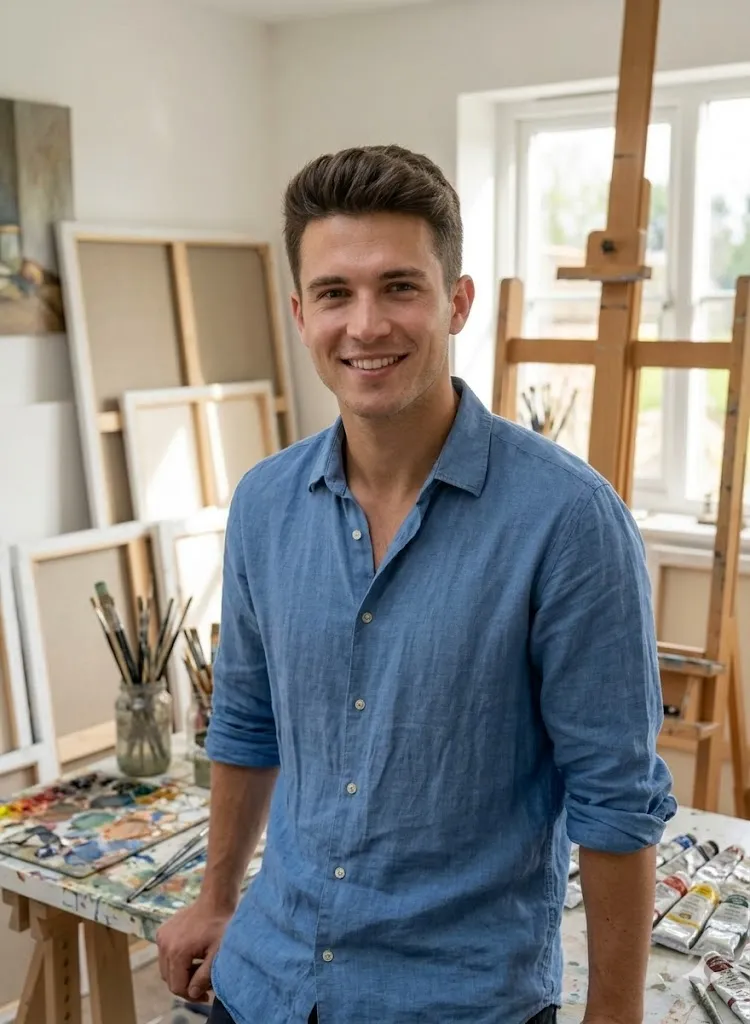
Edit my photo and place me inside an art studio with canvases and paint marks around. Change my outfit to a casual shirt with rolled sleeves. Keep my face same but make my expression happy and natural. Use bright daylight and soft shadows. Make the image look like a real photo from a creative space. Keep details sharp and avoid any fake look. No text should be added.
10. The Travel Author Look
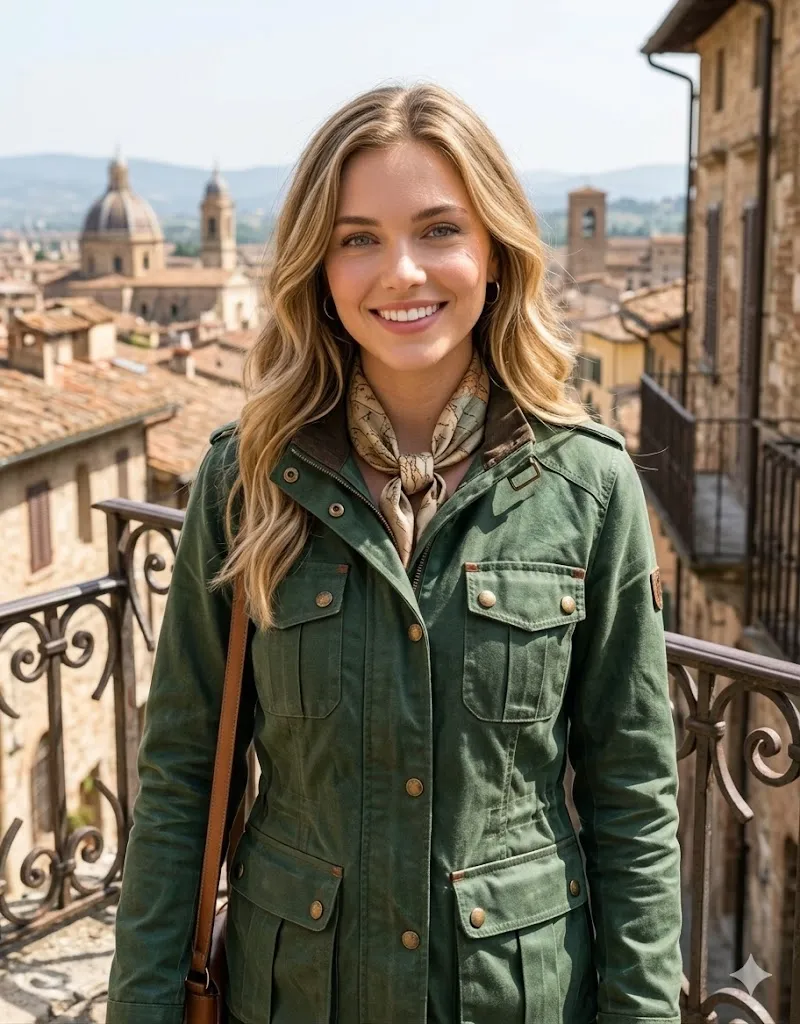
Edit my photo and place me on a balcony with an old city view in background. Change my outfit to a travel style jacket. Keep my face fully same and natural. Add bright daylight with natural shadows. Make the background slightly soft but realistic. Focus on skin, fabric and environment details. Keep the image very realistic and clean. Do not add any text.
Last Words
Professional AI prompts for author bio portraits can really change how people see your work. I have tested these prompts on different photos and they gave very natural and strong results. If you want a simple way to build a trusted author image, just try these prompts and adjust them as per your need.