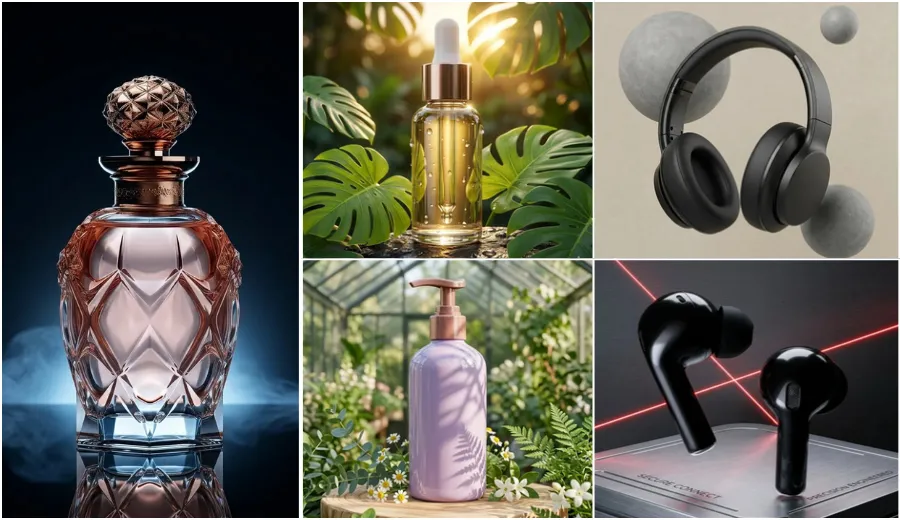
Product Photography AI Prompts 2026: Aesthetic Perfume Bottle AI Prompts with Water Splash Effect are designed to help you create clean, high quality perfume product photos with realistic water splash, studio lighting, and natural glass reflections. In this article, I am sharing 10 carefully tested AI photo editing prompts that I created after trying different styles on real perfume bottle images.
These prompts focus on product photography, luxury branding, hyper realistic lighting, and cinematic effects so your perfume looks premium and ready for ads, social media, or online store use. You can use these prompts with tools like Gemini AI and ChatGPT image editor. Just upload your perfume bottle photo and copy paste the prompt. I made sure each prompt keeps the original bottle design safe while improving background, light, and mood.
Section 1: Professional Aquatic and Water Splash Prompts
These prompts focus on movement, freshness, and the dynamic energy of water. Perfect for fresh, citrus, or “ocean” themed fragrances.
1. Ocean Wave Impact Prompt
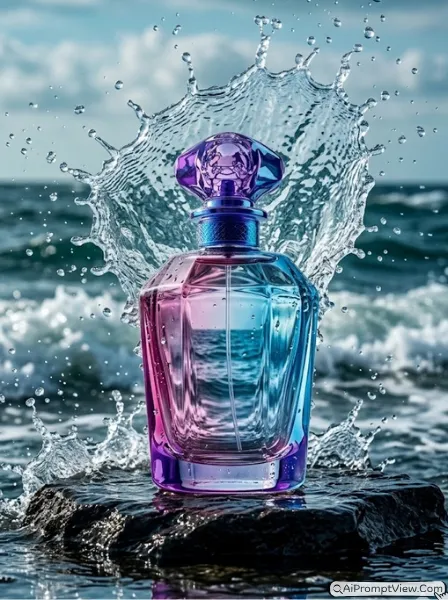
Edit my photo of a perfume bottle and place it on a dark wet rock near the sea. Add a strong ocean wave behind the bottle and freeze the splash in the air with many small water drops. Keep the bottle sharp and clear with real glass reflections of blue water. Use cinematic lighting with high speed effect so every drop looks detailed. Maintain original shape and label. Make it look like a real product shoot with high detail, natural shadows, and fresh aquatic mood.
2. Underwater Serenity Prompt
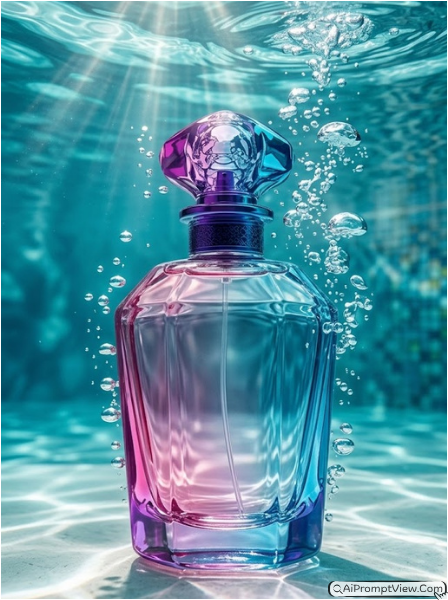
A premium perfume bottle submerged partially in a clear turquoise pool. Macro photography style focusing on the glass texture. High-definition water bubbles are rising around the bottle, creating a sense of depth and freshness. Sunbeams are piercing through the water surface, creating 'caustics' light patterns on the bottle’s surface. The background is a soft-focus underwater scene. Professional studio lighting, hyper-realistic, 8k, elegant and calm mood, perfect glass transparency. Keep focus on product but no fully closeup.
3. Explosive Water Crown Prompt
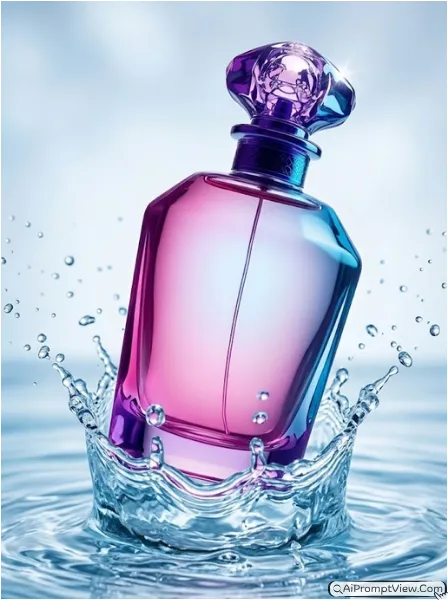
Edit my perfume bottle image and drop the bottle into shallow water. Create a perfect crown splash around the base with many tiny droplets moving outwards. Keep background soft blue and clean. Use bright light to highlight the liquid and cap of the bottle. Make sure the bottle stays sharp and same as original. Add natural motion in water and create a vibrant, energetic product look with high detail and realistic liquid effect.
4. Rain Drenched Luxury Prompt
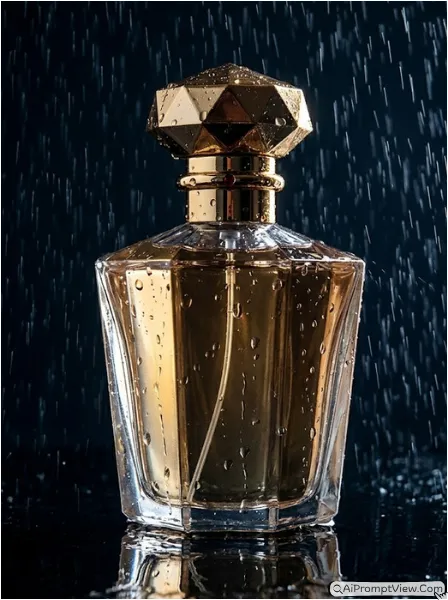
Edit my perfume bottle photo and place it on a black reflective surface in rain. Add heavy rain falling around and show water drops sliding on the glass bottle. Use dark mood lighting with one side light to create strong highlights and shadows. Keep reflection visible below the bottle. Maintain original design and make the scene look deep and premium. Add realistic water texture and natural depth so it feels like a real high end shoot.
5. Frozen Ice Splash Prompt
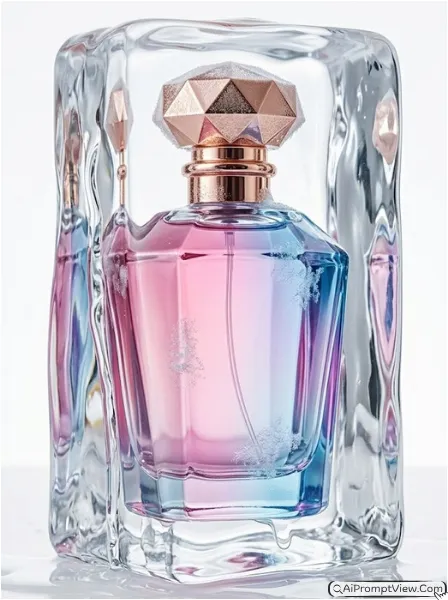
Edit my perfume bottle and place it inside a clear ice block that is slowly melting. Add water flowing over the ice and create a mix of solid and liquid look. Use a clean white background and soft studio light. Show details like frost on glass and clear reflections through ice. Keep the bottle shape and label same. Make the image feel cold, fresh, and premium with high realism and natural light effects.
Section 2: Luxury Studio and Cinematic Lighting Prompts
These prompts are for those who want a “Boutique” or “High-Fashion” look. They focus on textures like marble, gold, and dramatic shadows.
6. Golden Hour Marble Prompt
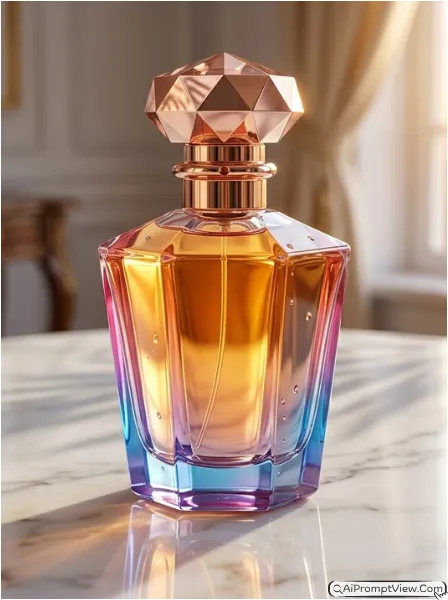
Edit my perfume bottle photo and place it on a white marble surface. Add warm sunset light coming from a window and create soft shadows of leaves on the bottle. Make the liquid inside glow with golden tone. Keep background slightly blurred like a luxury room. Maintain original bottle design and keep reflections natural. Use soft lighting and create an elegant premium look with realistic glass shine and calm warm mood.
7. Midnight Neon Glow Prompt
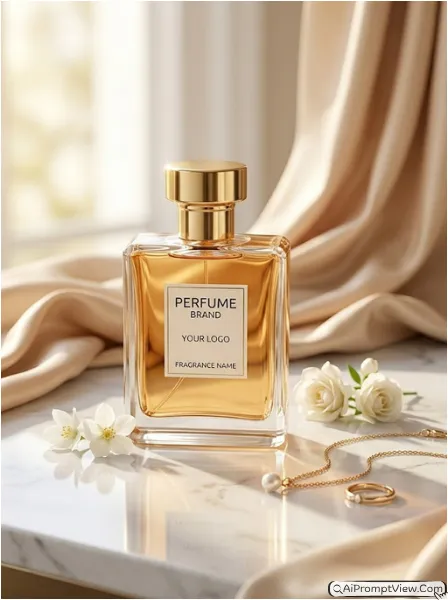
Edit the uploaded perfume bottle photo into a full hyper realistic luxury product photoshoot while keeping the original perfume bottle design, shape, label, cap, colors, branding, and all bottle details exactly the same as the uploaded image. Do not change the perfume bottle identity or structure. Change only the background, lighting, and overall scene styling. Place the bottle on a clean white marble surface with warm natural golden sunlight softly falling from the side. Add realistic reflections and smooth natural shadows around the bottle. Keep soft beige silk fabric flowing naturally in the background with small white flowers and elegant jewelry pieces placed near the product for a premium beauty brand feel. Use cinematic studio lighting, glossy reflections, ultra detailed texture, soft background blur, realistic highlights, and professional luxury commercial photography style.
8. Minimalist Zen Nature Prompt
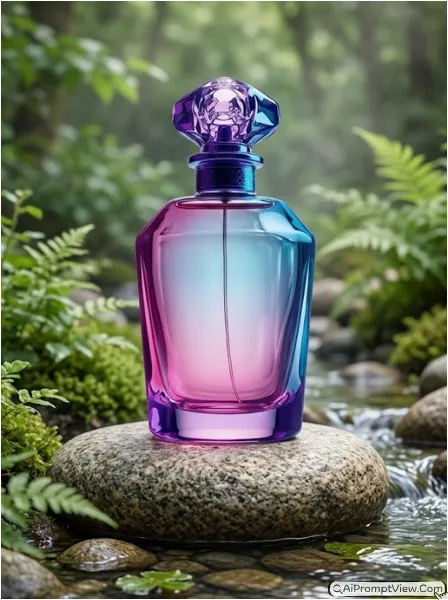
Edit my perfume bottle photo and place it on a smooth stone in a calm natural setting. Add green plants in background with soft blur and light mist in air. Show a small water stream near the bottle. Use natural daylight and soft textures. Keep the label and design fully clear. Make the scene peaceful and clean with balanced composition and realistic light.
9. Silk and Satin Elegance Prompt
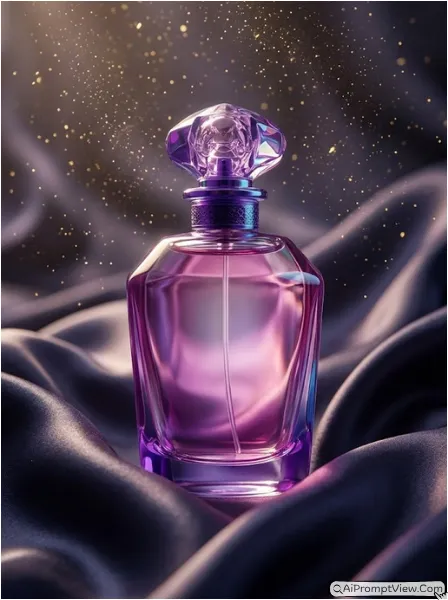
Edit my perfume bottle and place it on soft dark fabric that looks like silk. Let the cloth flow around the bottle like waves. Use soft light to show smooth texture of fabric and shine on glass. Add small golden particles in air for a luxury feel. Keep the bottle same and sharp. Create a rich and elegant mood with natural light and high detail textures.
10. Desert Sunset Heat Prompt
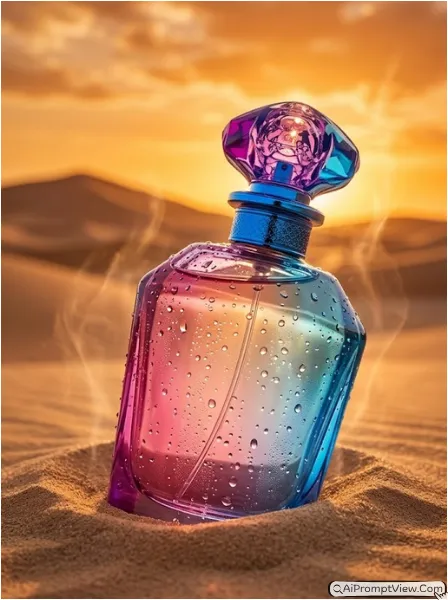
Edit my perfume bottle photo and place it in soft desert sand. Show the bottle half inside sand with sunset light in background. Add warm orange sky and soft blur dunes. Create slight heat effect in air. Add small water drops on bottle surface to show contrast of cool product in hot place. Keep design same and make everything look realistic and bold with natural textures.
Guide to Get Best Results
Start with a clear and well lit perfume photo. Always keep the original bottle shape and label safe while editing. Choose lighting based on your bottle style. Dark bottle works better with moody light while clear bottle looks good with water and soft light. Try different prompts and adjust slightly to match your product look.
Last Words
Aesthetic Perfume Bottle AI Prompts with Water Splash Effect can really change how your product looks online. I personally tested these prompts on different perfume images and results were very real and clean. If you follow the steps and keep your original image clear, you will get strong product photos. Try different prompts and see which style matches your brand best.