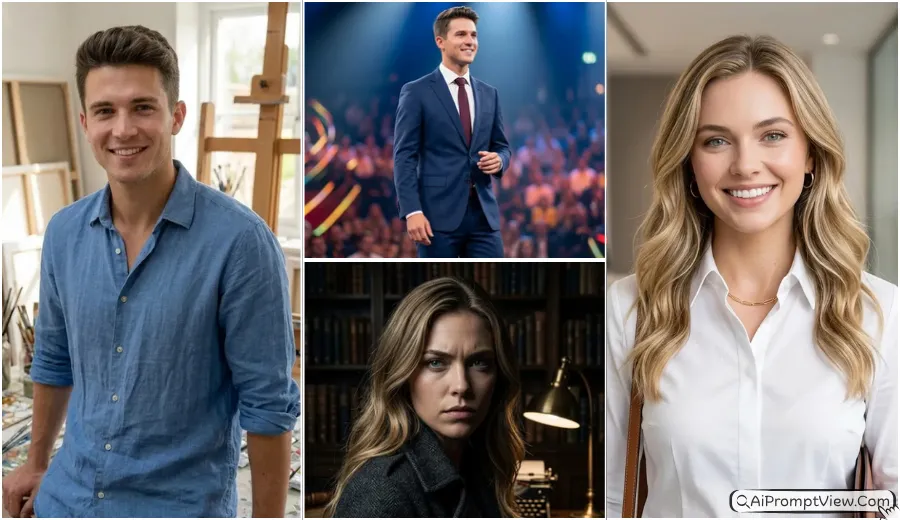
In 2026, Cinematic Red Carpet Photo Editing Prompts are becoming a major trend for creators who want a high-end, professional look for their portraits. Using advanced tools like Gemini AI, ChatGPT, and Nano Banana AI, you can now transform a standard photo into a grand event masterpiece.
These prompts are designed for everyone—boys, men, girls, and women—to help you achieve a VIP Guest look while maintaining your natural facial features. From grand gala themes to luxury editorial covers, this guide provides the best ready-to-use prompts for a premium finish.
1. Classic Grand Gala Glamour Prompts
1.1 The Midnight Premiere Look
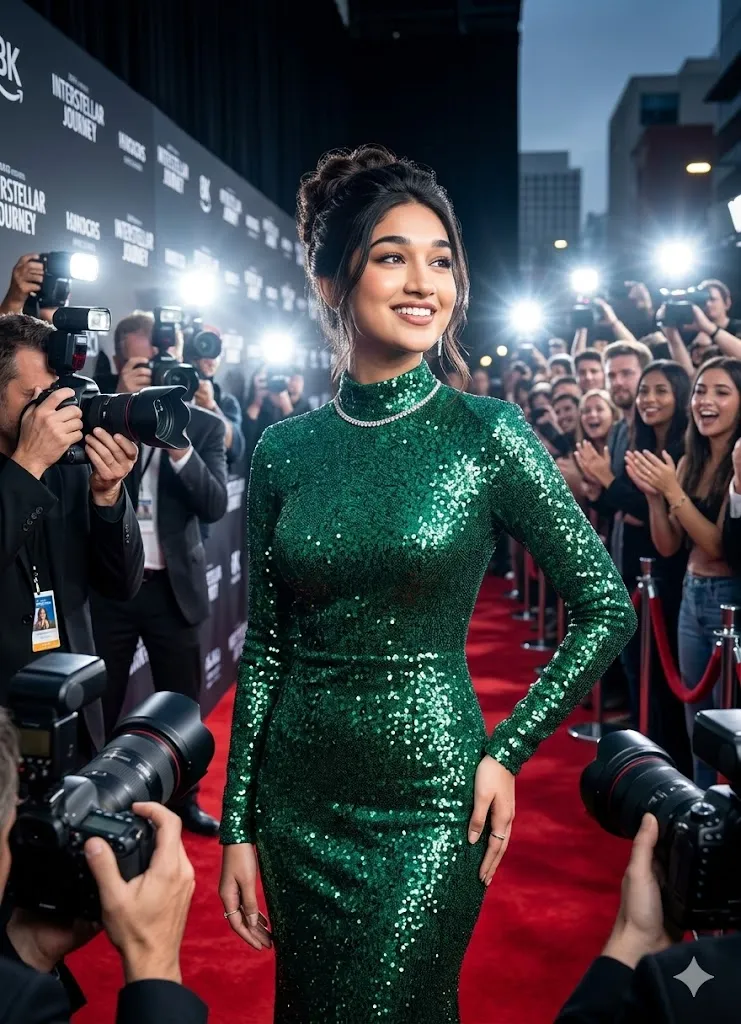
Prompt: Transform the person in the uploaded photo into a VIP Guest attending a grand movie premiere in 2026. Replace the current outfit with a premium custom-fit black tuxedo with satin lapel, or a shimmering emerald green floor-length sequined gown. Set the background as a crowded red carpet with glowing camera flashes, professional photographers, and velvet ropes. Maintain exact facial features, skin texture, and eye detail. Use cinematic 8K lighting and a confident pose. Final image must look like a high-end professional photograph.
1.2 The Golden Awards Style
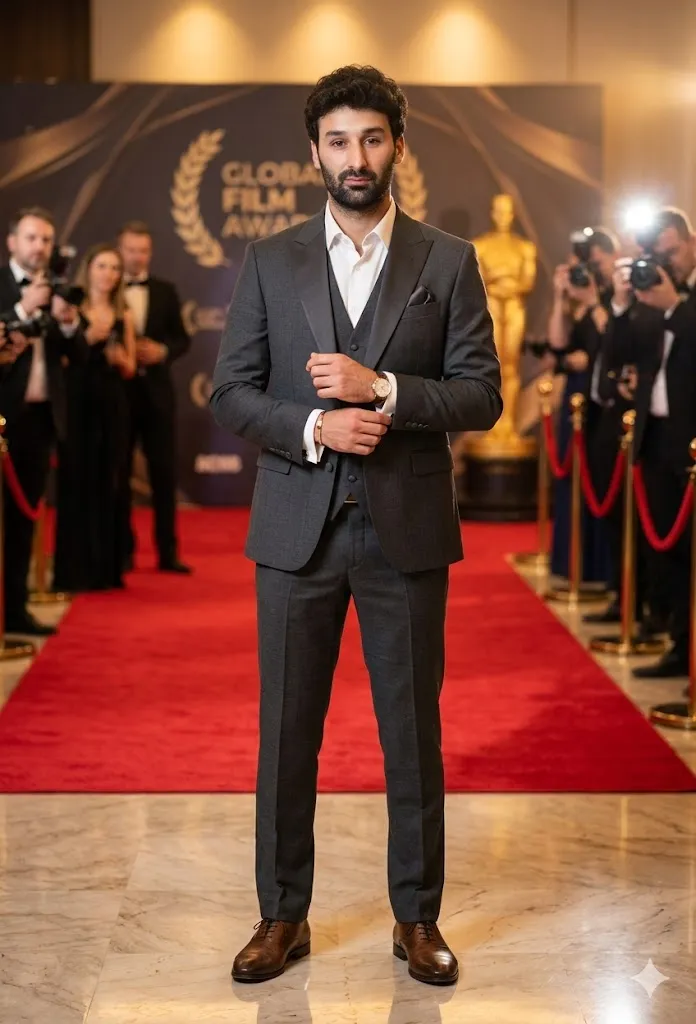
Prompt: Edit this photo to show the subject as an honored guest at a global film award red carpet event. Change clothing to a royal blue silk embroidered dress or a charcoal grey three-piece designer suit. Add natural pose details like adjusting cufflinks or holding a clutch. Use warm golden lighting reflecting from jewelry and polished flooring. Maintain 100 percent facial identity. Use 4K resolution and professional camera depth.
2. Modern Elite Street Style Prompts
2.1 Luxury District Street Shot
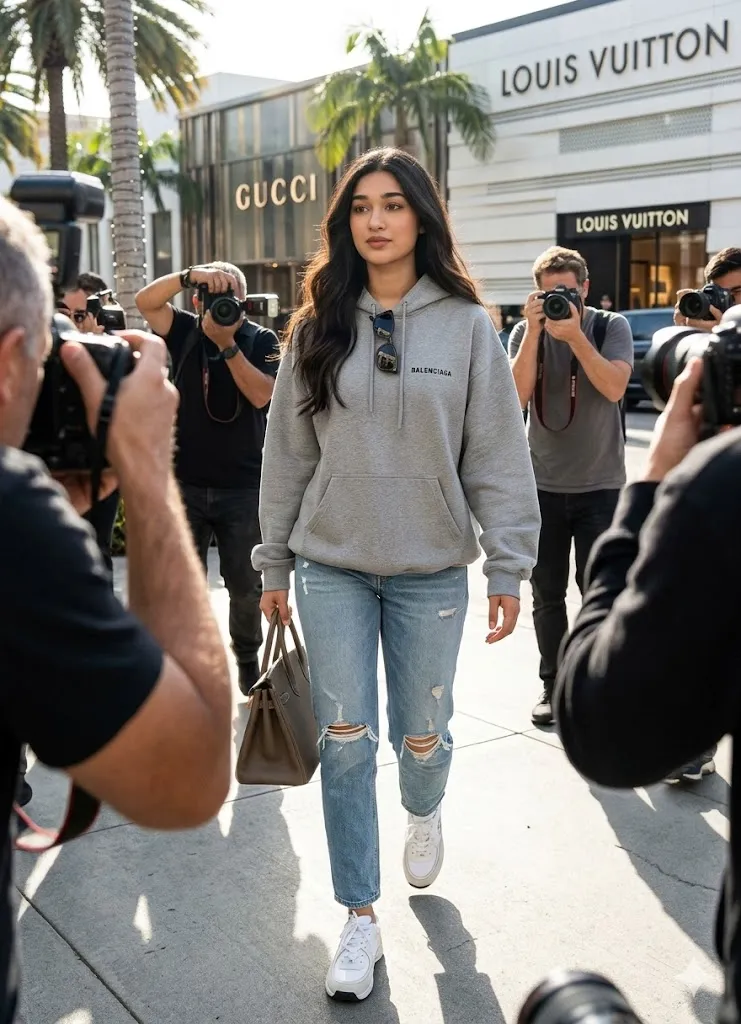
Prompt: Modify the uploaded image into a high-quality candid editorial street style photograph in a luxury shopping district. Replace outfit with an oversized designer hoodie, premium distressed denim, and luxury white sneakers. Background should show palm trees and high-end boutiques. Keep original facial features and expressions unchanged. Apply natural sunlight and ultra-realistic textures.
2.2 Five-Star Hotel Exit Scene
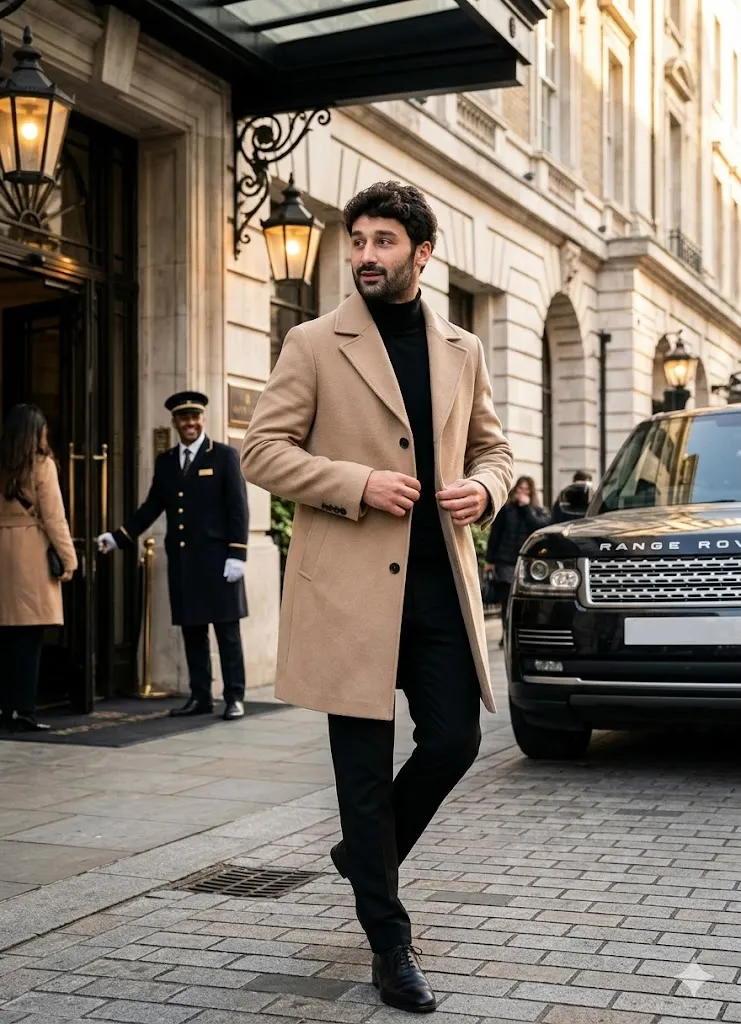
Prompt: Generate a realistic edit where the person exits a five-star hotel in London. Replace clothes with a beige wool trench coat, black turtleneck, and tailored trousers. Subject should be mid-step looking slightly away from camera. Add a black luxury SUV and hotel staff in the background. Maintain exact facial identity. Use cinematic depth and 8K detail.
3. High Fashion Editorial Cover Prompts
3.1 Professional Studio Portrait
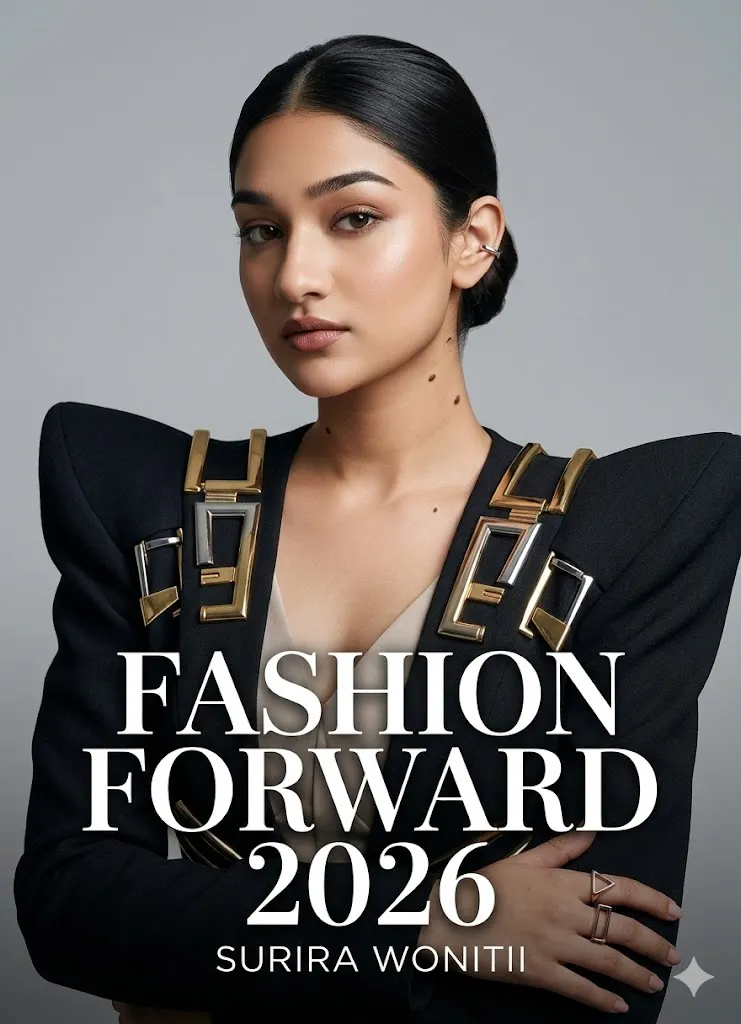
Prompt: Edit the person into a high-fashion studio photoshoot for a premium magazine cover. Replace outfit with bold designer clothing featuring metallic accents. Background should be a minimalist studio wall with softbox lighting. Enhance skin quality while keeping natural features and birthmarks identical. Use 4K ultra-realistic detail.
3.2 Sunset Rooftop Gala Look
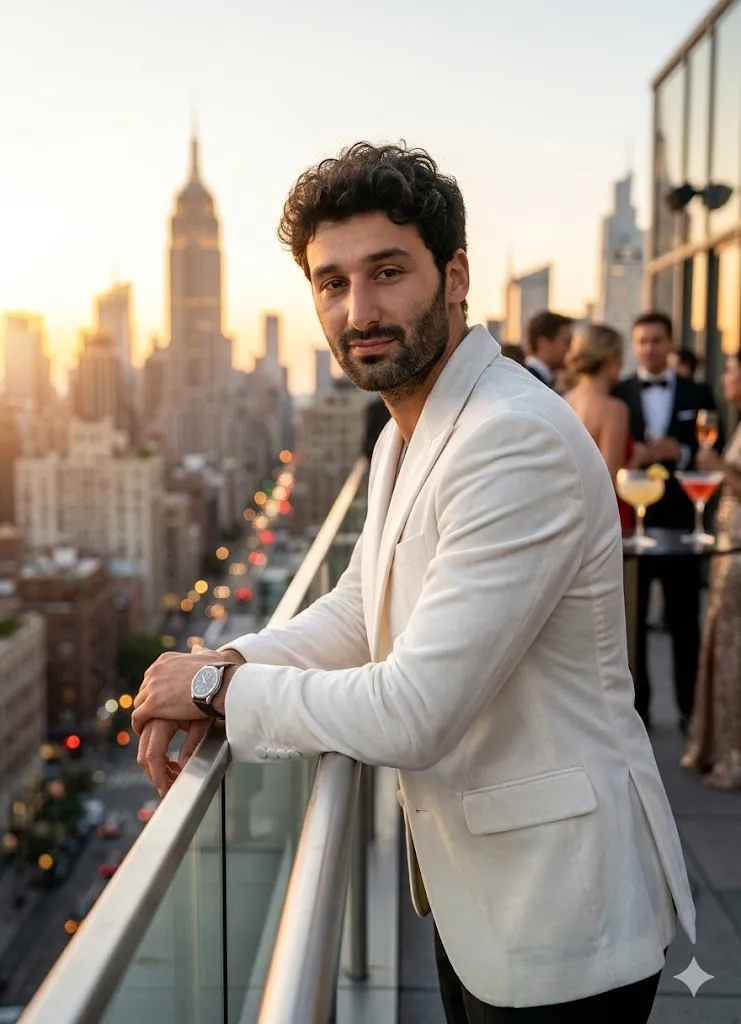
Prompt: Transform the uploaded photo into a luxury rooftop gala at sunset. Dress subject in a white velvet blazer or champagne silk gown. Background must show city skyline during golden hour lighting. Pose should be relaxed against glass balcony railing. Preserve full facial identity from original image. Use deep depth of field, realistic shadows, and 8K hyper realistic rendering to create an authentic celebrity social media style photo.
4. Artistic Gala Inspired Prompts
4.1 Futuristic Grand Ballroom Theme
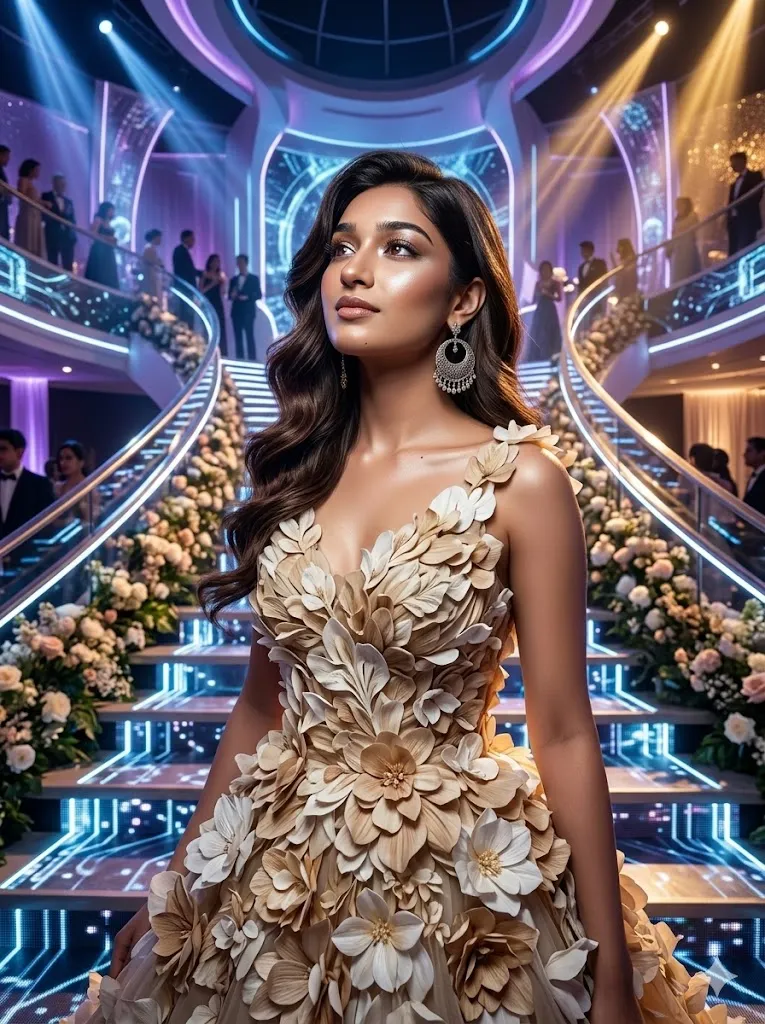
Prompt: Apply a futuristic grand gala theme to the photo. Replace clothing with an artistic floral-inspired gown or a suit with glowing embroidery patterns. Background should resemble a grand staircase covered in flowers. Maintain original face shape without distortion. Use dramatic lighting and 8K quality rendering.
4.2 Gilded Elegance Theme
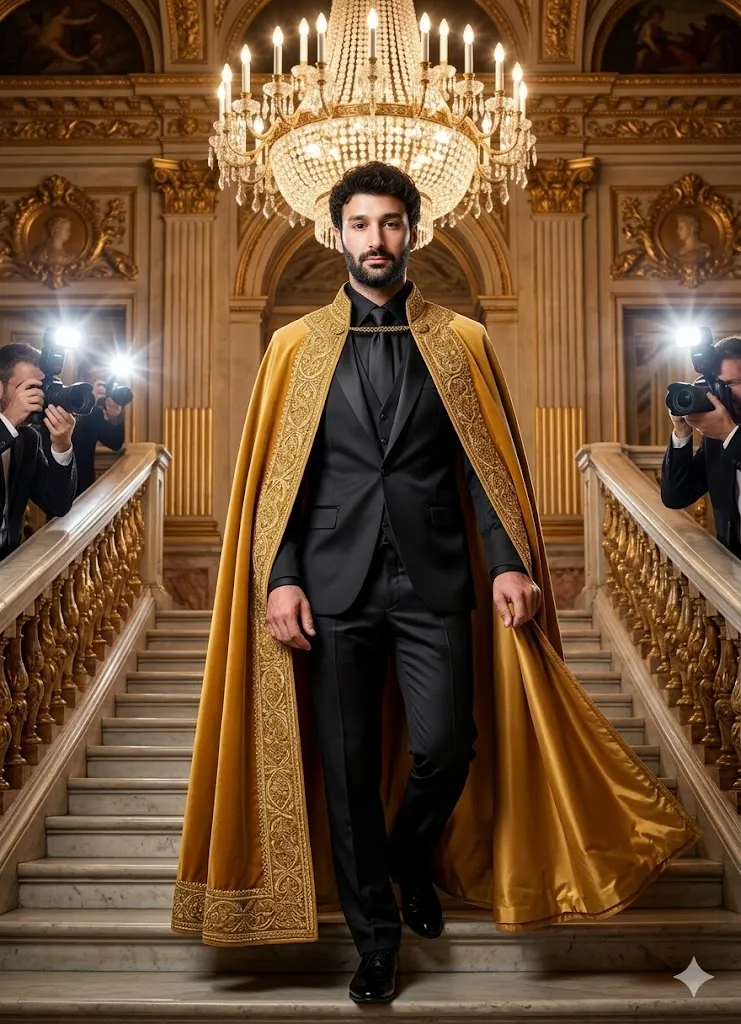
Prompt: Edit this image into a Gilded Age inspired premium theme. Change outfit to a gold-trimmed royal cape layered over a modern silk ensemble. Set scene on a grand marble staircase inside a historic building. Use chandelier lighting mixed with camera flashes. Keep face fully identical to source image.
Expert Tips for Realistic AI Edits
- Always mention 4K or 8K resolution to improve detail clarity.
- Add cinematic lighting or golden hour lighting to avoid flat results.
- Use phrases like maintain exact facial identity and preserve body proportions.
- Specify realistic skin texture and natural shadows to prevent over smoothing.
- Keep prompts detailed but clear when using Gemini AI, ChatGPT, or Nano Banana AI for best output consistency.
Final Words
These Premium Event AI Photo Prompts have changed how we create professional-grade visuals in 2026. By using identity preservation and structured lighting instructions, anyone can generate authentic, cinematic images for social media or professional portfolios.