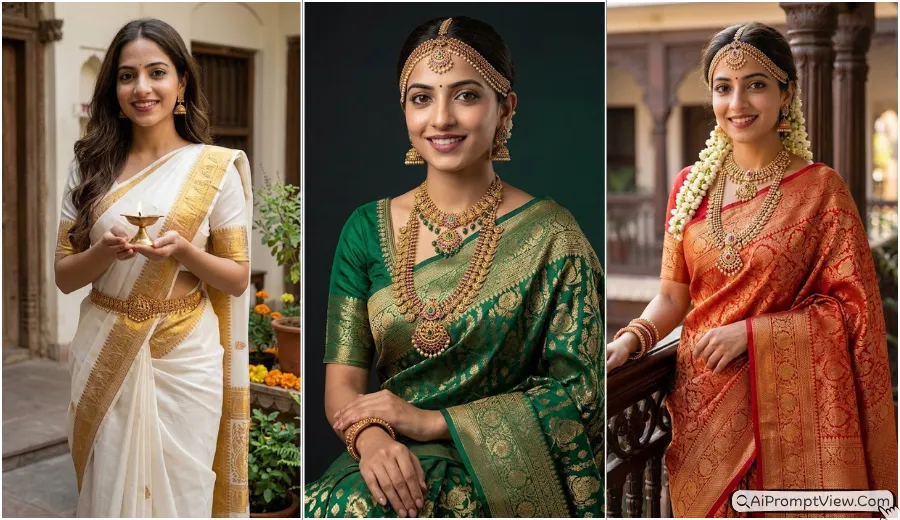
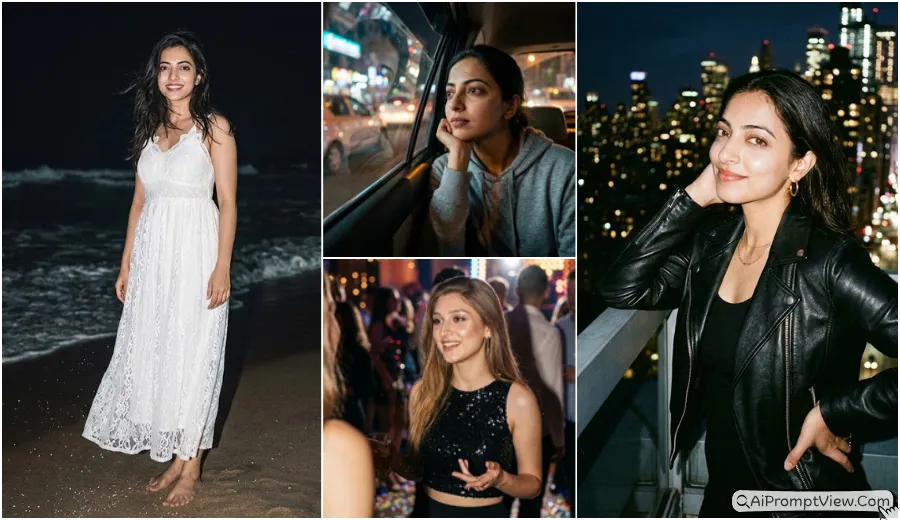
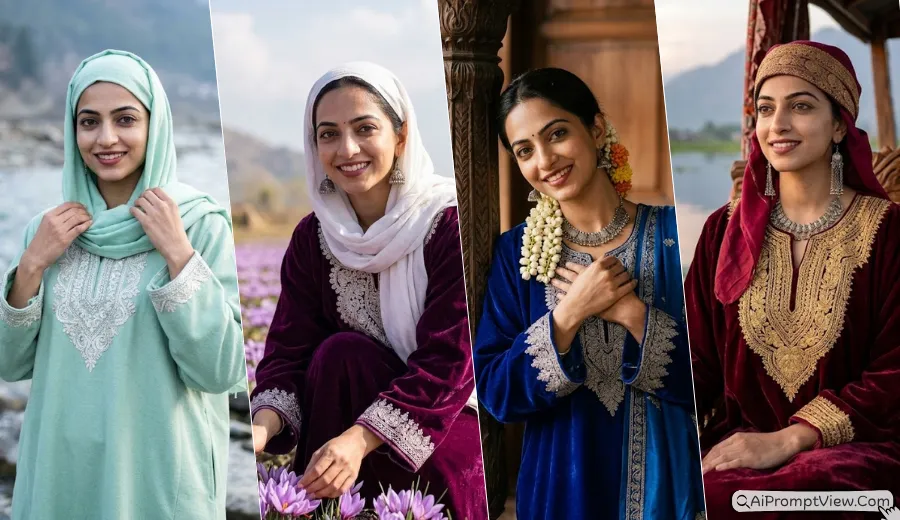
Hyper Realistic AI Photo Prompts for Traditional Royal Indian Makeover for girls and women are perfect if you want a bridal royal look with full detail and natural feel. After testing many AI photo editing styles, I noticed that most results either change the face too much or look artificial. So I created these tried and tested prompts that keep your real face safe while adding rich bridal outfits, royal jewelry and palace style backgrounds.
These prompts are specially designed for traditional Indian bridal makeover like Rajput, South Indian, Mughal and Banarasi looks, where every detail looks real and premium. In my testing, I used tools like Gemini AI, Flow AI image editor and ChatGPT image features with different settings to get the best hyper realistic results. You can simply upload your clear photo and copy paste these prompts to get a natural bridal transformation without any editing skills.
Traditional Royal Indian AI Photo Editing Prompts
1. The Majestic Rajputana Royalty North Indian Style
These prompts create a powerful royal queen look with heavy jewelry, rich dresses and palace background in warm golden lighting.
Prompt 1: The Palace Balcony
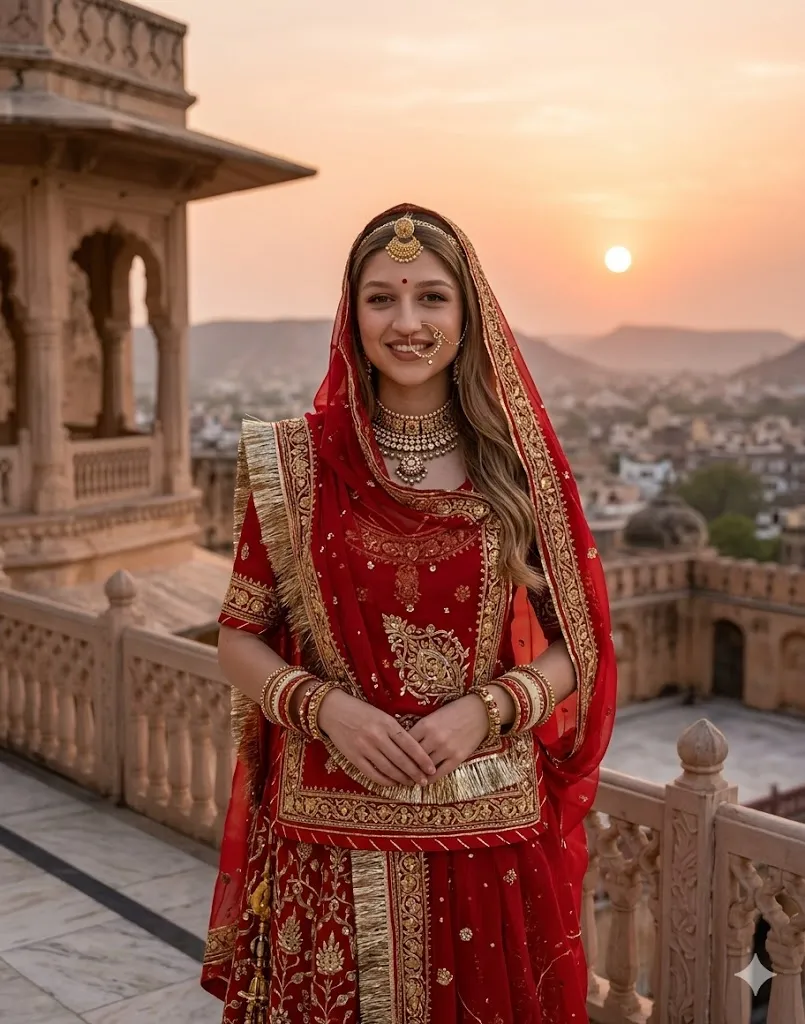
Edit my photo in a hyper realistic style and keep my face exactly same with original skin tone and structure. Add a heavy red and gold Rajasthani poshak with detailed hand embroidery and rich texture. Add traditional borla on forehead, aad necklace and a royal nose ring. Place me on a marble balcony of an old Jaipur fort during sunset time. Add warm cinematic lighting with soft golden glow. Keep fabric details sharp and realistic. Use 8k quality with clear skin texture and natural shadows.
Prompt 2: The Royal Darbar
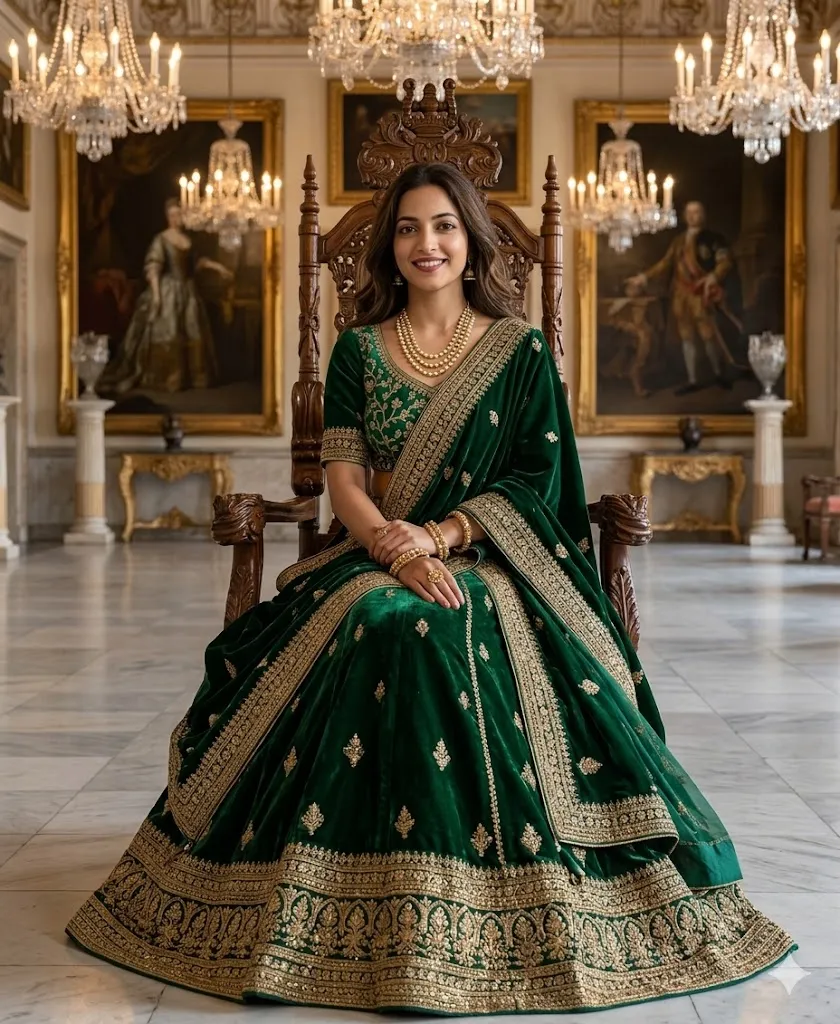
Edit my photo and keep my face fully original with same expression and features. Turn me into a royal queen sitting on a carved wooden throne. Add a velvet emerald green lehenga with rich gold borders and detailed design. Place me inside a grand palace hall with chandeliers and classic paintings in background. Add soft light on face with smooth glow. Keep skin natural and detailed. Make the image sharp with high quality realistic texture and no blur.
2. The Elegant South Indian Temple Look Graceful Silk
These prompts give a calm and graceful temple style look with silk saree, gold jewelry and natural sunlight soft vibes.
Prompt 3: The Temple Entrance
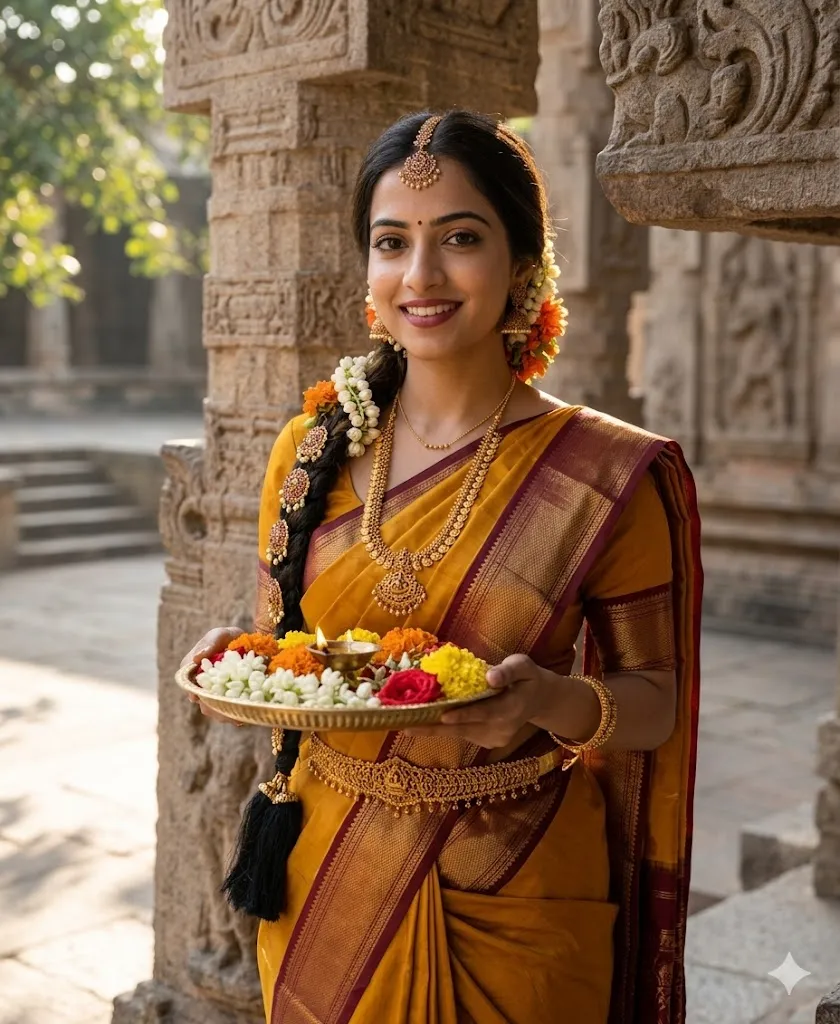
Edit my photo in a realistic South Indian style and keep my face same without any change. Add a mustard yellow Kanjeevaram silk saree with wide maroon gold border. Add temple jewelry like gold waist belt and long braid jewelry. Make me hold a brass plate with flowers. Place me near a stone temple pillar with natural sunlight coming through trees. Keep lighting soft and natural. Add 4k quality with realistic fabric shine and authentic South Indian look.
Prompt 4: The Classical Grace
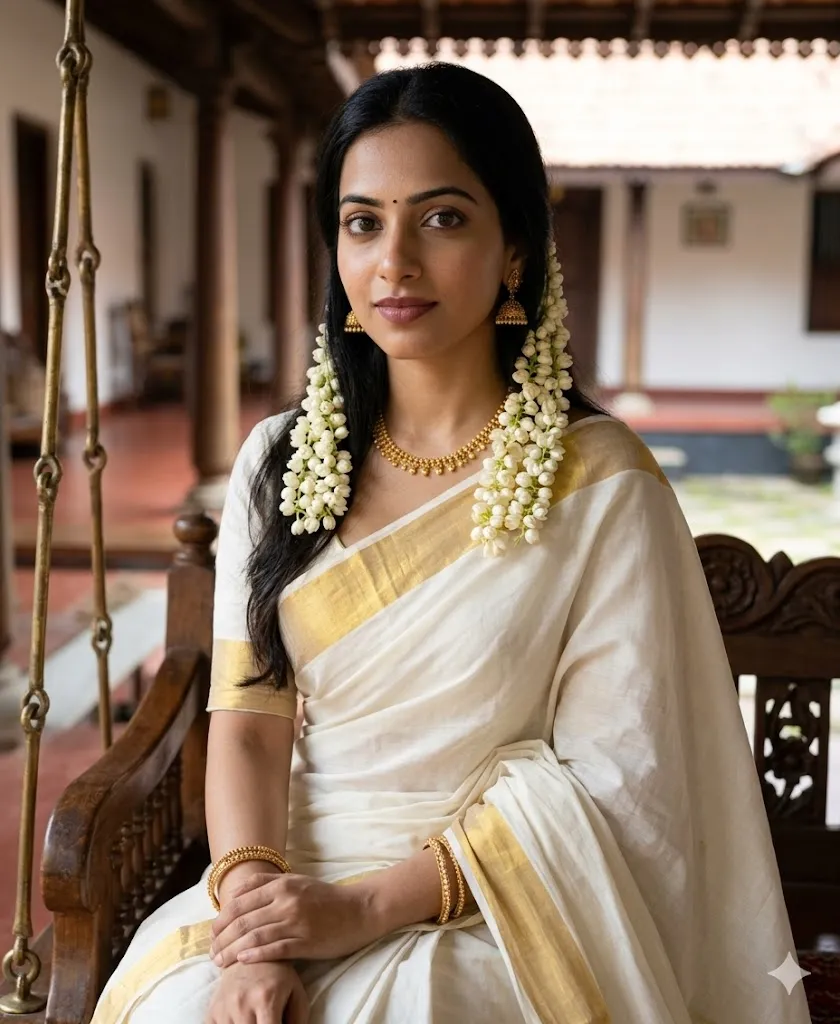
Edit my photo and keep my real face clear and unchanged. Add a white and gold Kerala Kasavu saree with simple elegant style. Add fresh jasmine flowers in hair. Place me sitting on a wooden swing inside a Kerala style home. Use soft daylight and focus on eyes and jewelry details. Keep skin smooth but real. Add high resolution texture with natural shadows and professional photography feel.
3. The Mughal Empress Vibe Vintage Grandeur
These prompts create a soft vintage royal feel with Anarkali outfits, moonlight scenes and classic Mughal garden background style.
Prompt 5: The Moonlight Garden
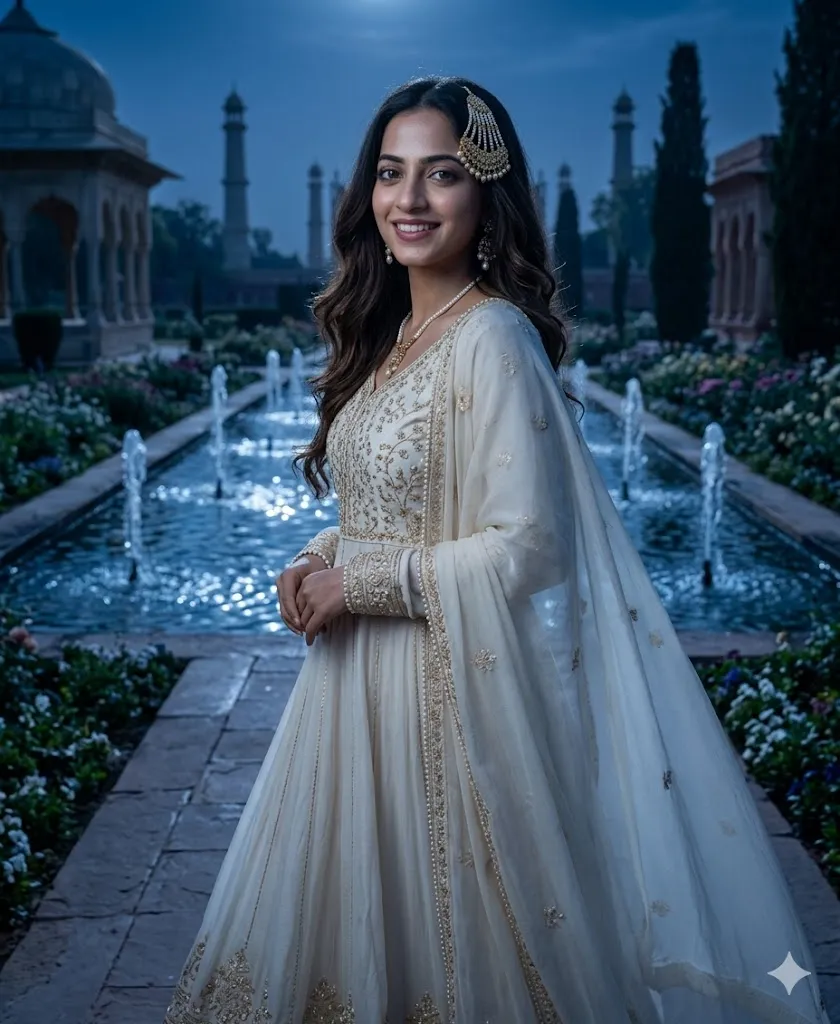
Edit my photo and keep my face exactly same with no changes. Add an ivory color Anarkali dress with soft embroidery and a light dupatta. Add traditional side head jewelry and pearl accessories. Place me in a Mughal garden with fountains under moonlight. Use soft blue tone lighting with cinematic effect. Keep image sharp and realistic with deep details. Add 8k quality with natural skin and fabric flow.
Prompt 6: The Mirror Work Magic
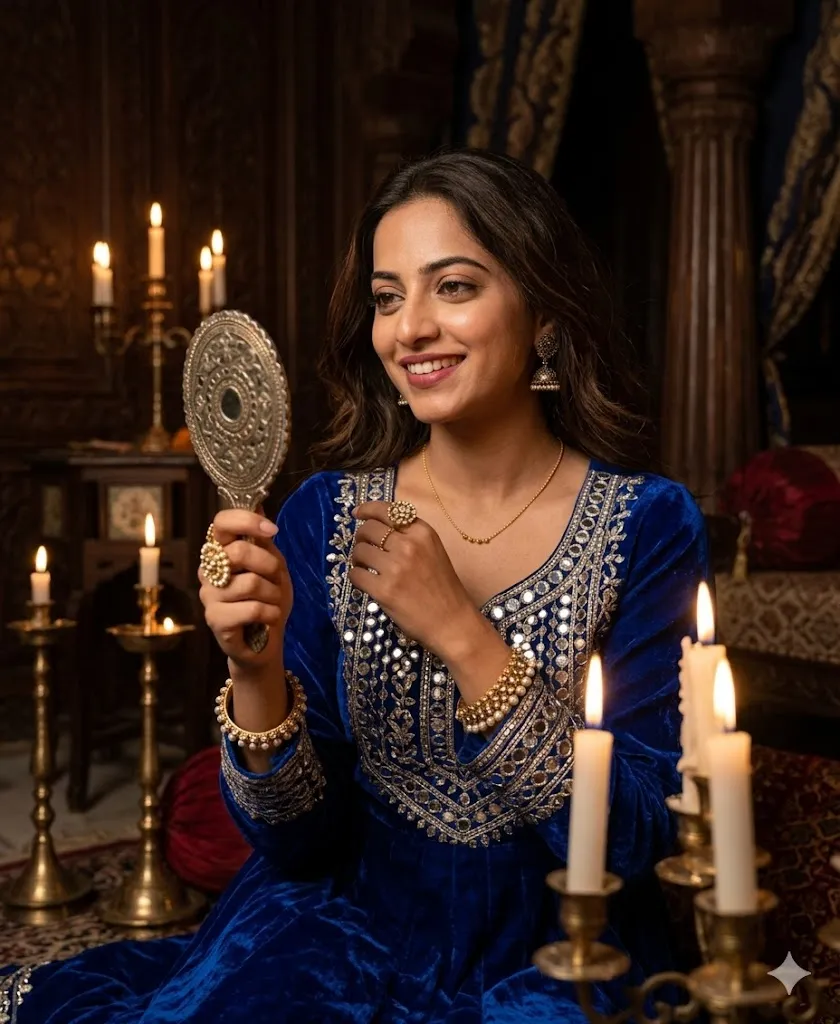
Edit my photo in a realistic royal style and keep my face and expression natural. Add a royal blue velvet outfit with mirror work design. Place me inside a dim royal room with candles around. Show me looking into a hand mirror. Add soft warm light and deep shadows for mood. Keep jewelry detailed and sharp. Make the image high quality with realistic skin texture and clear focus.
4. The Banarasi Heritage Classic Elegance
These prompts give a traditional Indian look with Banarasi saree, cultural background and peaceful golden light evening vibes.
Prompt 7: The Evening Aarti Vibe
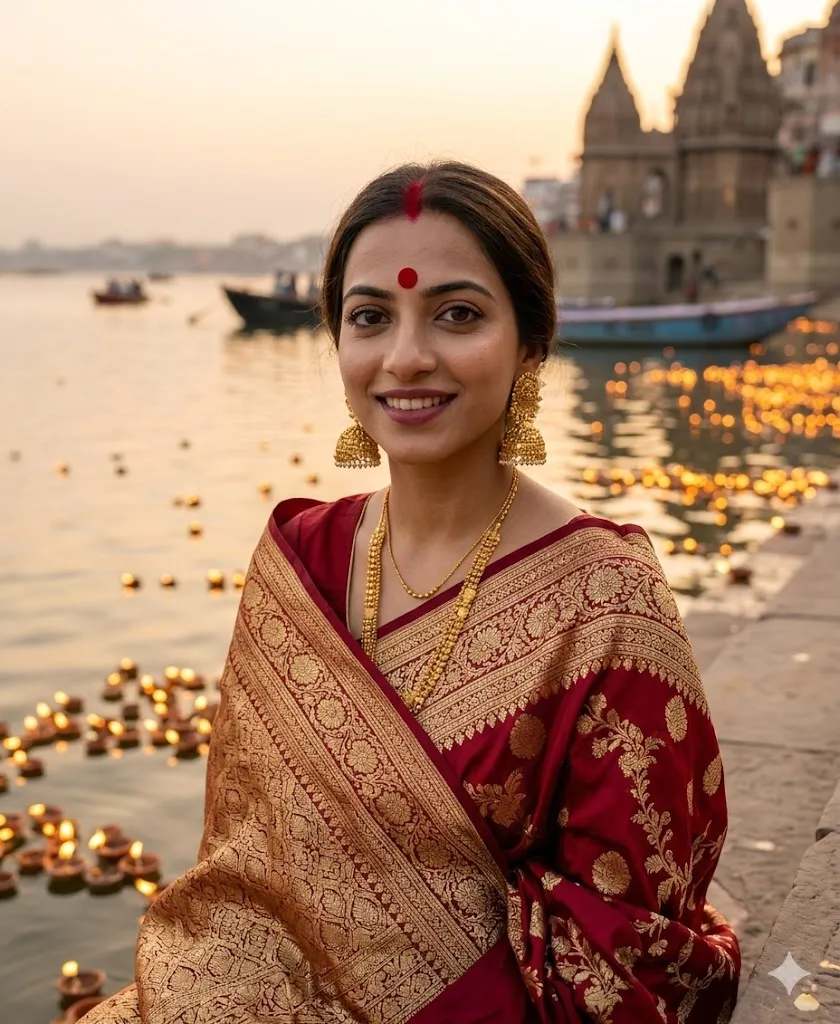
Edit my photo and keep my face fully same and natural. Add a deep red Banarasi silk saree with gold work. Add a big red bindi and heavy gold earrings. Place me near river ghats with diyas in background. Use golden hour lighting with warm glow. Keep expression calm and peaceful. Add 8k quality with real skin texture and detailed fabric shine.
Prompt 8: The Heritage Haveli
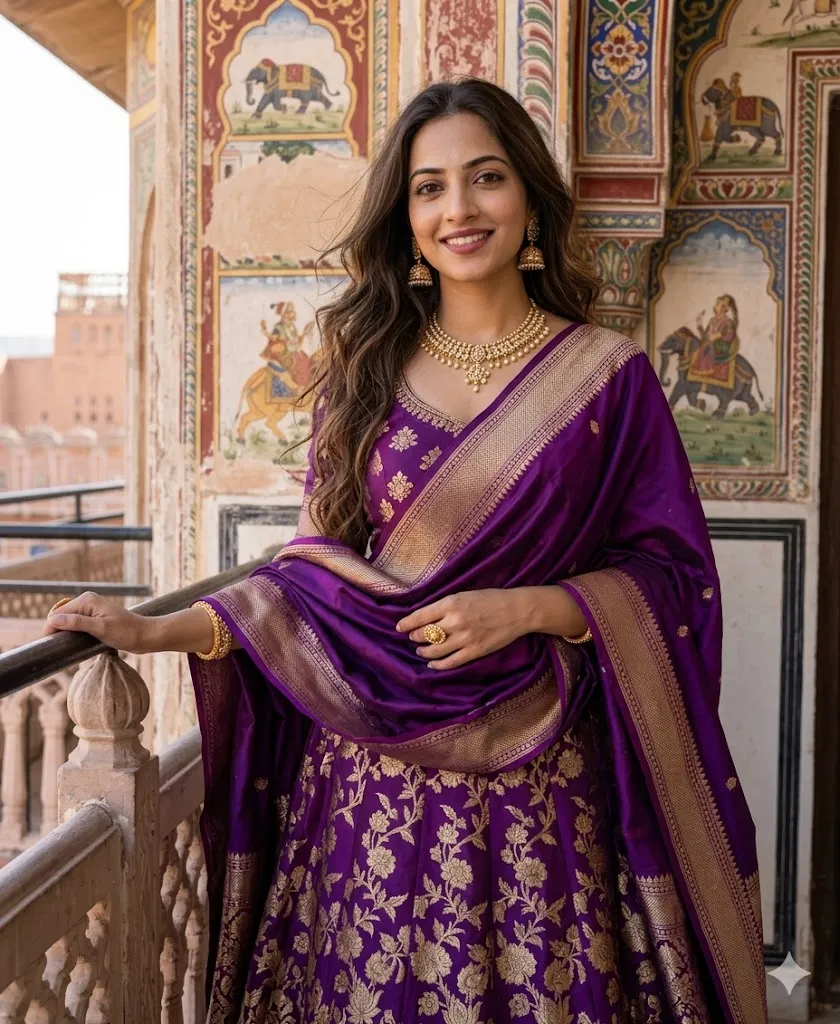
Edit my photo in a realistic heritage style and keep my face unchanged. Add a purple Banarasi lehenga with a silk dupatta in royal style. Place me near a colorful painted wall of an old haveli. Add a fashion pose with natural look and jwellery according to situation and vibes. Keep hair strands detailed and skin real. Add high quality texture and clear lighting for a premium photo look.
5. The Modern Royal Fusion Trend Style
These prompts create a stylish modern royal look with trendy outfits, soft colors and luxury background with fashion model vibe.
Prompt 9: The Floral Princess
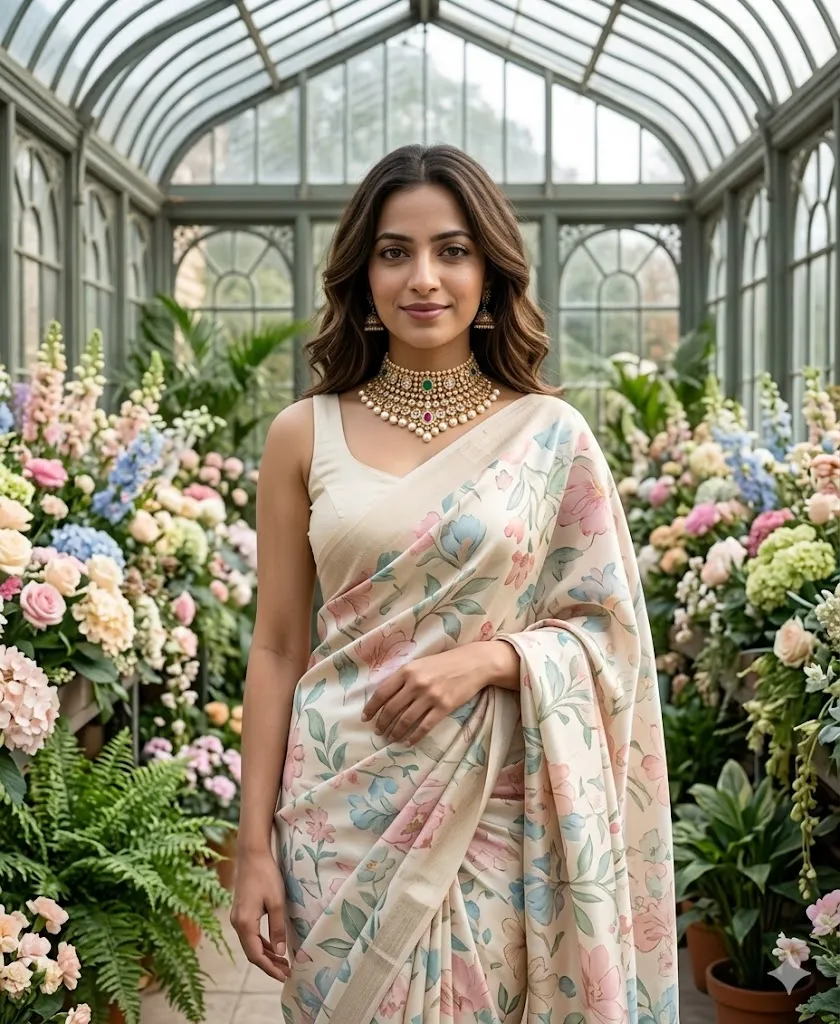
Edit my photo and keep my face same with natural expression. Add a modern floral silk saree with a stylish sleeveless blouse. Add a heavy choker necklace only. Place me inside a royal greenhouse full of flowers. Use soft pastel colors and gentle light. Keep image very realistic with smooth skin and clear details. Add 8k quality and direct camera look with slight smile.
Prompt 10: The Golden Hour Goddess
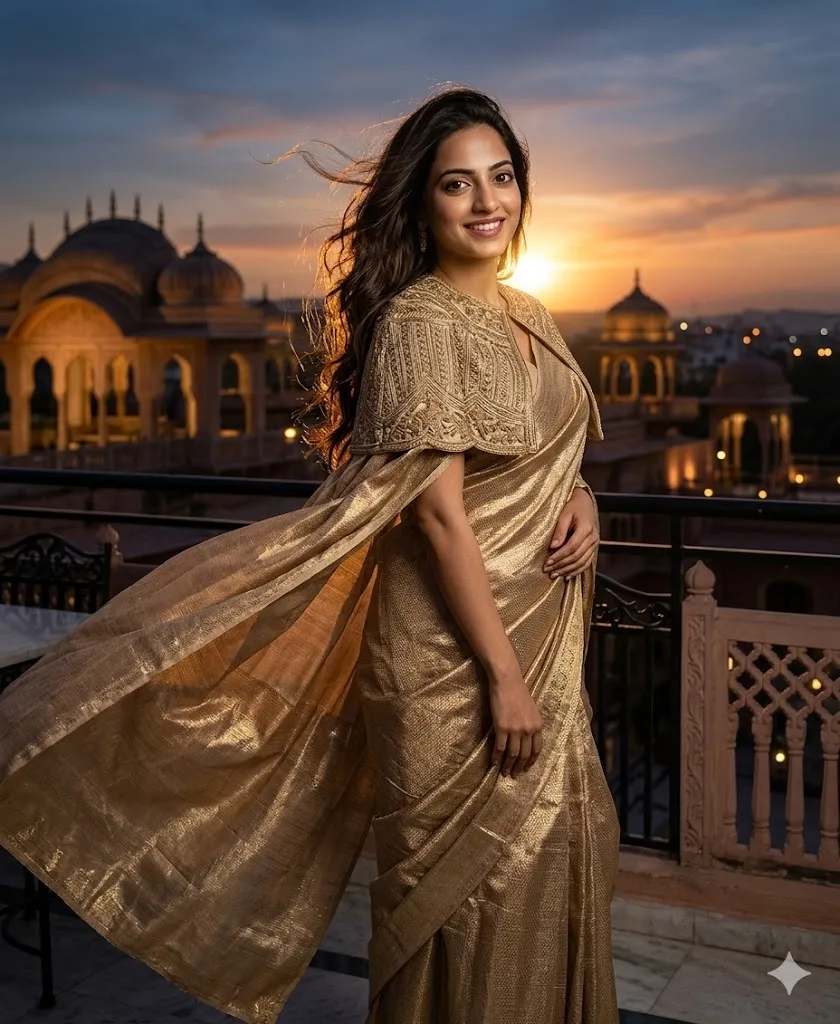
Edit my photo in ultra realistic style and keep my face fully original. Add a metallic gold saree with a modern cape style blouse. Place me on a luxury palace rooftop during evening time. Add dramatic lighting with wind effect in hair. Keep shadows and highlights balanced. Make image look like a magazine cover with high detail and sharp focus.
How to Use These Prompts
- First choose a clear photo where your face is visible and front facing.
- Then open any AI image editing tool like Gemini AI or ChatGPT image tool.
- Copy any prompt from above and paste it in the tool.
- Upload your photo and generate the result.
- Make sure face consistency option is high so your face stays same.
Last Words
Hyper Realistic AI Photo Prompts for Traditional Royal Indian Makeover can truly change how your photos look without changing your identity. I have personally tested these prompts and results were very real and beautiful. If you try them with a good photo and correct tool settings, you will get amazing royal style images for your social media.