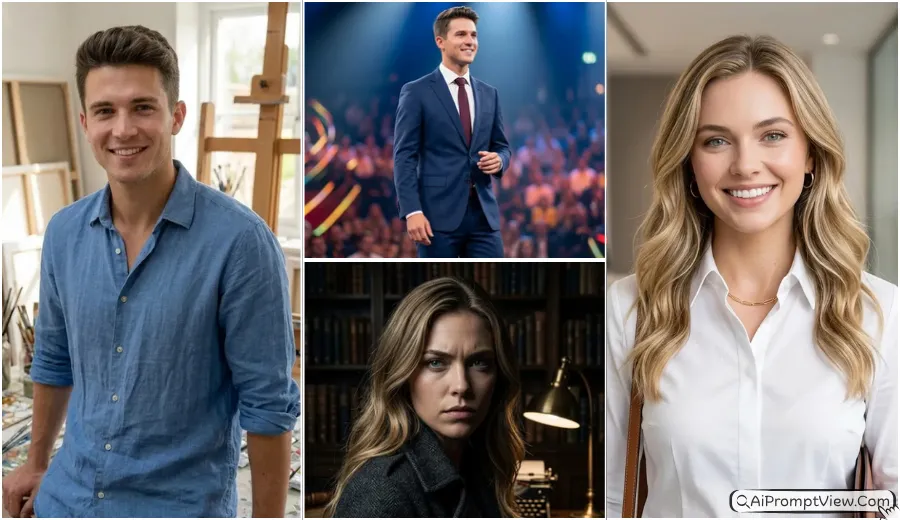
Gemini AI Image Editing Prompts 2026: Creating a strong and clean profile image is now very easy with best hyper realistic corporate headshot AI photo prompts boys and girls. In this article, you will find detailed prompts that can turn your normal photo into a professional corporate headshot with real skin detail, natural lighting, and sharp quality. These AI photo prompts are perfect for LinkedIn profile, job applications, company websites, business profiles, and personal branding where a professional look really matters.
You can use tools like Gemini AI, Flow AI or ChatGPT to apply these prompts easily. Just copy paste the prompt and upload your photo to get high quality results in minutes. These prompts are designed in a simple way so anyone can use them and create studio style corporate images without spending money on a photographer.
Top 5 Corporate Headshot AI Prompts for Men
1. Modern Executive Style
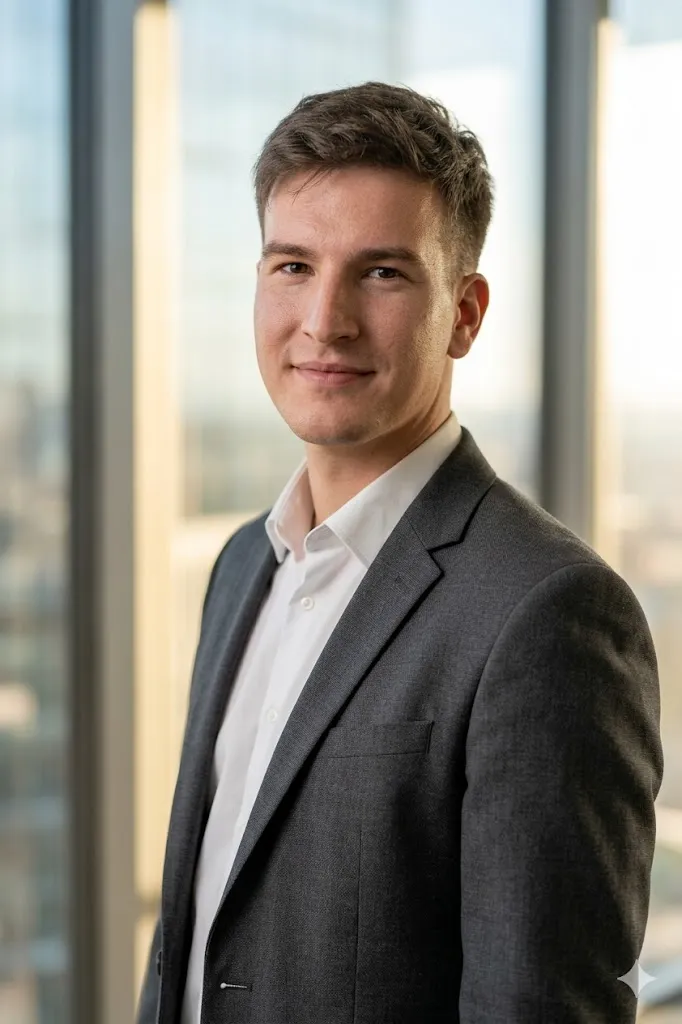
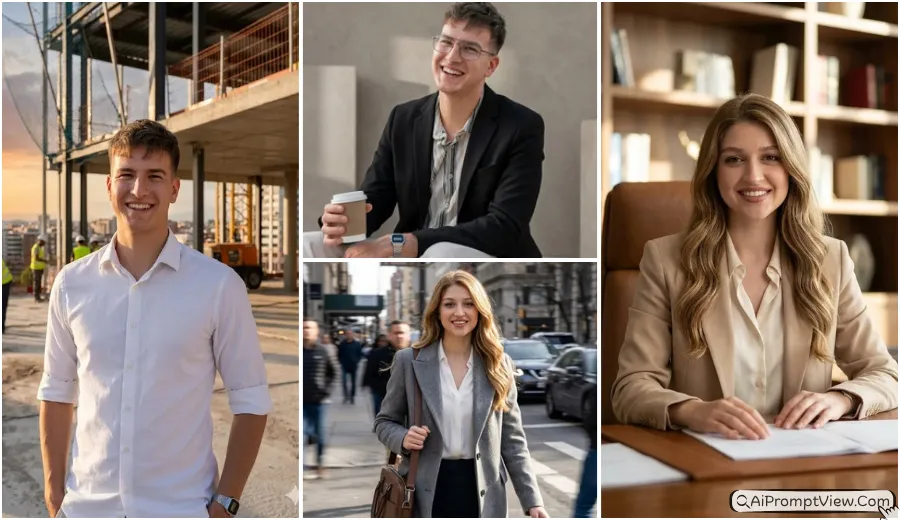
Edit my photo into a hyper realistic corporate headshot. Add a slim fit charcoal grey blazer with a clean white shirt. Keep my face same and natural. Set my pose at a slight side angle with a soft confident smile. Change background to a blurred modern office with soft sunlight from window. Use cinematic studio lighting with natural skin texture and visible pores. Keep eyes sharp and clear. Add depth and 8k quality so image looks like taken by a professional camera with full realistic detail.
2. Tech CEO Casual Look
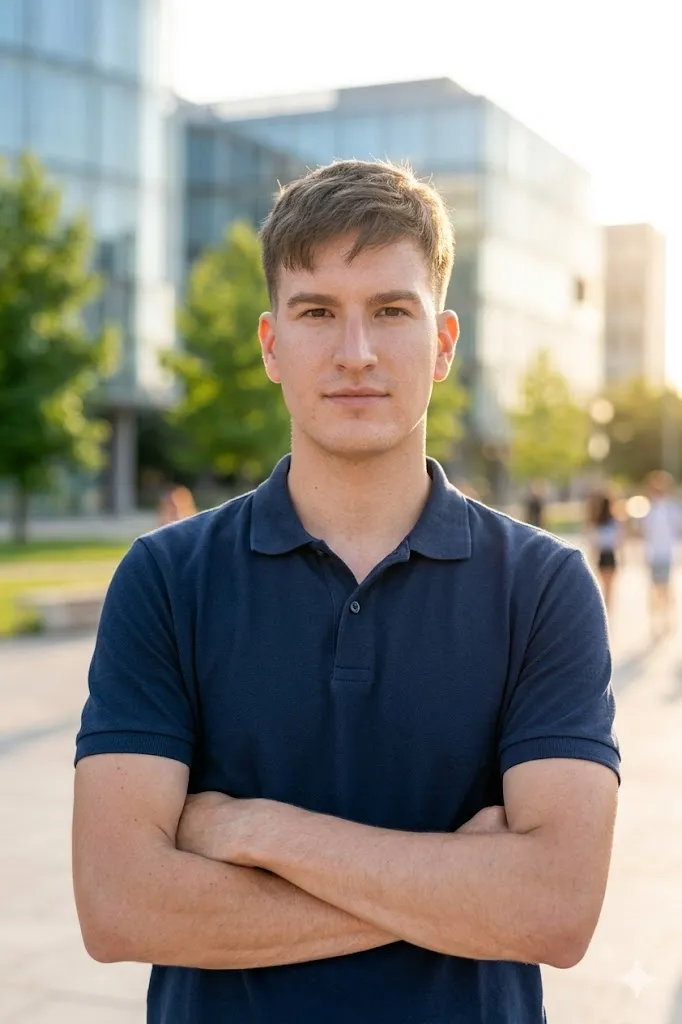
Edit my photo into a high quality corporate portrait. Change outfit to a premium navy blue polo shirt. Keep my face original and realistic. Set pose with arms crossed and looking straight into camera with calm expression. Use a blurred tech park or glass building background during golden hour. Add natural skin tone and real hair texture. Use depth of field and soft focus background. Make it look like shot on 85mm lens with full realistic lighting and high detail finish.
3. Finance Leader Formal Style
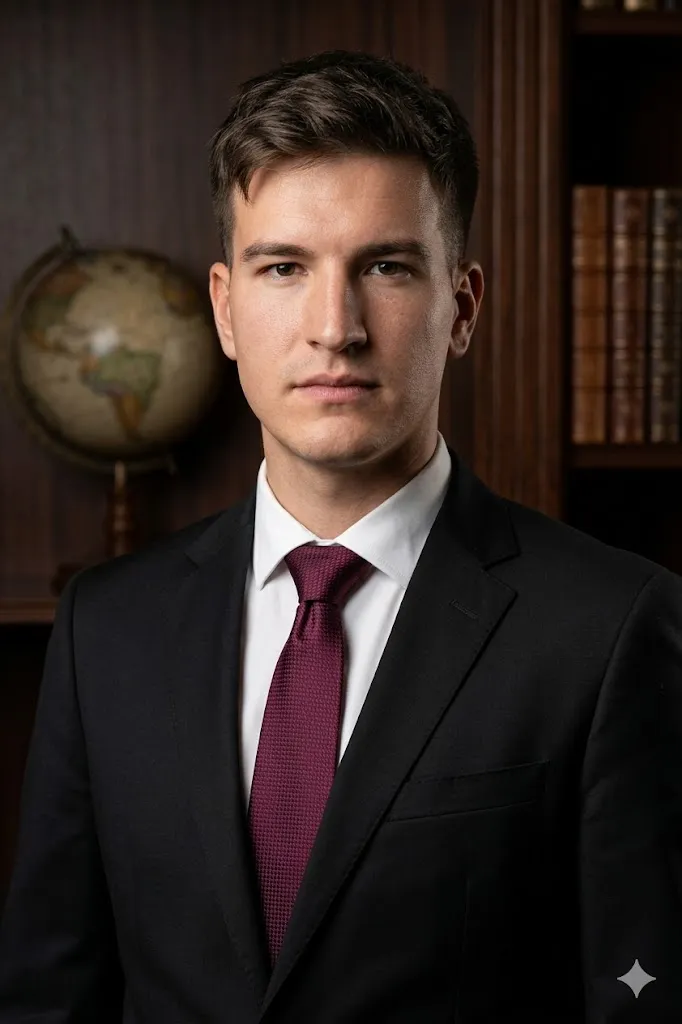
Edit my photo into a formal corporate headshot. Add a black tailored suit with a silk tie. Keep my face unchanged and natural. Set pose straight with a strong and calm expression. Change background to a dark office or library style with wood panels. Use side lighting to highlight face structure. Keep skin details clear and real. Add high detail texture and professional camera feel so image looks serious and powerful like a corporate leader.
4. Creative Director Studio Look
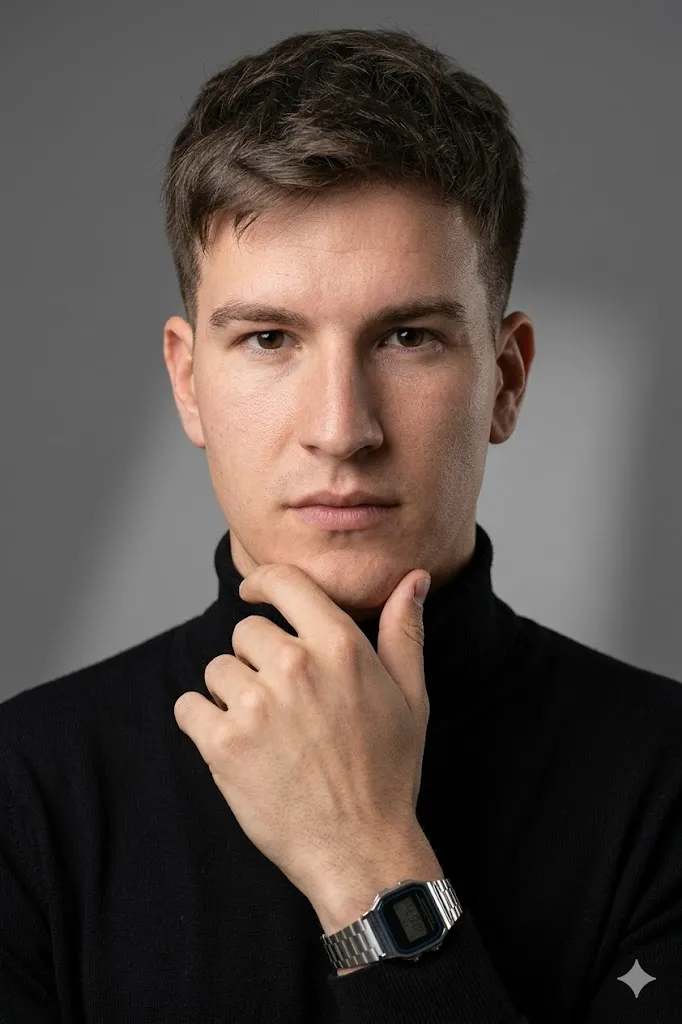
Edit my photo into a studio style professional headshot. Add a black turtleneck outfit. Keep my face same and natural. Set pose with hand near chin and thoughtful expression. Use a plain grey studio background with soft shadow. Keep lighting soft and balanced. Add sharp focus on face with real skin texture. Avoid any filter look. Make image clean and realistic like a studio shoot with high quality detail.
5. Young Professional Bright Style

Edit my photo into a fresh corporate headshot. Add a light blue formal shirt without tie. Keep my face natural. Set pose slightly leaning on a wall with a natural smile. Change background to a bright office space with plants in blur. Use natural daylight lighting with soft highlights. Keep eyes and teeth realistic. Add high detail so image looks friendly, clean, and professional with natural feel.
Top 5 Corporate Headshot AI Prompts for Women
6. Power Suit Confident Look
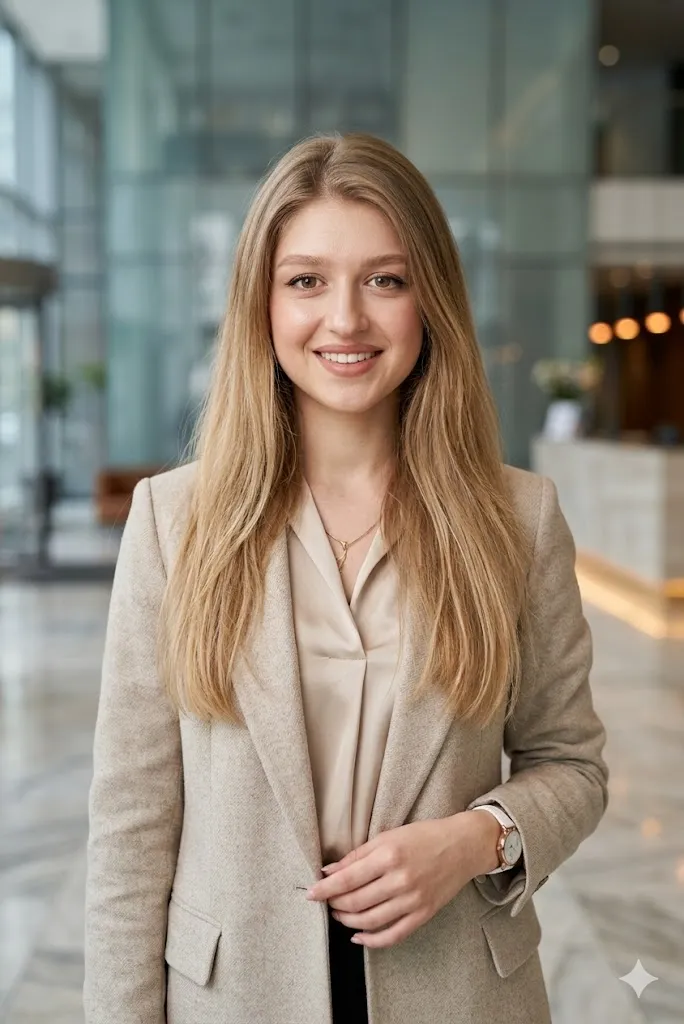
Edit my photo into a hyper realistic corporate headshot. Add a beige blazer with a soft silk top. Keep my face same and natural. Set pose standing straight with confident smile. Use a blurred office lobby background with glass effect. Add soft beauty lighting with clear skin texture. Keep hair strands natural and detailed. Make image look clean and professional like a real corporate photoshoot.
7. Creative Entrepreneur Style
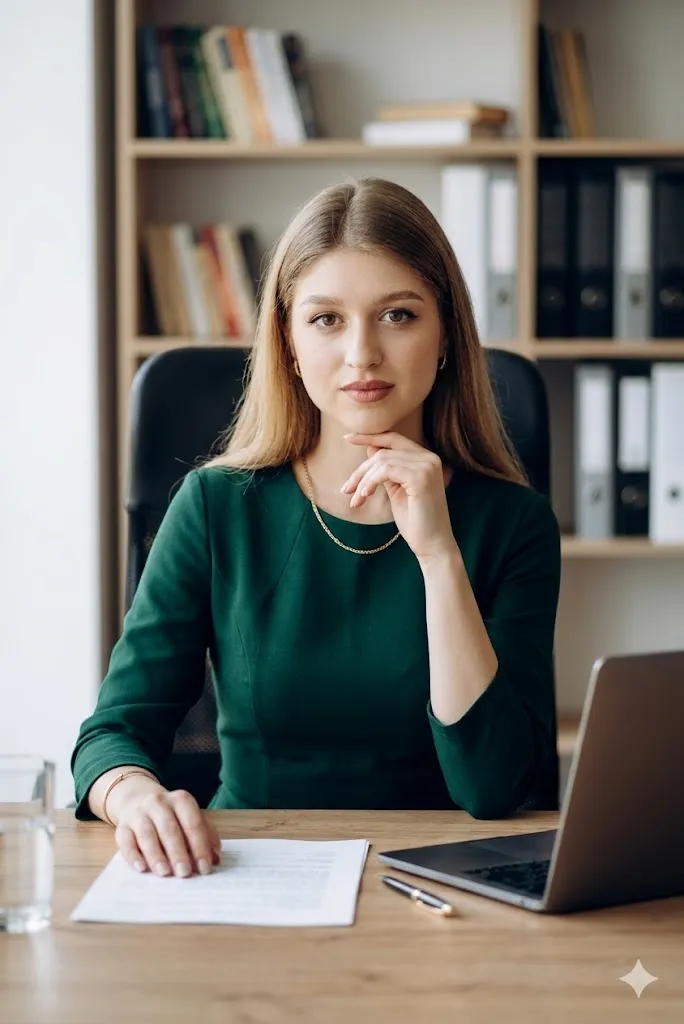
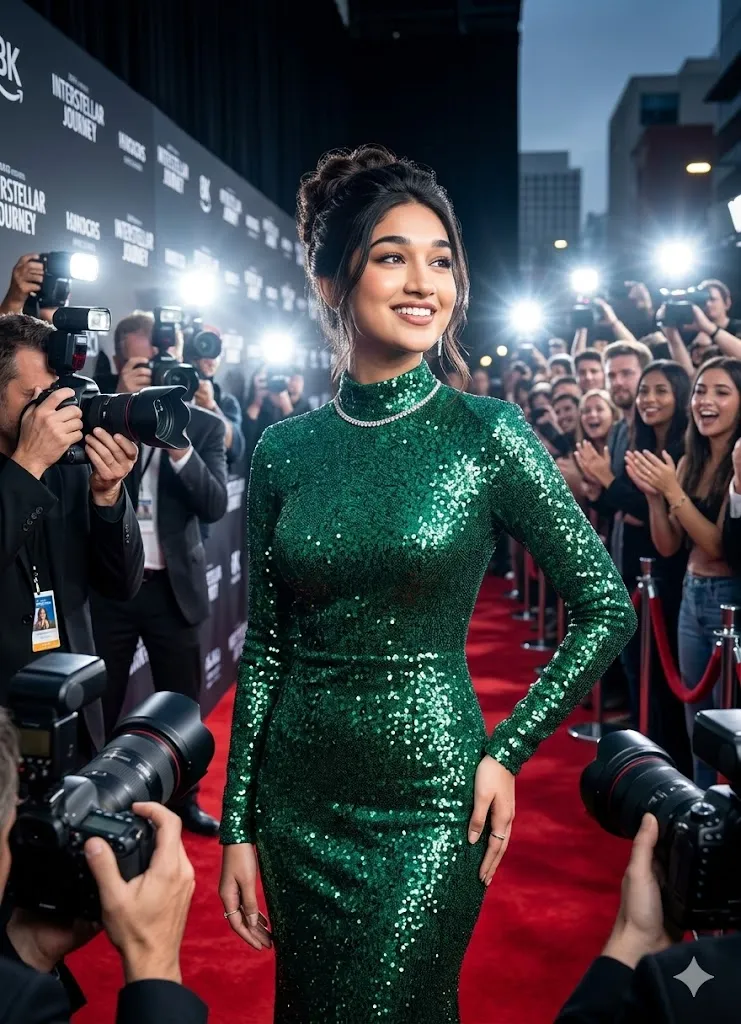
Edit my photo into a stylish corporate portrait. Add an elegant green formal dress. Keep my face original. Set pose sitting at a desk and looking into camera with smart expression. Use a simple office background with blurred bookshelf. Add depth of field and sharp eyes. Keep skin glow natural and realistic. Make image high quality with clean lighting and professional look.
8. Modern Consultant Smart Look
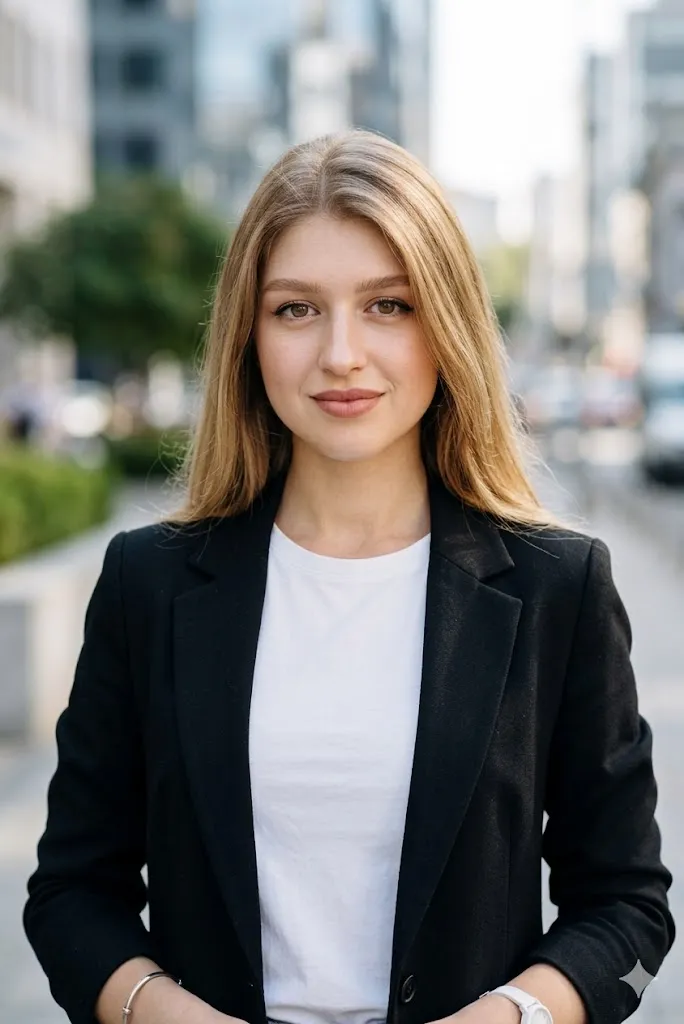
Edit my photo into a smart corporate headshot. Add a black blazer with a white top. Keep my face unchanged. Set pose with slight head tilt and friendly expression. Use a blurred city background during daytime. Add natural outdoor lighting with soft shadows. Keep skin and hair realistic. Make image look like taken from a high quality camera with clean and sharp finish.
9. Global Executive Formal Style
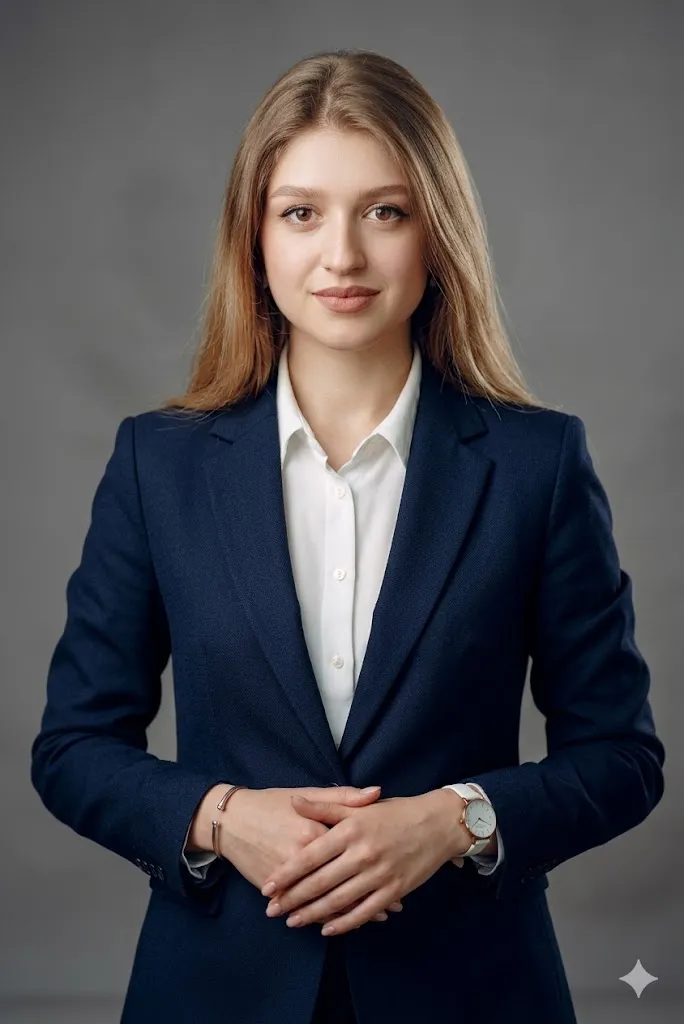
Edit my photo into a professional corporate image. Add a dark navy suit. Keep my face same. Set pose with hands joined and confident posture. Use a simple grey background with soft blur. Add clear skin detail and sharp focus. Keep lighting balanced and natural. Make image look elegant and powerful with realistic texture and clean finish.
10. Startup Founder Energetic Look
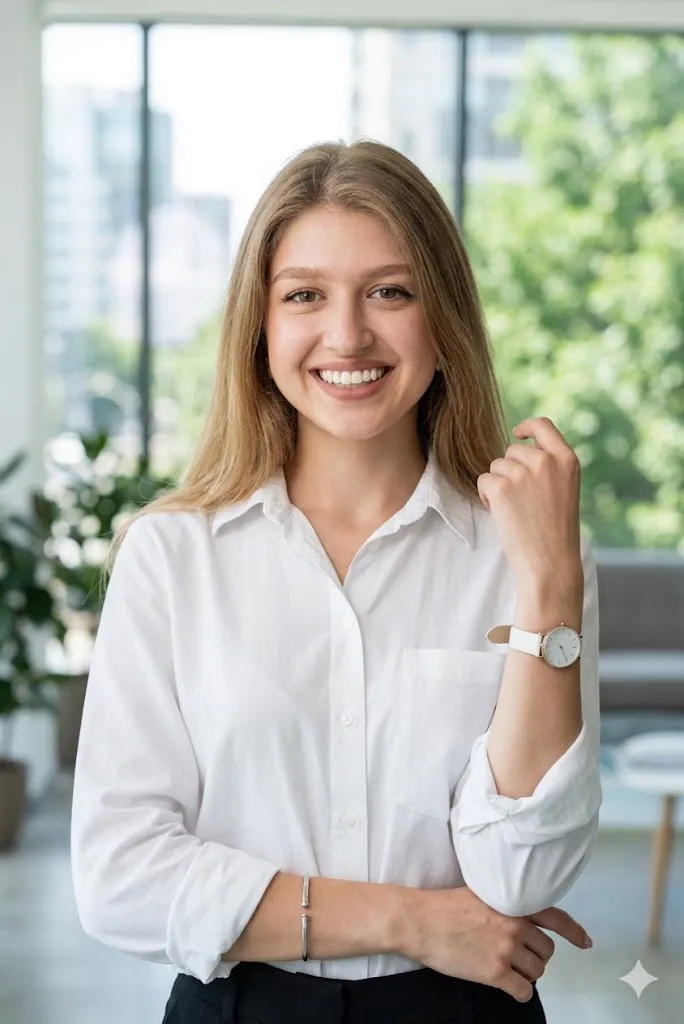
Edit my photo into a bright corporate headshot. Add a white formal shirt with sleeves folded. Keep my face natural. Set pose with a big natural smile. Use a modern office background with windows and greenery blur. Add bright daylight lighting with soft glow. Keep details realistic and clean. Make image look fresh, energetic, and fully professional.
Last Words
These best hyper realistic corporate headshot AI photo prompts boys and girls helped me create very clean and real looking profile photos without any studio. I tested these prompts myself and results looked very natural. You can also try them and improve your profile image easily. Just keep your original face and use good lighting prompts. Small changes can make a big difference in your final photo.