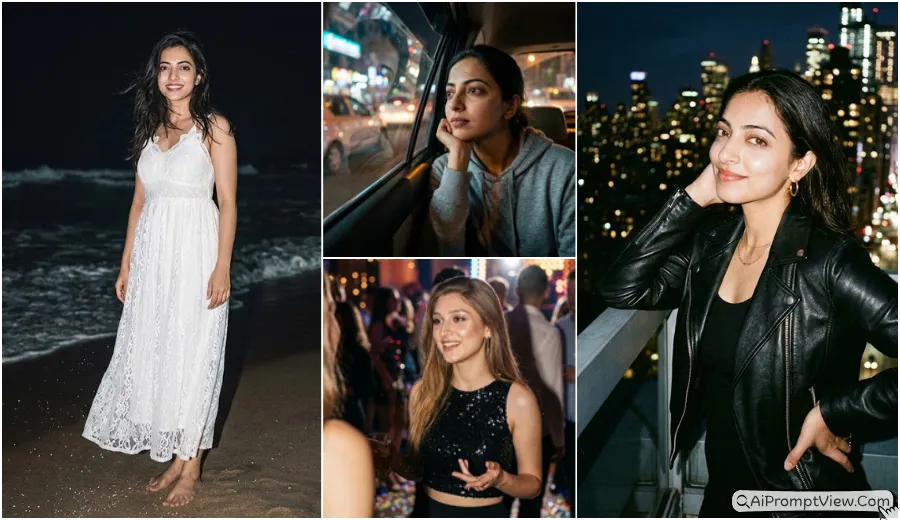
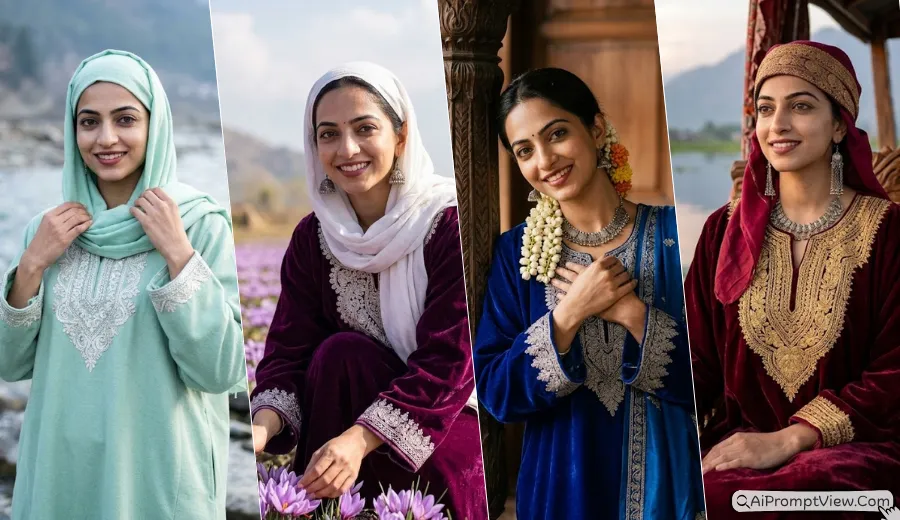
Gemini AI Cinematic Photo Prompt: In 2026, Gemini AI is changing the way girls create cinematic portraits for social media and personal branding. Many users are searching for premium cinematic style photo prompts to get that movie-like glow with natural skin and real lighting. With the help of the Nano Banana AI model and refined ideas from ChatGPT, you can turn a simple portrait into a high-quality cinematic frame that looks premium and realistic.
This post shares carefully written cinematic style prompts that help you create luxury urban scenes and dreamy nature backgrounds while keeping your original face and identity safe. Each prompt is simple to use and designed for sharp details, soft light, and true-to-life texture.
Luxury Urban and Premium Street Style Prompts
These prompts give viral Instagram explore look with high fashion outfits and rich city background.
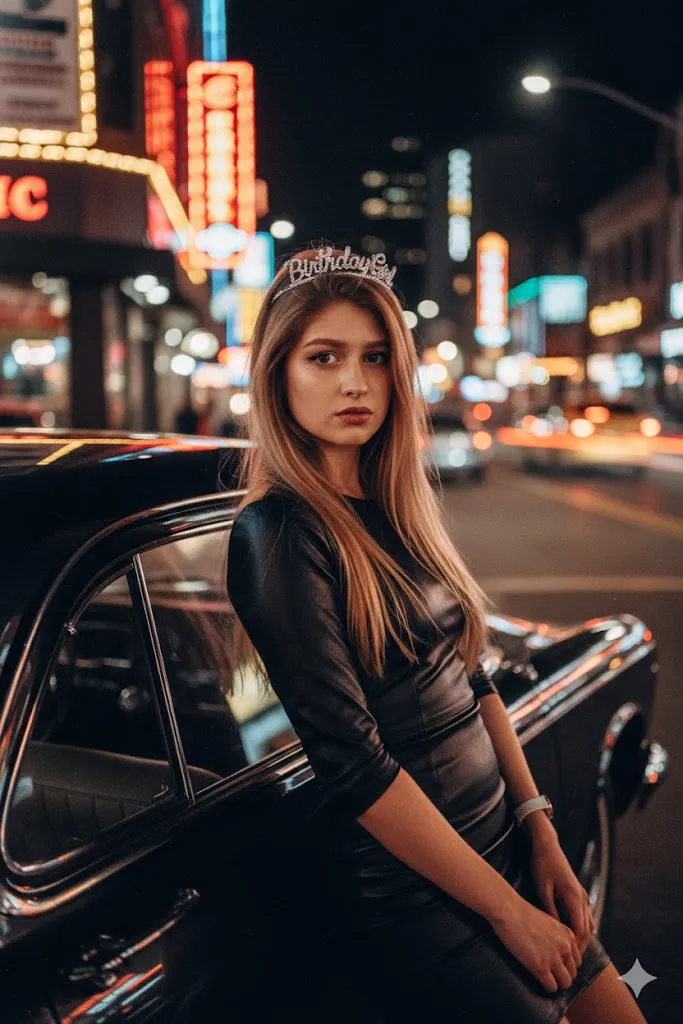
1. NYC Times Square Night Glow
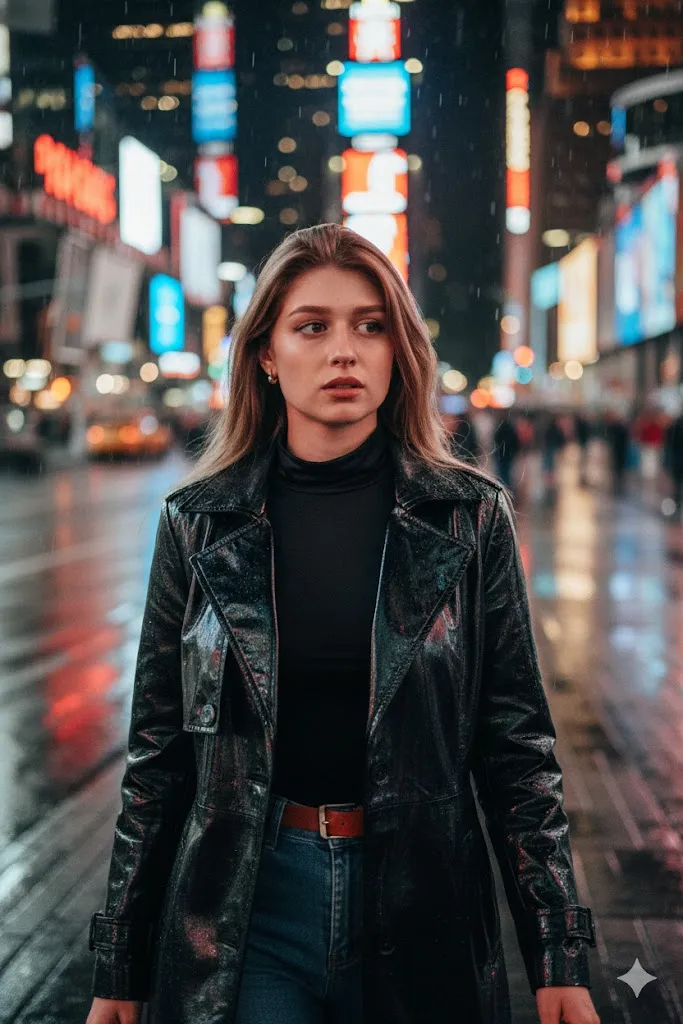
Prompt: Transform the person in the uploaded photo into a cinematic night scene in New York City. Change the outfit to a premium black leather trench coat over a silk turtleneck. The background should show blurry glowing neon lights of Times Square with wet streets reflecting colorful lights. Maintain the exact facial features of the original person. Use 8K quality, cinematic film grain, and sharp focus on the face. Keep natural skin texture with visible pores.
2. Sunset Rooftop Premium Look
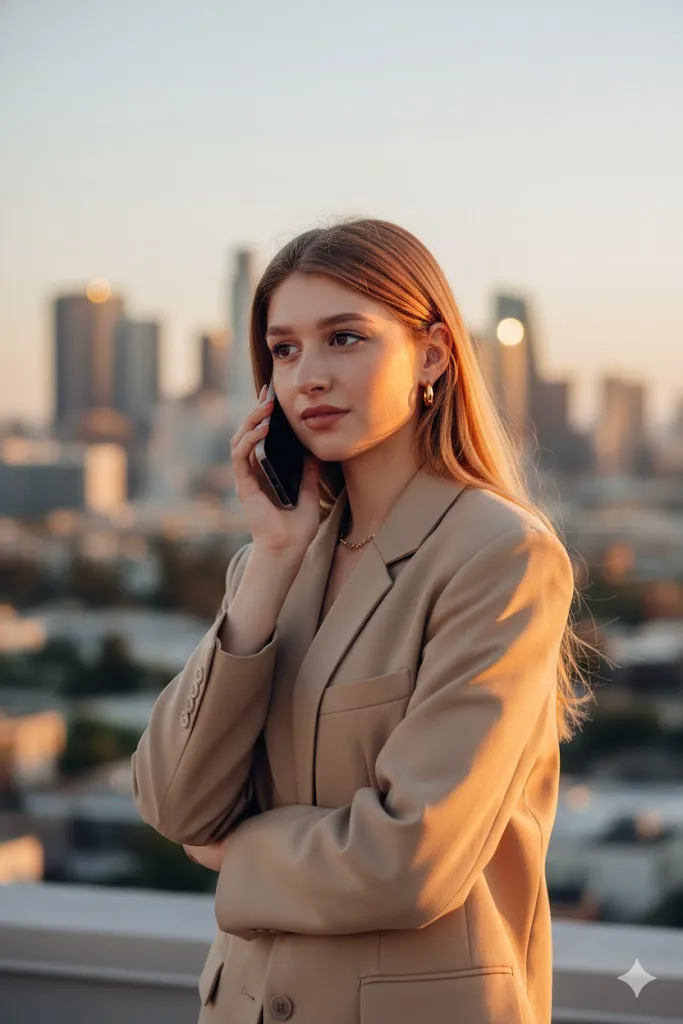
Prompt: Edit this photo and place the subject on a luxury skyscraper rooftop during golden hour. Change clothing to a stylish beige oversized blazer with gold accessories. Use warm orange sunlight hitting one side of the face with professional rim light. Keep the original face and expression exactly same. Show a blurred city view at sunset in the background. Use DSLR camera look with ultra-clear 4K quality.
3. Paris Cafe Morning Look
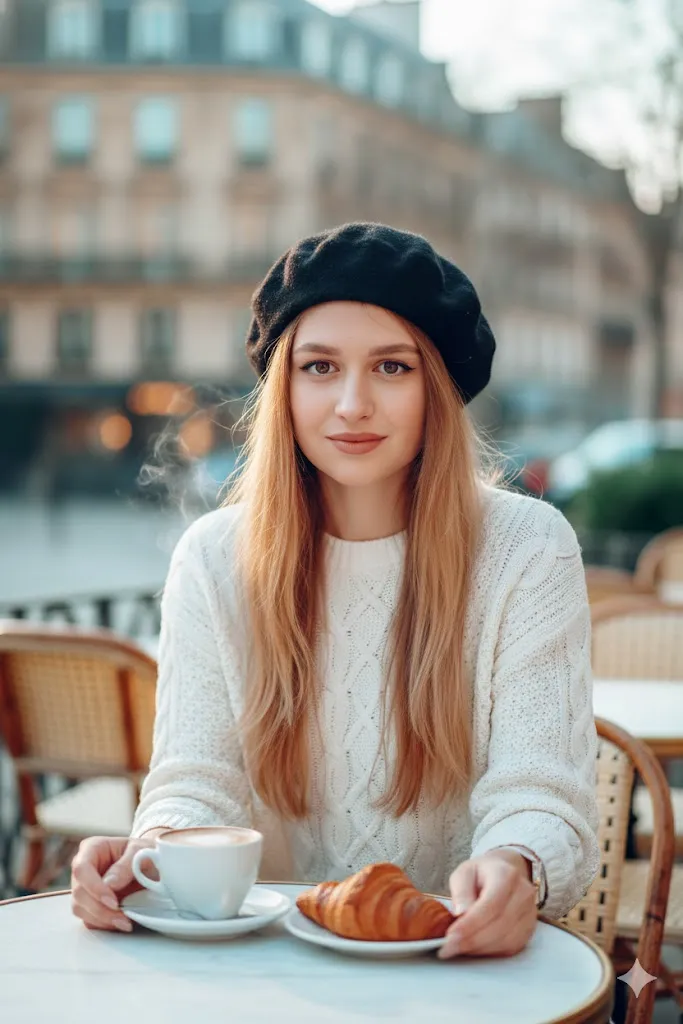
Prompt: Recreate the photo in a cozy high-end Paris street cafe. Change the outfit to a chic white knit sweater with a stylish beret. The person should sit at a marble table with a latte visible in frame. Maintain original facial features. Show soft morning light with blurred city buildings in the background. Focus on real fabric texture and natural skin in daylight.
4. High Fashion Urban Edge
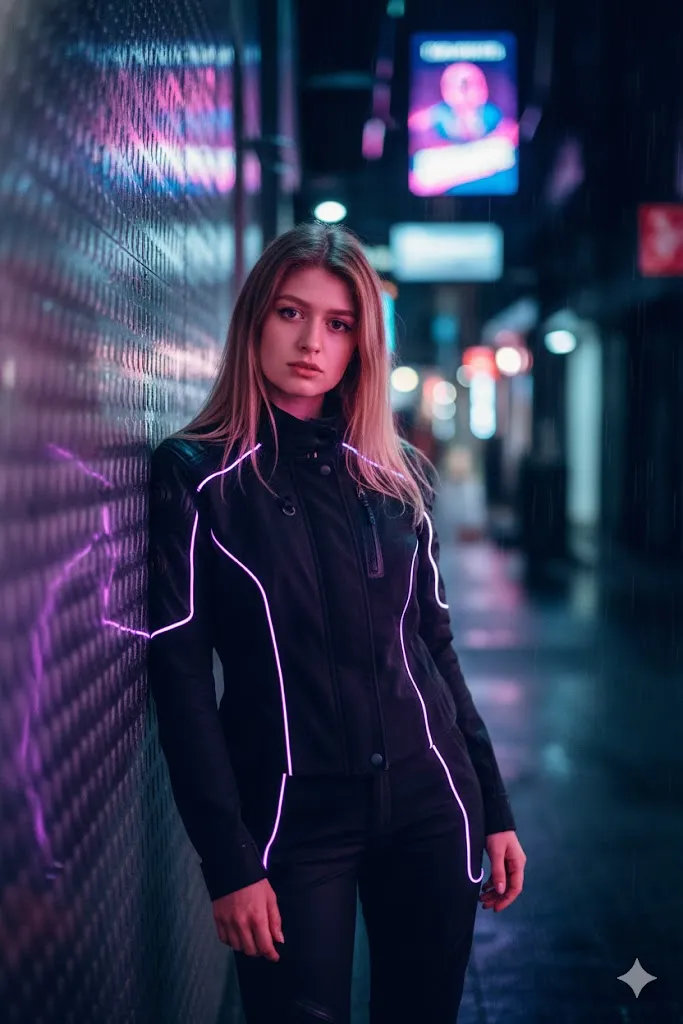
Prompt: Place the person in a futuristic urban alley at night. Change outfit to a tech-wear tactical jacket with glowing accents. Use dramatic blue and pink neon lights reflecting on skin. Keep the original face shape fully accurate. Add depth in background with soft light circles. Use 35mm film style look with sharp eye detail.
5. Fashion Week Style Street Walk
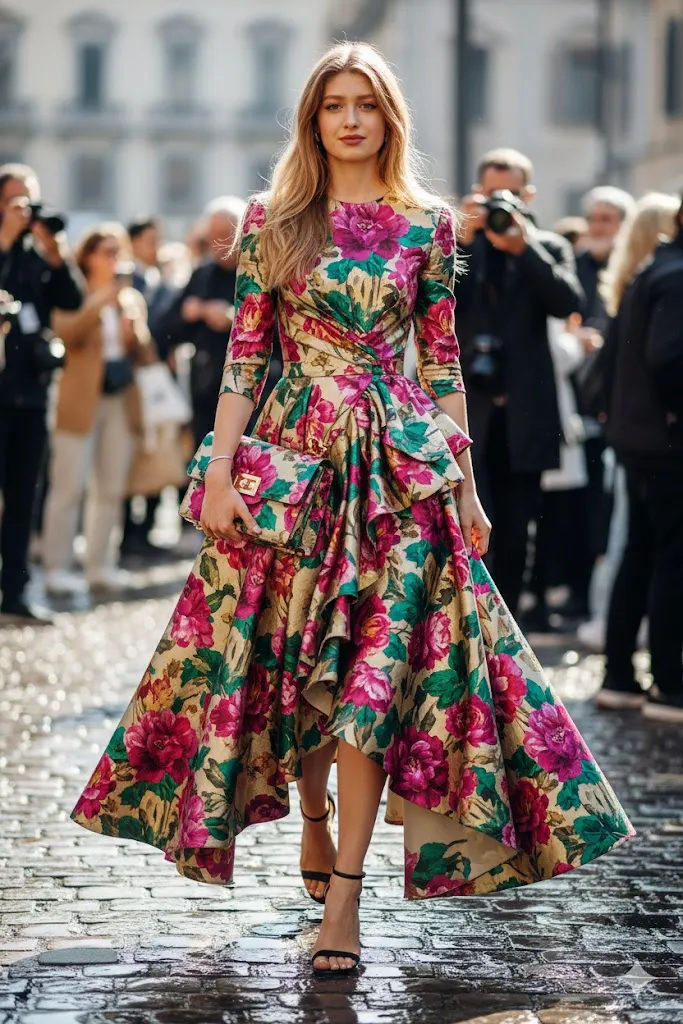
Prompt: Edit the image like a professional editorial shot from a major fashion week. Change outfit to a luxury designer dress with a matching handbag. Capture the person walking on a cobblestone street with a blurred crowd in the background. Keep the face exactly same as original photo. Quality should look like a magazine cover in 8K detail.
Cinematic Nature and Dream Style Prompts
These prompts give movie hero style look in beautiful natural locations with soft artistic light.
6. Tropical Jungle Explorer
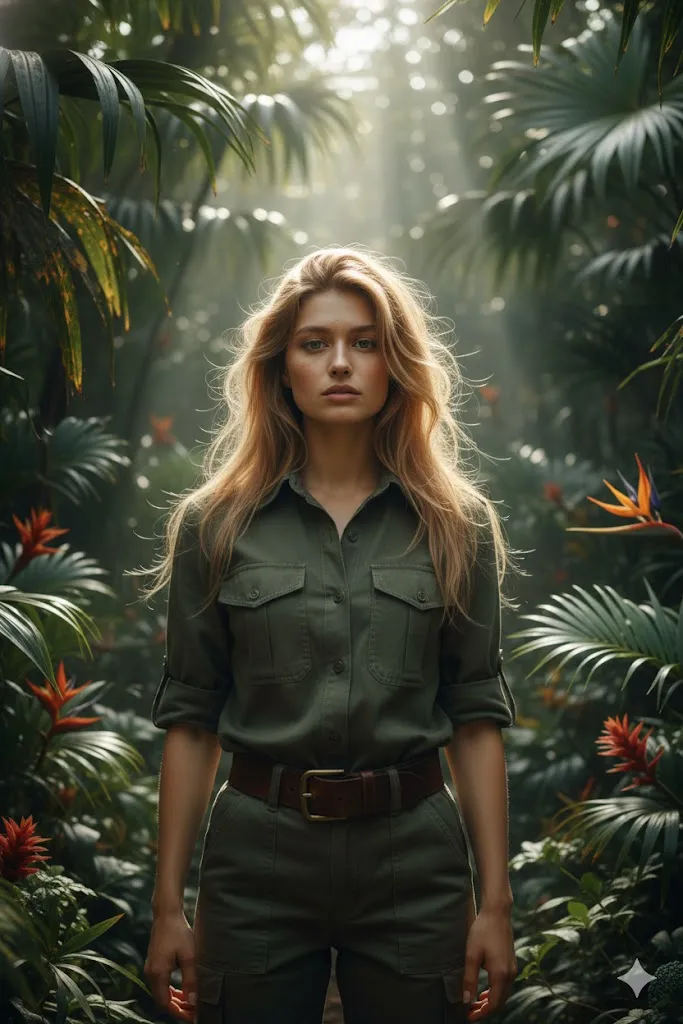
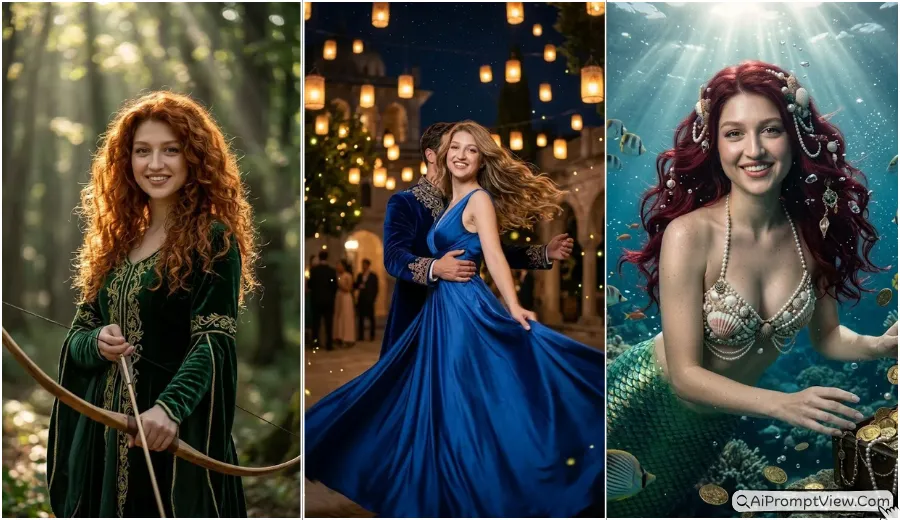
Transform the uploaded photo into a cinematic jungle adventure scene. Change clothing to olive green safari outfit with leather belt. The person should stand between rich tropical leaves with sun rays passing through trees. Maintain exact facial features. Use natural dapple light. Skin should have slight natural glow with visible texture. Blur deep forest background softly. Final result should look like a big budget adventure movie frame in 4K clarity. Raw hairs style, with hyper realistic look.
7. Dreamy Flower Garden Scene
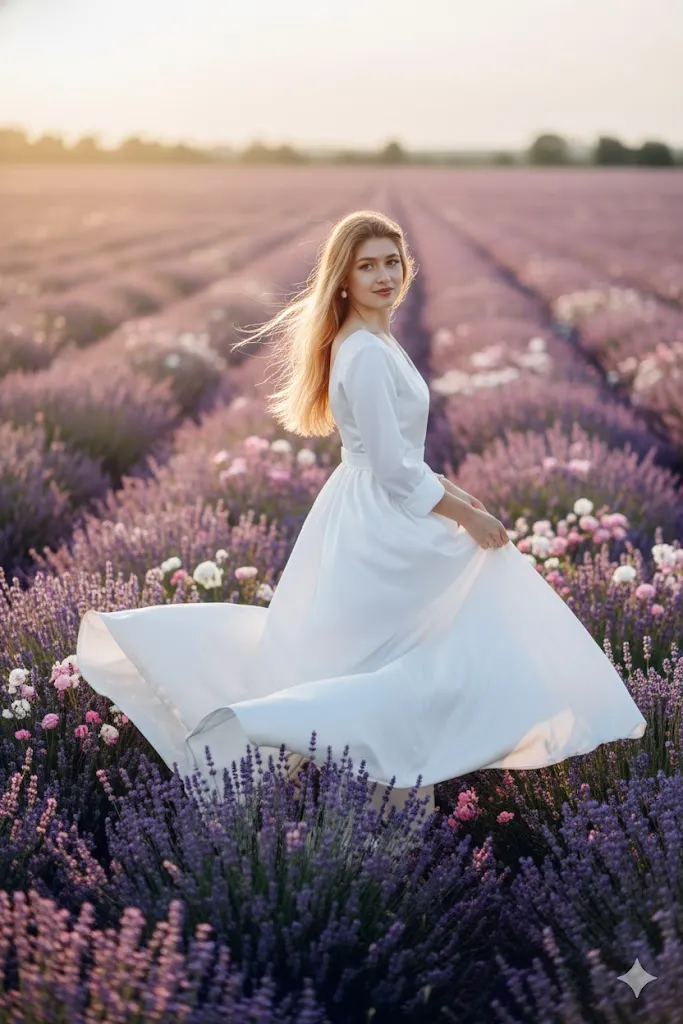
Edit the photo and place the subject in a wide field of lavender and wild roses during soft sunset. Change outfit to flowing white silk gown moving with wind. The face and identity must stay identical to original image. Background should look soft and romantic with slight haze. Use dreamy light effect but keep skin sharp and realistic with natural freckles. Add soft backlight around hair for glow effect. Image should look like luxury perfume ad.
8. Nordic Winter Queen
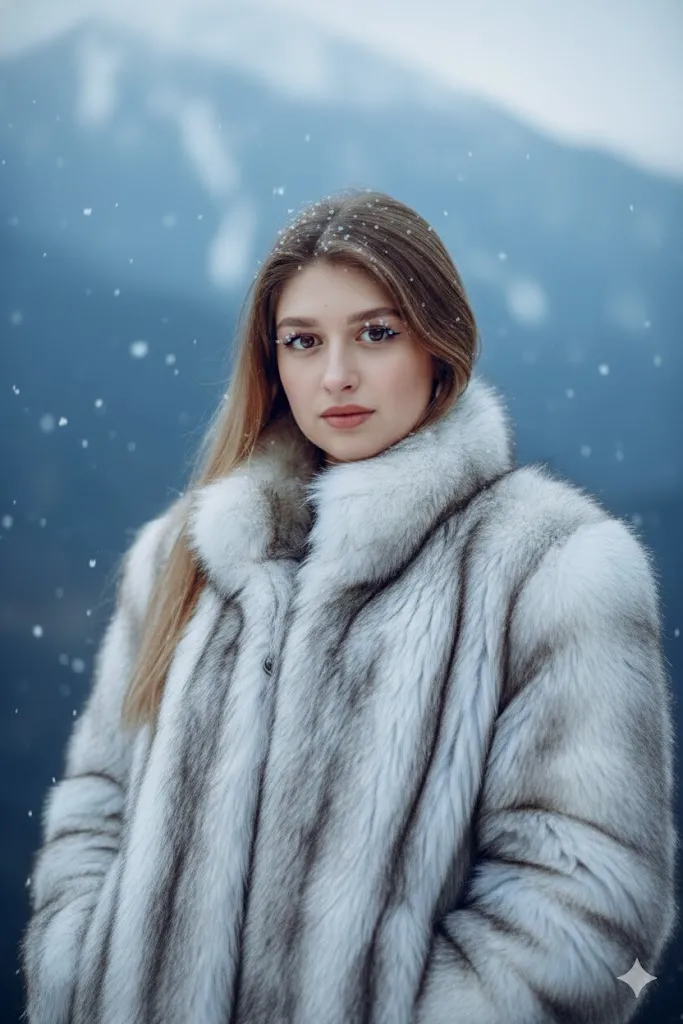
Take the person in the photo and place them in a snowy, cinematic mountain landscape. Change the clothing to a heavy, luxury faux-fur coat in white and silver tones. The background should be misty blue mountains and falling snowflakes. Keep the facial features of the original person exactly the same. The lighting should be cold and crisp, highlighting the eyes. Ensure the skin looks realistic with a slight natural flush from the cold. The image should be ultra-detailed, showing individual snowflakes on the eyelashes and the rich texture of the fur coat. 8K resolution, cinematic cold color grading.
9. Desert Mirage Scene
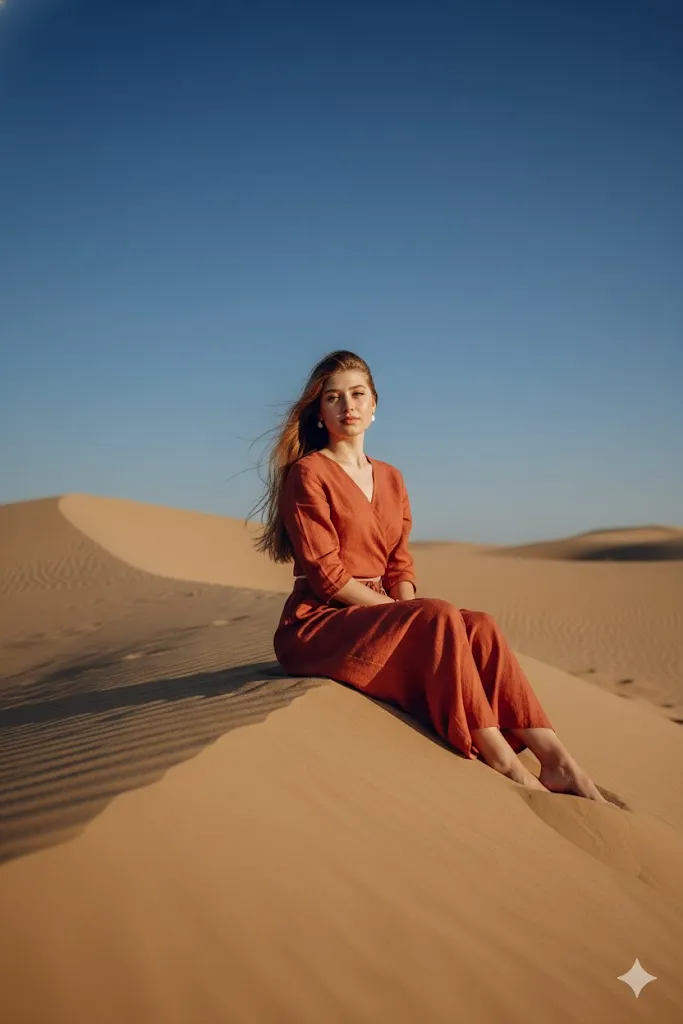
Recreate the photo in a wide golden sand desert during blue hour after sunset. Change outfit to stylish terracotta linen set. The person should pose elegantly on a sand dune. Maintain original face and expression fully same. Background should show open desert sky with few stars visible. Use cinematic light that defines jawline and body shape. Show real sand texture and natural fabric feel. Keep image pure and high quality without distortion.
10. Secret Coastal Cliff View
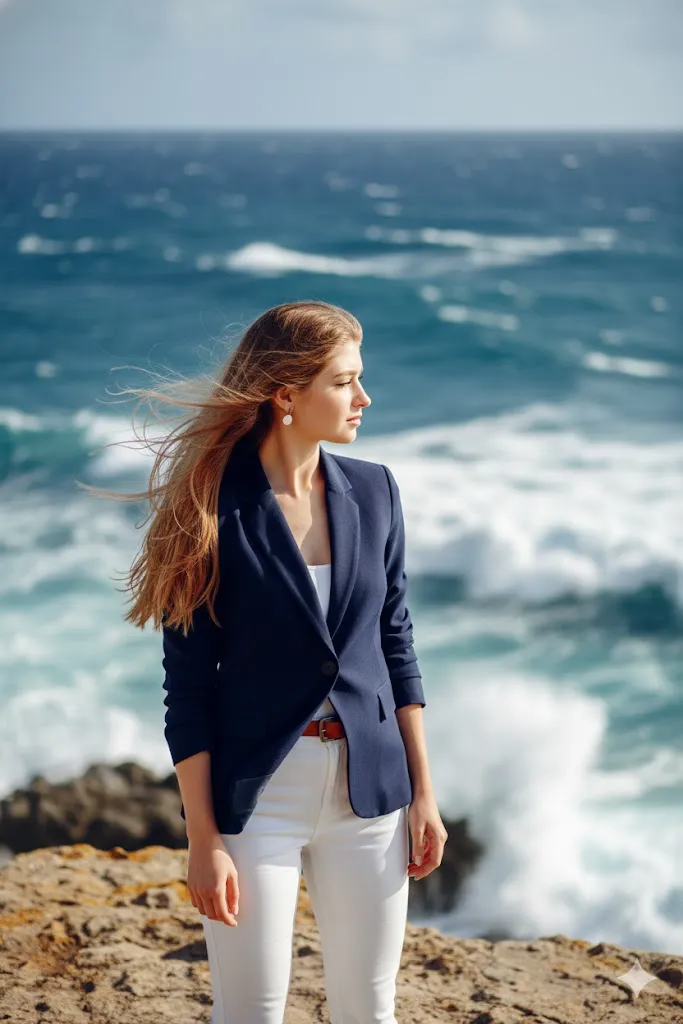
Edit the uploaded photo to place the subject on a dramatic rocky cliff overlooking a crashing blue ocean. Change the clothing to a stylish navy blue blazer and white trousers. The person should be looking out toward the sea with a wind-swept hair effect. Ensure the face remains exactly like the original photo. The lighting should be the bright, clear light of a Mediterranean afternoon. The background should show realistic white waves and deep blue water with a cinematic bokeh effect. The skin should look sun-kissed and natural, with 8K clarity and a professional travel-blog aesthetic.
Final Thoughts
Gemini and Nano Banana AI models are making cinematic photo editing very easy in 2026. With the right prompts, you can create professional-grade images without changing your real identity. Always clearly mention that the face and features must remain the same. Focus on natural skin, real light, and clear background details for the best results.