Top 10 Superhero Style AI Photo Prompts for Kids (Copy and Paste)

AI superhero photo prompts are simple text instructions that help tools like Gemini AI, ChatGPT image editors, and nano banana AI turn a normal kid photo into a real looking superhero scene. You just upload a clear photo, paste the prompt, and the AI edits the image while keeping the same face. It adds pose, background, costume, and power effects in a natural way so the final image looks like a cinematic real photo, not a cartoon.
In this article, you will get top superhero style AI photo prompts for kids that work well for realistic photo editing, Instagram style edits, and high quality AI image generation. These prompts are written in an easy format so you can copy and use them directly. You will also see ideas like flying hero, speed hero, fire power, and more, all designed to give ultra realistic results with simple steps.
Superhero Style AI Photo Prompts for Kids
1. Classic Flying Superhero Pose
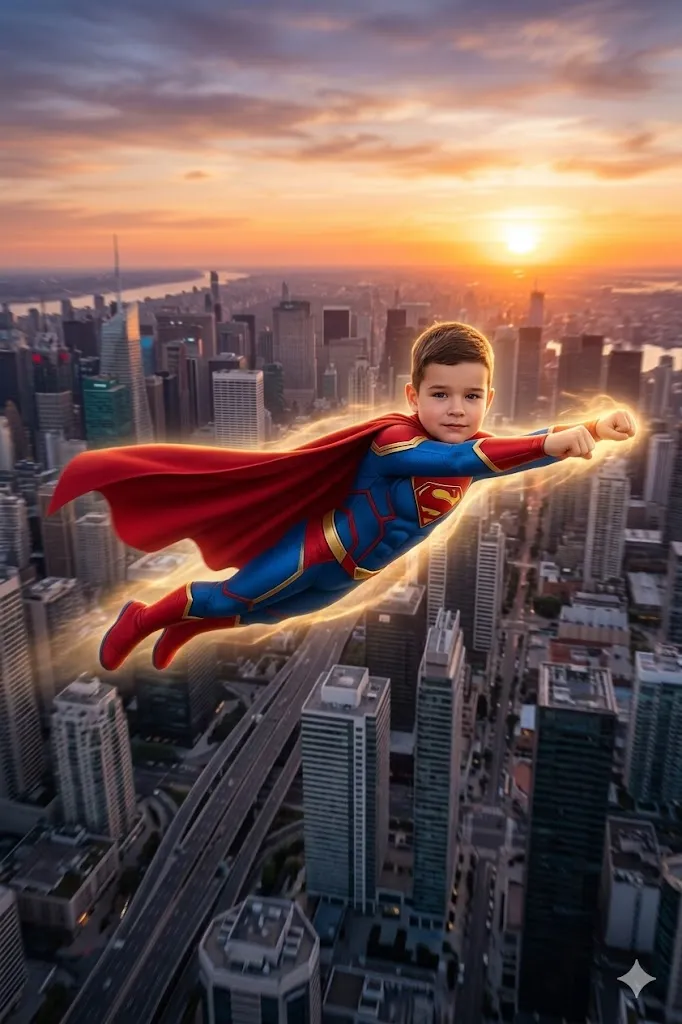
Edit my photo into a flying superhero scene. Keep my child face same as original photo. Make the pose like flying in air, body straight, face looking forward with strong and focused expression. Add a big city in background at sunset with tall buildings. Add a custom superhero suit with bright colors and a long cape moving in air. Add a soft glow around body and hands to show power. Add slight motion blur for speed feel. Keep lighting cinematic and natural. Make it ultra realistic, high detail, 8k quality.
2. Rooftop Hero Look
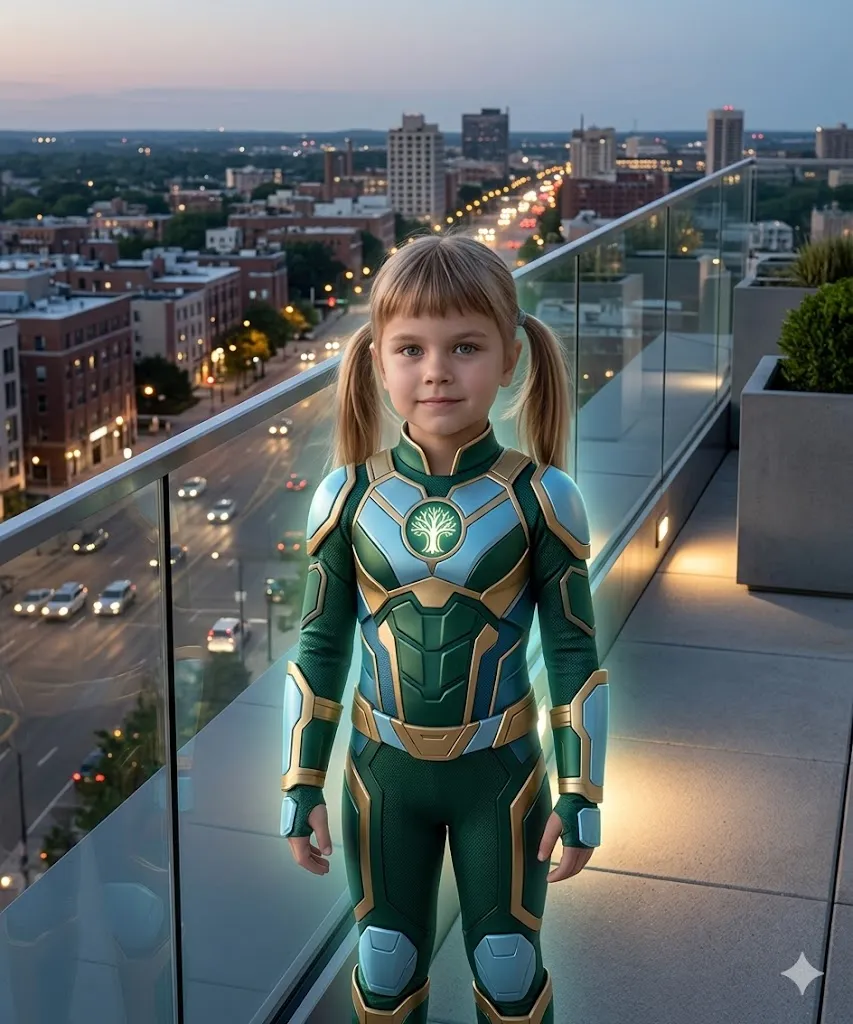
Edit my photo and place my child in a safe rooftop setting with proper railing or glass protection. Keep face exactly same as original photo. Make pose confident, standing calmly and looking at the city. Add a wide city view in evening with lights turning on. Add a stylish superhero suit with a clear logo on chest. Add a soft light glow from the suit. Make sure the environment looks safe and secure for a child. Keep mood brave and calm. Use soft cinematic lighting and high detail textures. Make it look like a real photo in 8k quality.
3. Super Speed Running Hero
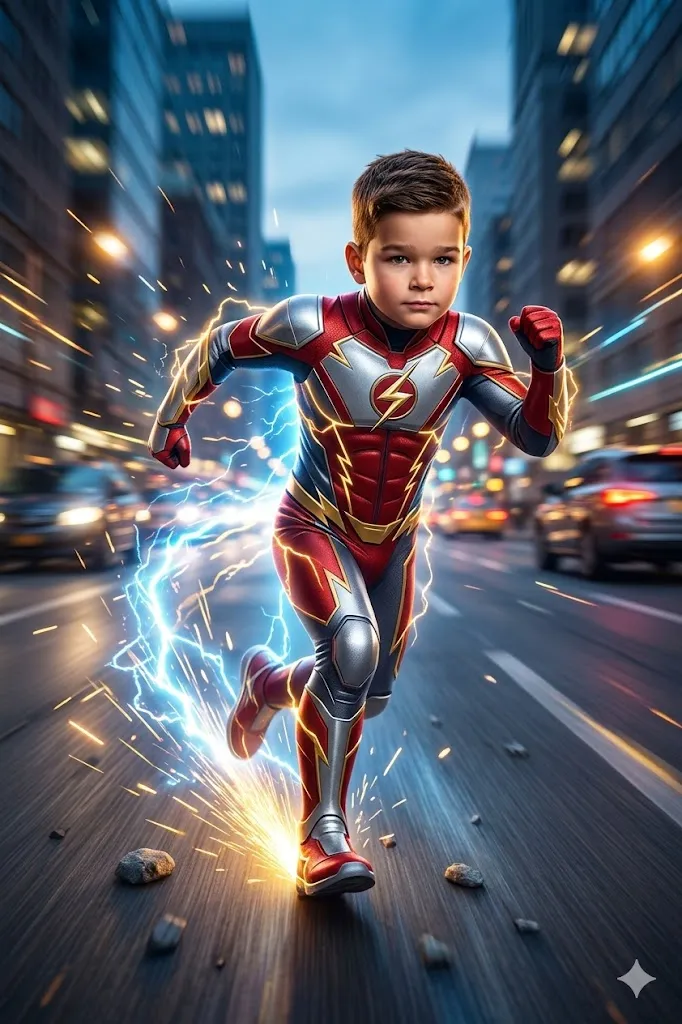
Edit my photo into a super speed hero scene. Keep my child face same and clear. Make running pose fast, one leg forward, arms active. Add a blurred road or city street background. Add superhero suit with speed lines and lightning design. Add electric sparks and light trails behind. Keep expression focused. Add motion blur for speed effect. Make lighting strong and cinematic. Ultra realistic output in 8k.
4. Mind Power Hero Scene
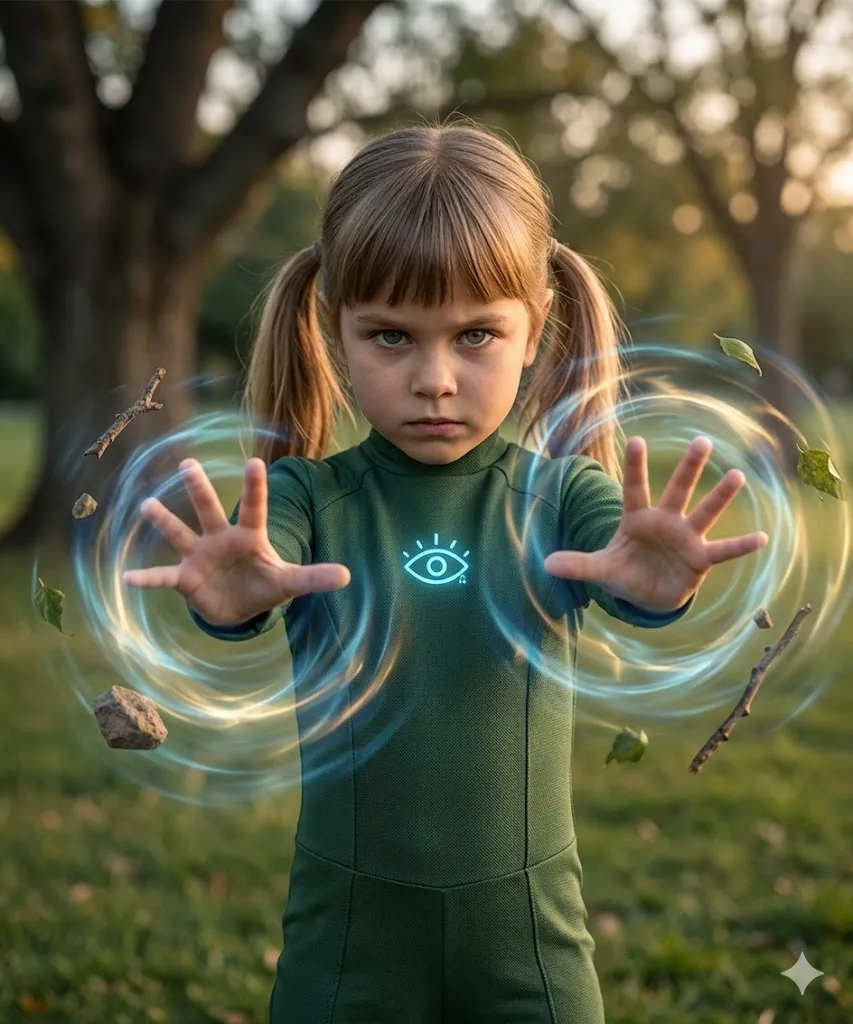
Edit my photo and show me using mind power. Keep face same with focused look. Make both hands forward. Add park or open place in background. Show objects floating in air around. Add soft glowing energy around hands and objects. Add a simple superhero suit with a small glowing symbol. Add light air distortion effect. Keep scene realistic and cinematic with high detail.
5. Super Strength Hero
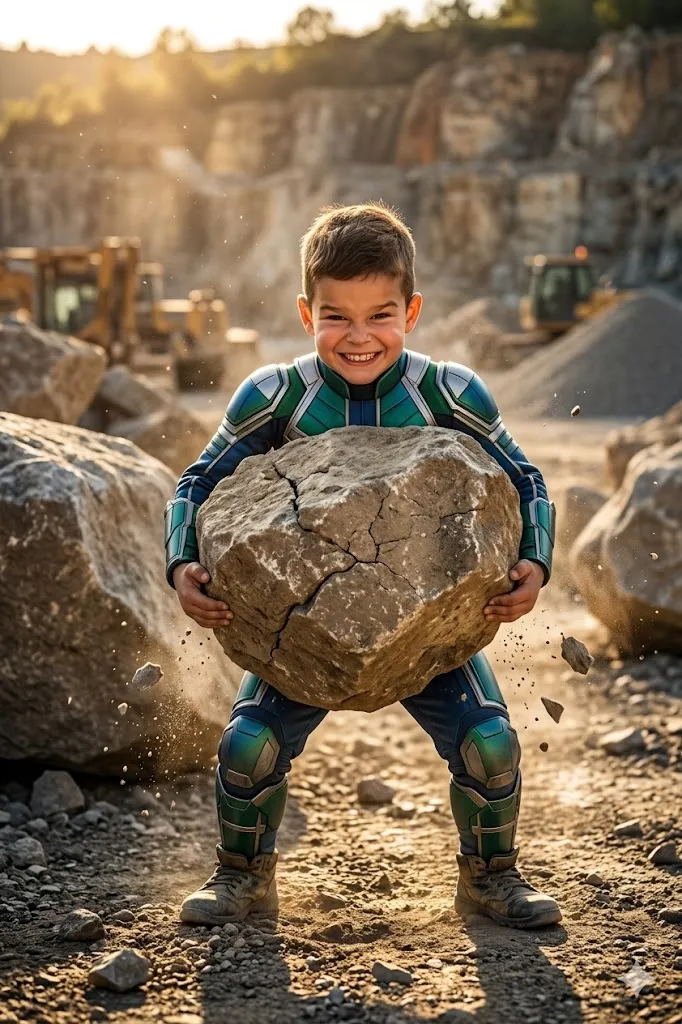
Edit my photo and show my child lifting a big rock. Keep face same with strong expression. Add rocky area or work site in background. Add a strong superhero suit with thick design. Show cracks on the rock and dust around. Do not add glowing power, keep it natural strength. Use dramatic light. Make full realistic scene in 8k.
6. Ice Power Hero
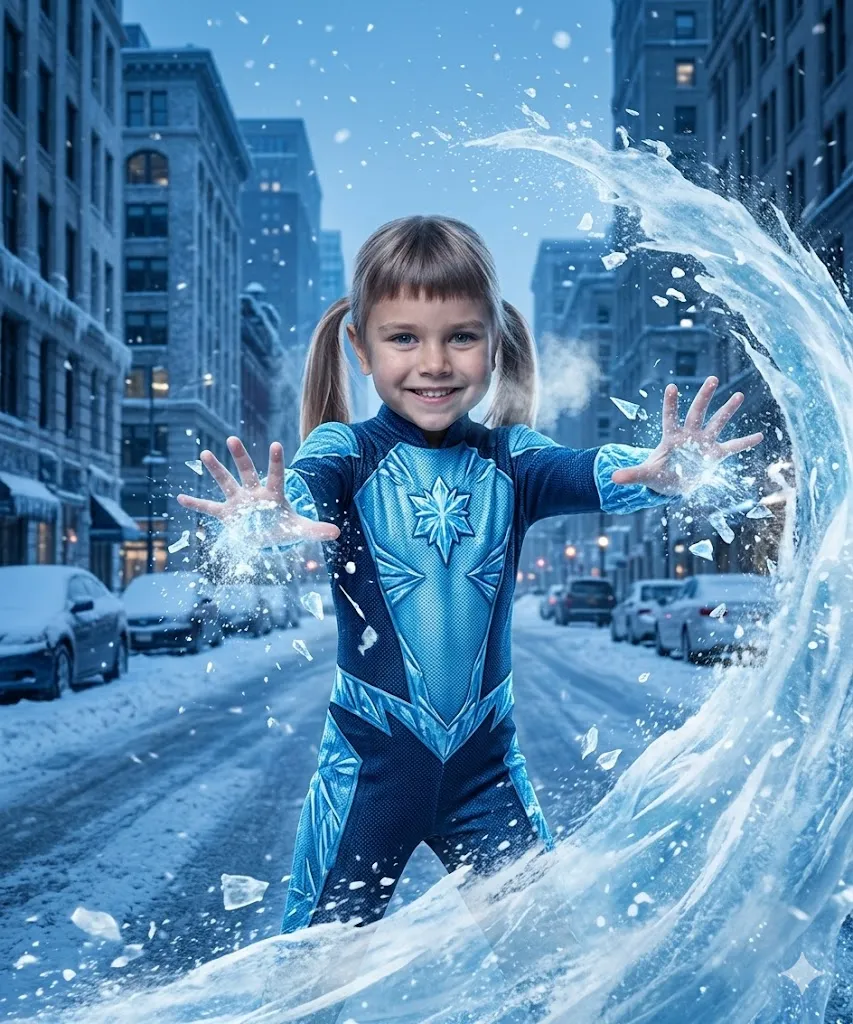
Edit my photo into an ice power scene. Keep face same and focused. Make hands forward creating ice wave. Add snowy street or cold city background. Add blue superhero suit with ice design. Add snow particles and ice effect coming from hands. Add cold breath effect. Keep lighting cool and cinematic. Make it look real, high detail 8k.
7. Fire Power Hero
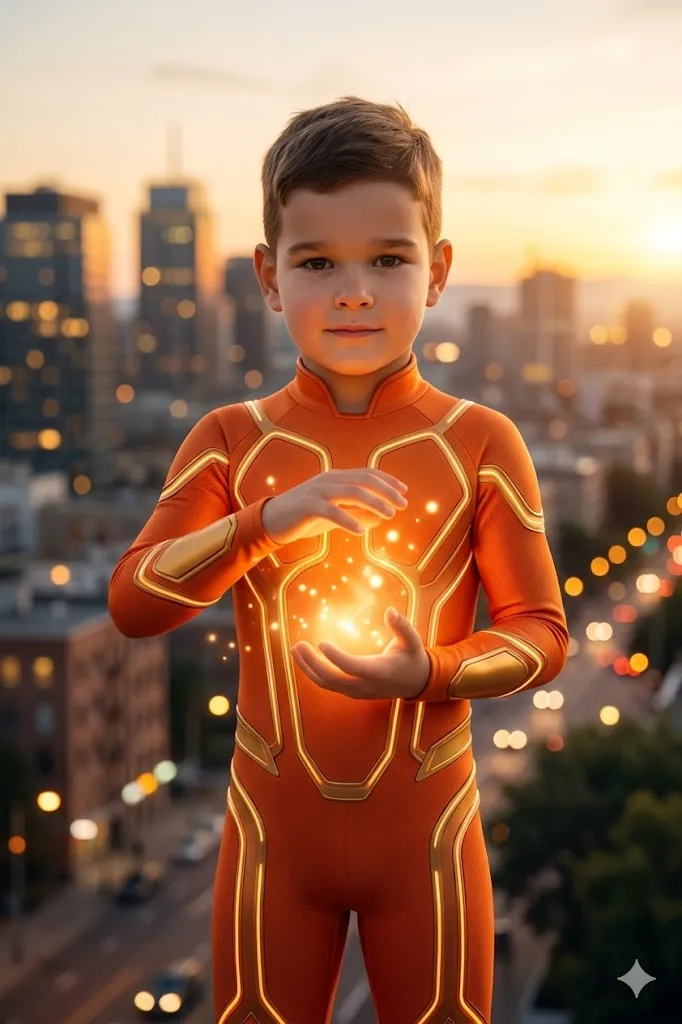
Edit my photo into a safe superhero fire power scene. Keep my child face same as original photo with a confident and calm look. Make the pose like hands gently creating glowing warm light. Add a soft evening city background with warm light around. Add a bright orange superhero suit with light glow design. Show controlled glowing energy in hands like warm light effect, not real fire. Add soft light particles around hands. Keep the scene safe, calm and positive. Use natural cinematic lighting and high detail. Make it ultra realistic, 8k quality.
8. Super Jump Hero
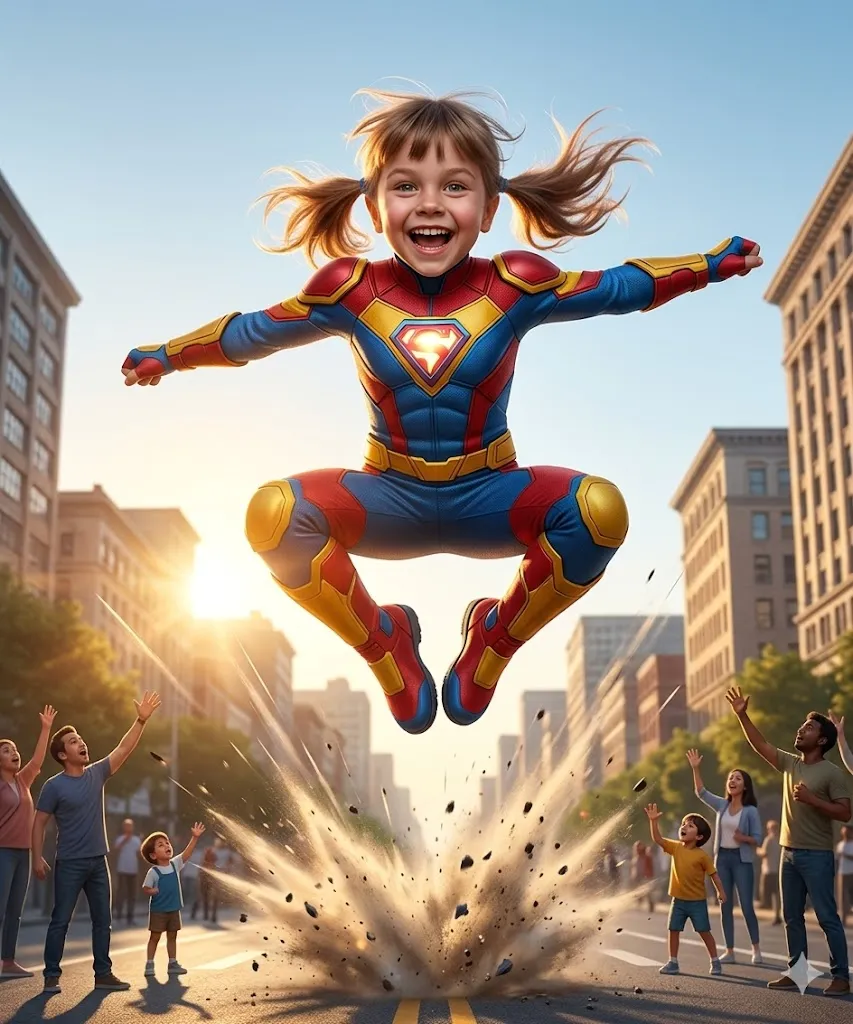
Edit my photo and show my child jumping high in air. Keep face same with happy or excited look. Add city background in morning. Show people below looking up. Add colorful superhero suit. Add motion lines and dust effect from jump. Keep pose wide and active. Use cinematic lighting and realistic detail in 8k.
9. Shield Protector Hero
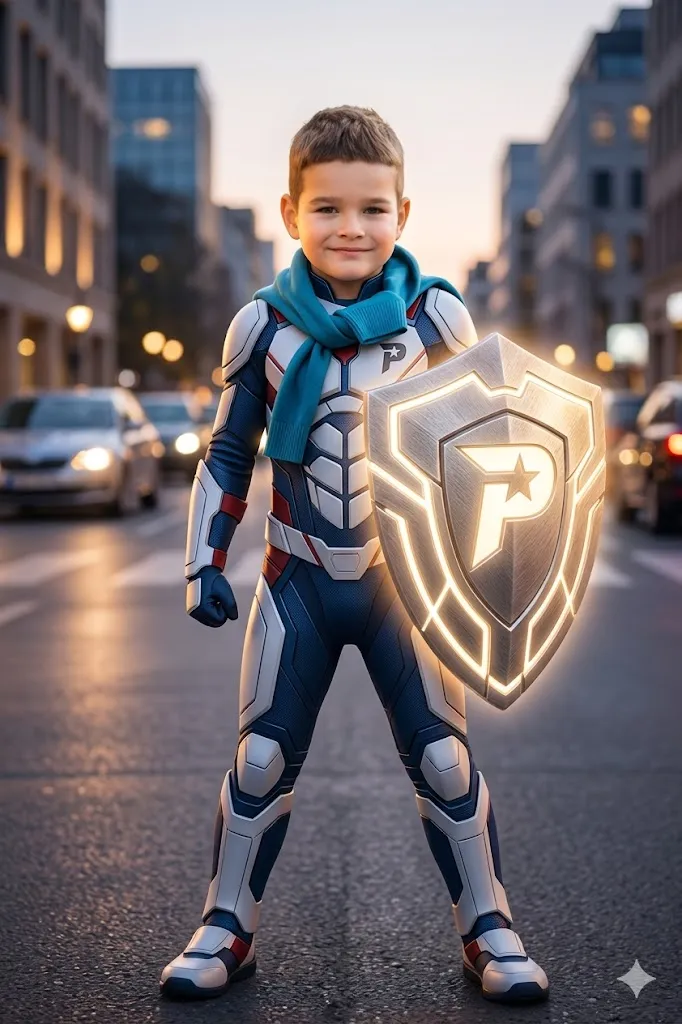
Edit my photo into a superhero protector scene. Keep my child face same as original photo. Make pose confident and strong while holding a large shield. Add a clean city background in evening with soft lights. Add a stylish superhero suit with light armor design. Add a gentle glow on the shield to show protection. Keep the mood positive, safe and inspiring. Use soft cinematic lighting and ultra realistic details in high quality.
10. Stealth Night Hero
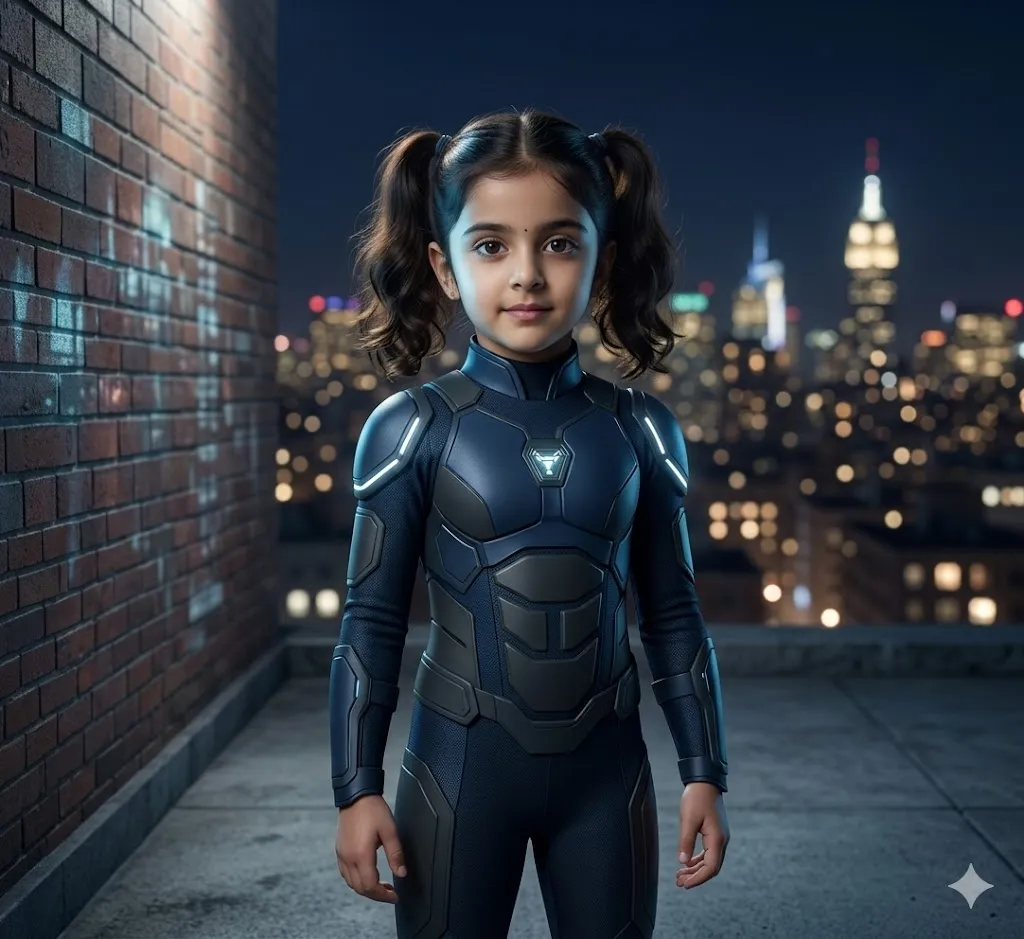
Edit my photo into a smart night hero scene. Keep my child face same as original photo. Make the pose standing near a wall or on a building, looking alert and confident. Add a night city background with soft lights. Add a simple dark superhero suit with clean tech style design. Add a light soft glow on the suit. Keep the mood calm, safe and confident. Use soft cinematic lighting and high detail. Make it fully realistic, natural skin texture, 8k quality.
Last Words
I have personally tried these prompts with different AI tools, and results were really good when the photo was clear and the prompt was detailed. The most important thing is to keep the face natural and not over edit it. Kids look best when their real smile stays the same. These ideas can help you create special memories in a fun way. You can try small changes and see what looks best for your child. Keep it simple, keep it real, and enjoy the process of creating something unique.