10 Gemini AI Niagara Falls Photo Editing Prompts 2026 (For Boys and Girls)

Gemini AI Niagara Falls special editing prompts for boys and girls help you create stunning travel style photos inspired by the famous Niagara Falls, one of the most beautiful natural waterfalls in the world. Known for its powerful water flow, white mist, and rainbow views, this location is perfect for cinematic photo edits. In this article, you will get detailed prompts to change your background, outfit, and pose while keeping your face natural. If you want a waterfall photo edit, mist effect look, or a clean travel vibe, these prompts will help you create real and eye catching images.
You can use tools like Gemini AI or ChatGPT image editing features to apply these prompts easily. Just upload your clear photo and copy paste the prompt to get results. These prompts are written in a simple and clear way so anyone can use them. I have tested similar Niagara Falls photo editing styles to make sure the results look real, natural, and perfect for social media use.
Top 5 Niagara Falls Photo Prompts for Boys
1. Misty Edge Adventure Look
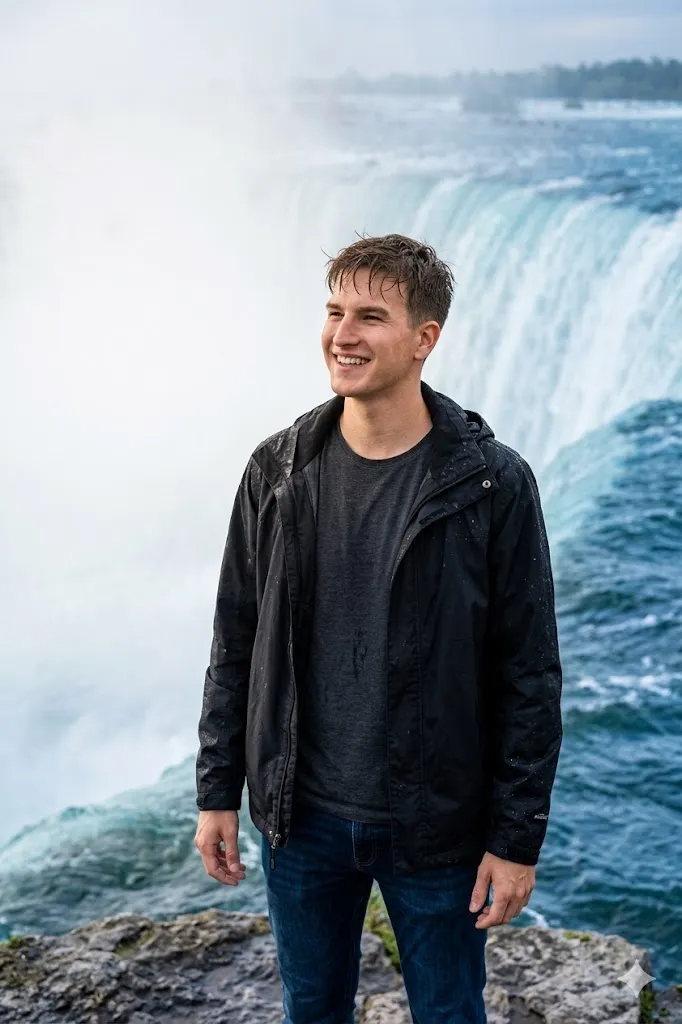
Edit my photo and place me at the edge of Niagara Falls with a strong mist view. Change my outfit into a black waterproof jacket with dark jeans. Set my pose as standing with confidence and looking slightly away towards the waterfall. Add natural wet hair effect and soft water drops on clothes. Keep my face exactly same as original with natural skin tone. Background should show heavy white mist and fast flowing blue water. Use cinematic lighting and sharp focus with ultra realistic details.
2. Casual Tourist Style
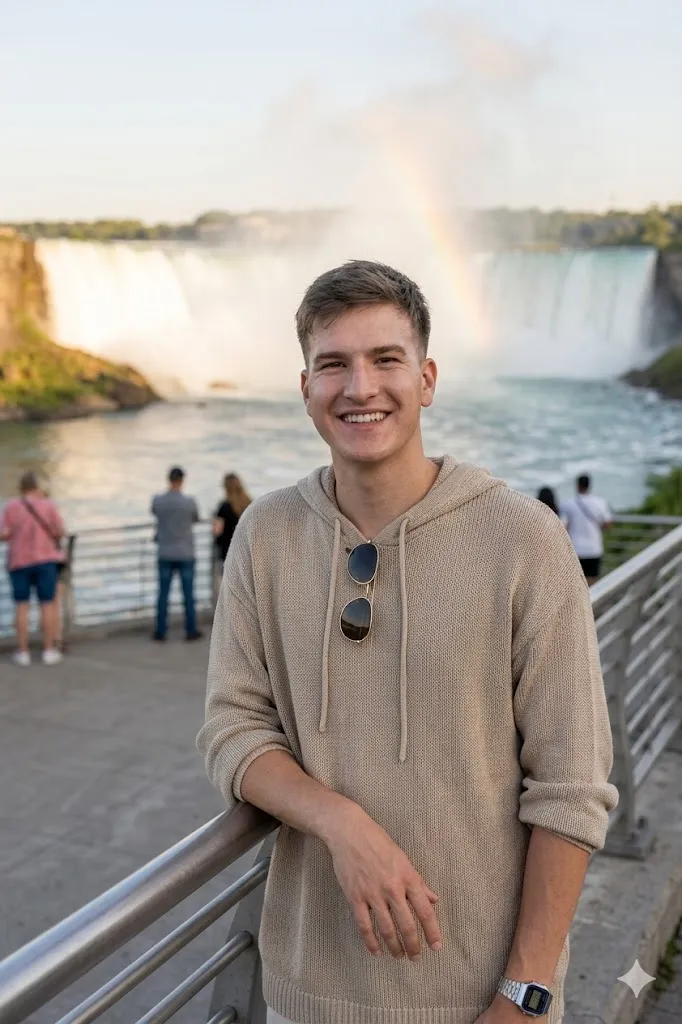
Edit my photo and place me on a Niagara Falls viewing deck during evening time. Change my outfit into a loose beige hoodie with sunglasses hanging on the neck. Set my pose as leaning on the railing with one hand and smiling at camera. Keep my face same without changes. Add soft warm light and a natural rainbow effect in the mist behind. Make the scene look like a real travel photo with clean background and natural light balance.
3. Night Light Dramatic View
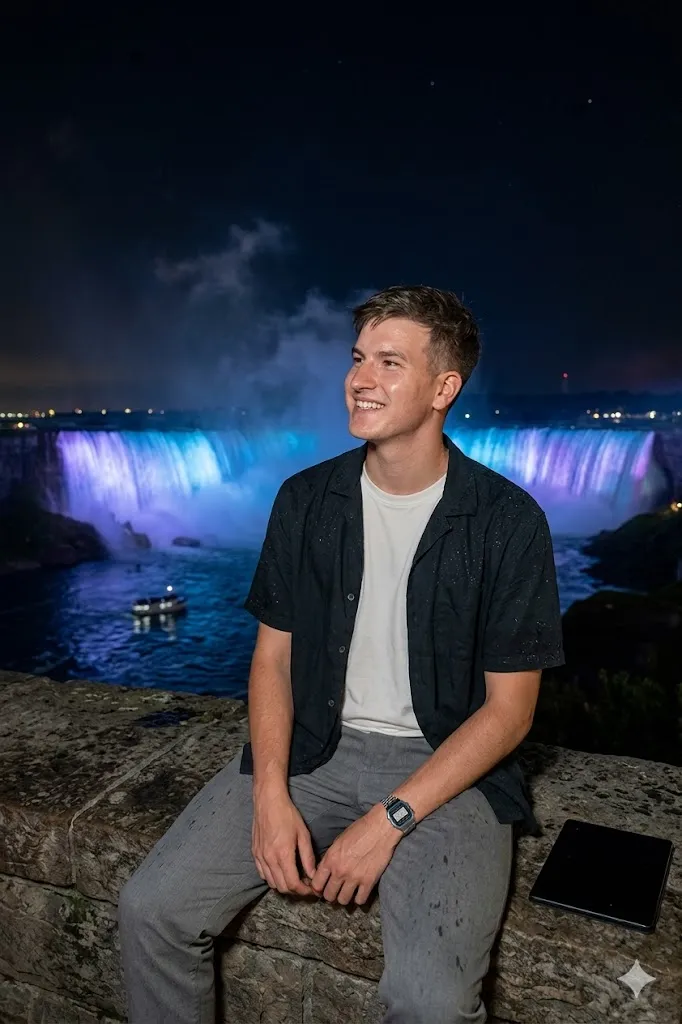
Edit my photo and place me at Niagara Falls during night time. Change my outfit into a dark shirt over a light inner tee. Set my pose as sitting on a stone edge and looking towards the falls. Add blue and purple lights on the waterfall in background. Show small water drops on clothes for realism. Keep my face same and match lighting with night scene. Use high contrast and sharp detail for a realistic night photo look.
4. Boat Ride Action Scene
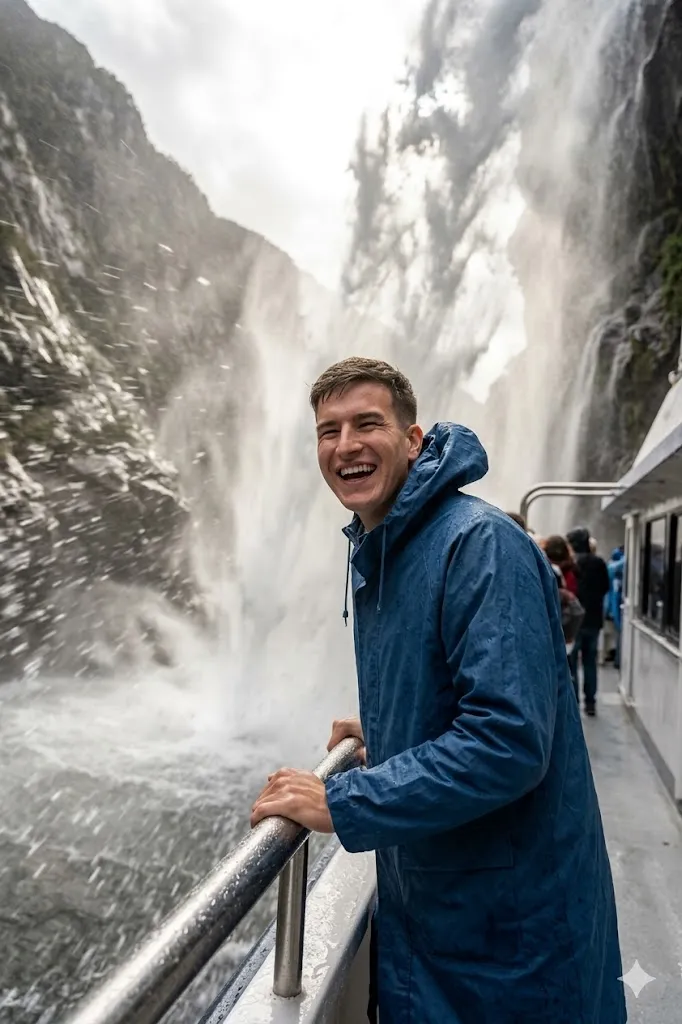
Edit my photo and place me on a boat near the waterfall. Change my outfit into a blue raincoat with open hood. Set my pose as holding the railing while water splashes around. Add motion effect in water but keep my face clear and sharp. Background should show huge falling water close to me. Keep my facial features same. Make it look like a real action travel photo with strong depth and natural water effect.
5. Luxury Balcony View
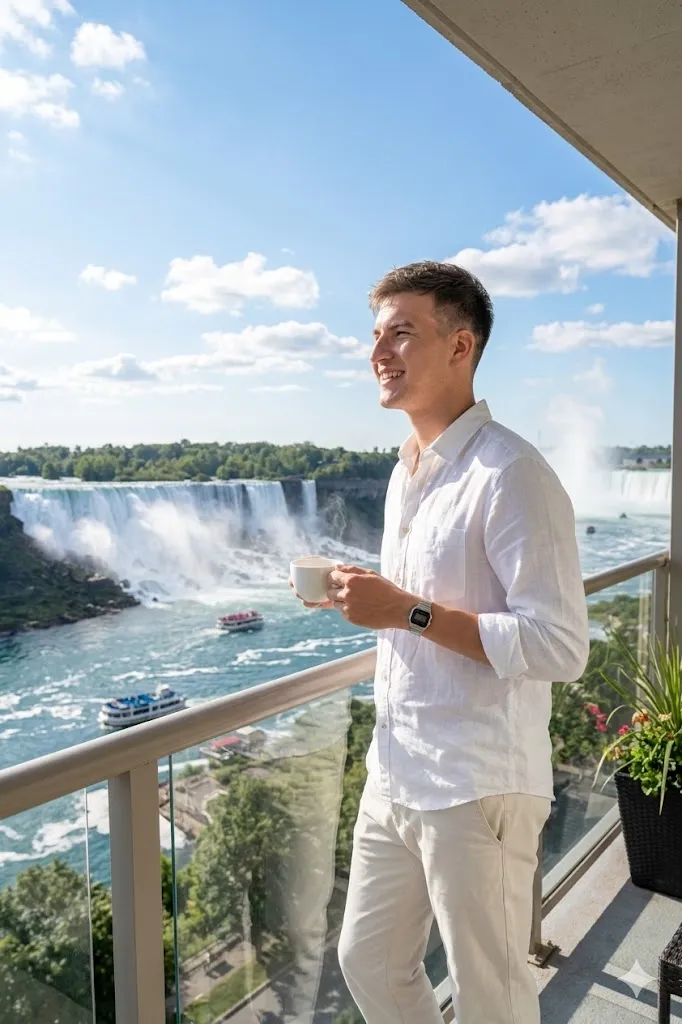
Edit my photo and place me on a hotel balcony facing Niagara Falls. Change my outfit into a white shirt with simple pants. Set my pose as relaxed and holding a coffee cup while looking outside. Background should show wide waterfall under blue sky. Keep my face same with natural light on it. Add clean travel photography style with high detail and soft sunlight.
Top 5 Niagara Falls Photo Prompts for Girls
1. Rainbow Aesthetic Look
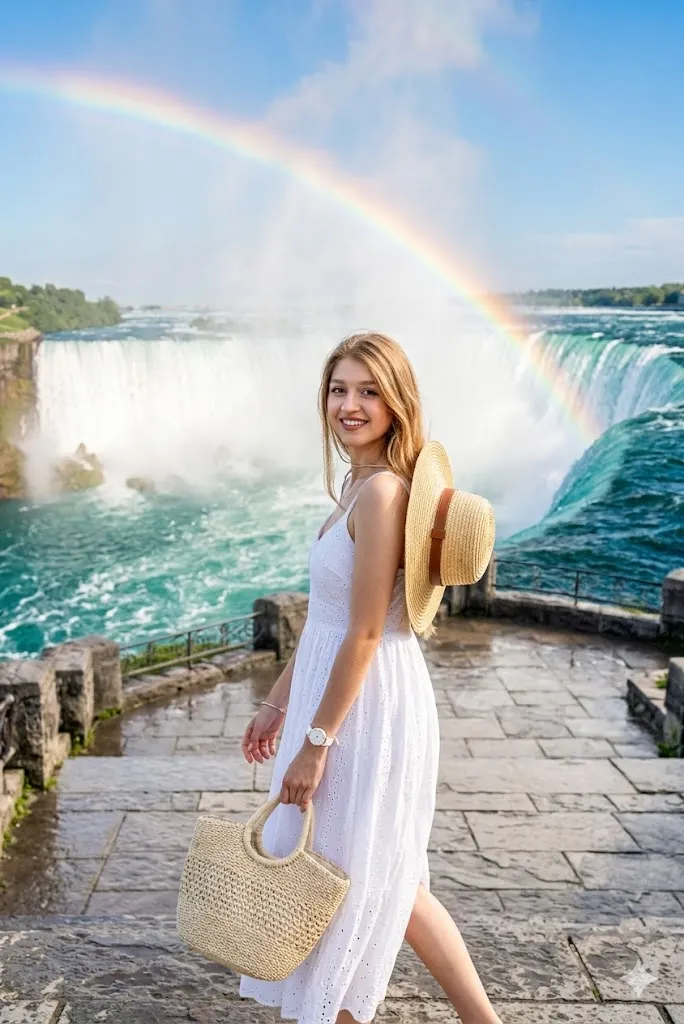
Edit my photo and place me in front of Niagara Falls with a clear rainbow in background. Change my outfit into a white dress with a hat on back. Set my pose as walking towards camera with a natural smile. Add soft water spray in air. Keep my face same with smooth skin tone. Use bright light and vibrant colors to create a fresh and real travel feel.
2. Elegant Close Portrait
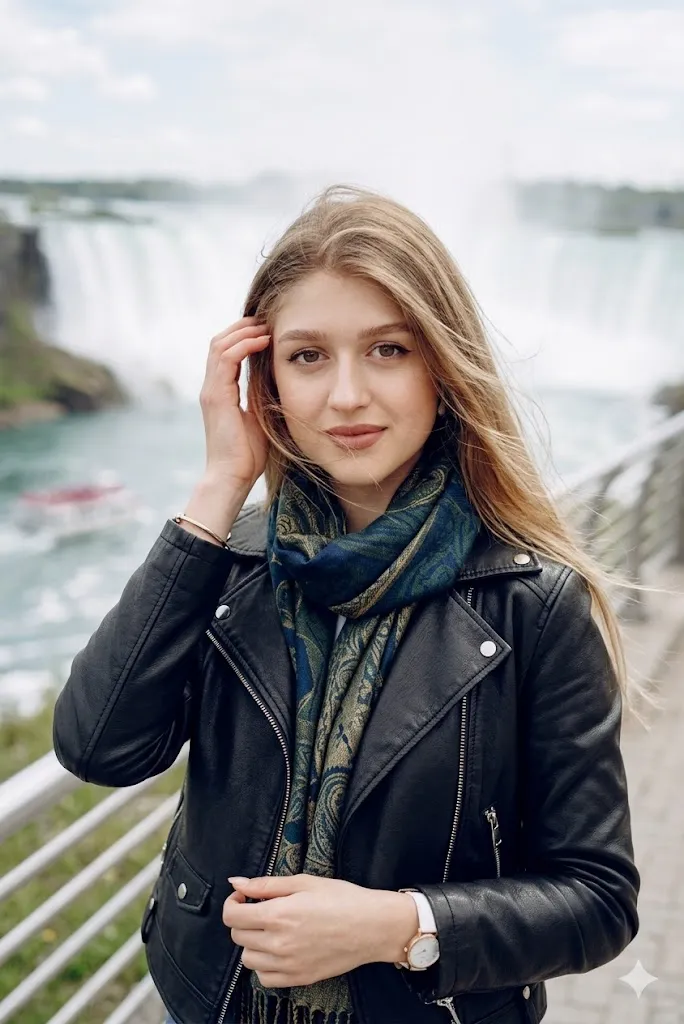
Edit my photo and create a close shot at Niagara Falls walkway. Change my outfit into a leather jacket with a stylish scarf. Set my pose as fixing hair and looking into camera. Blur the background slightly but keep waterfall visible. Keep my face same and natural. Add soft light and wind effect in hair for a professional look.
3. Bold Explorer Style
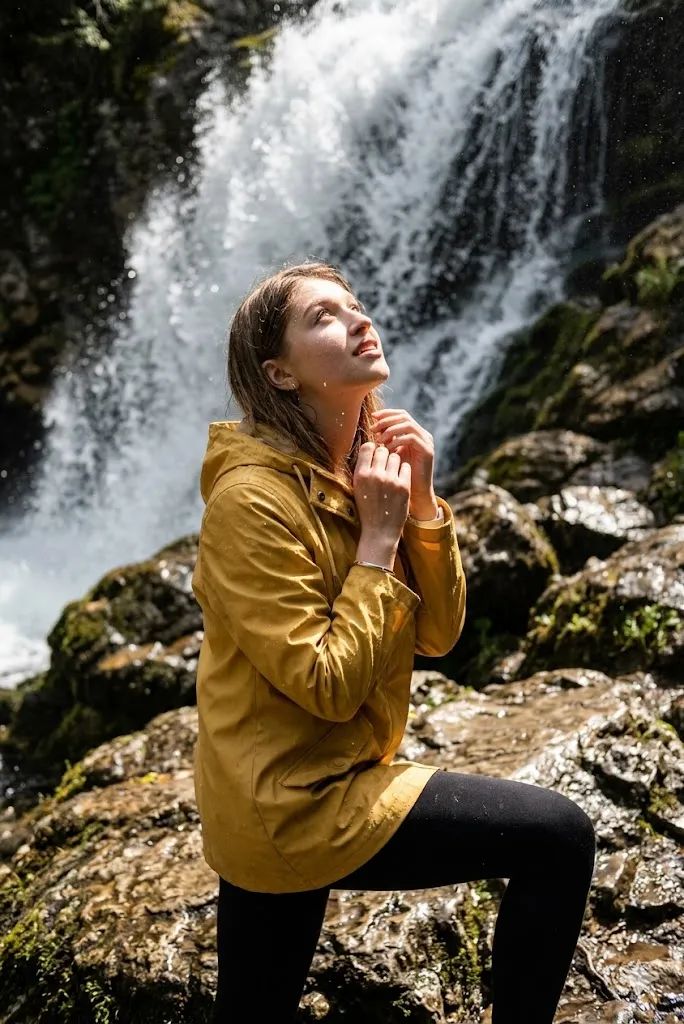
Edit my photo and place me near rocks close to the waterfall. Change my outfit into a yellow raincoat with simple leggings. Set my pose as looking up towards falling water. Add water drops on face and clothes. Keep my face same and clear. Use strong detail and action style lighting for a realistic outdoor feel.
4. Sunset Calm View
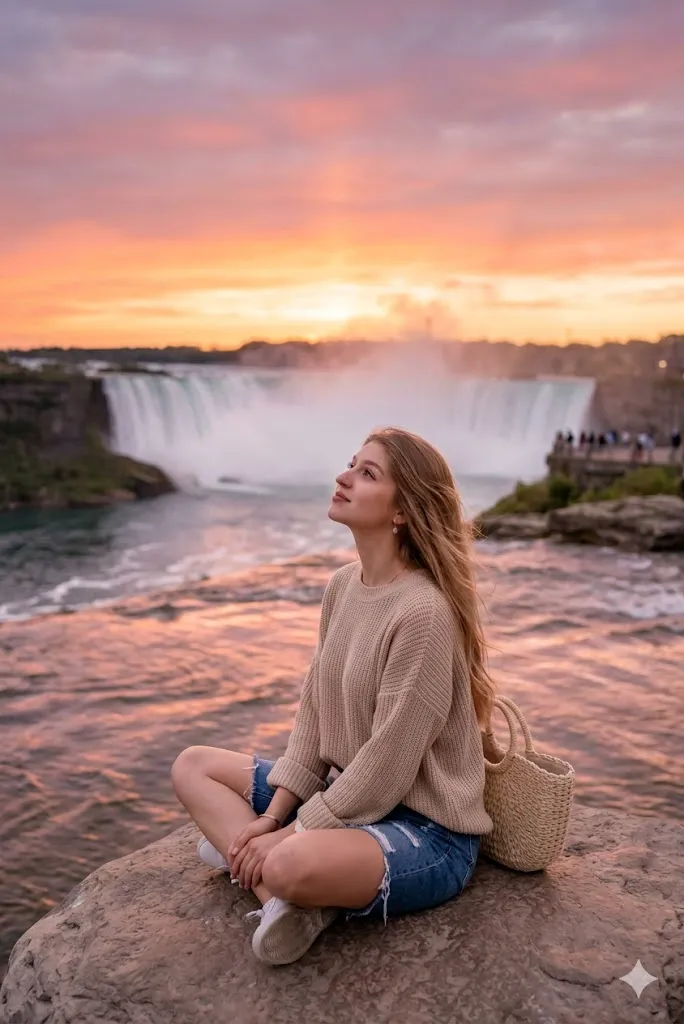
Edit my photo and place me at Niagara Falls during sunset time. Change my outfit into a loose sweater with denim shorts. Set my pose as sitting calmly and looking towards sky. Add orange and pink sky reflection in background water. Keep my face same and match light with sunset glow. Make it look soft and peaceful.
5. City Side Fashion Look
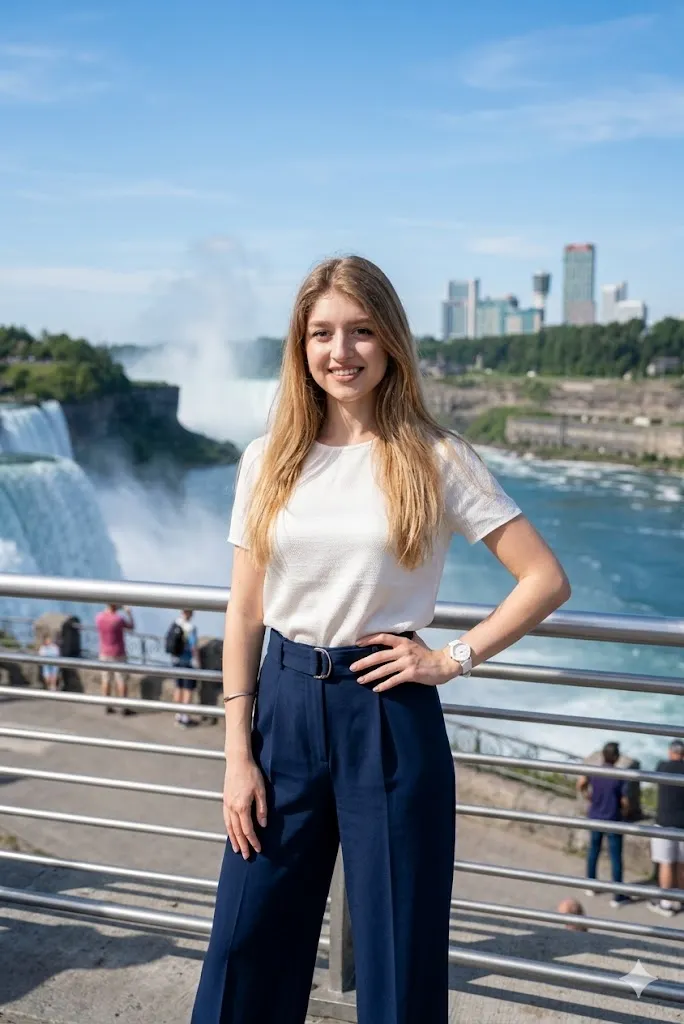
Edit my photo and place me on the Canada side with city and waterfall both visible. Change my outfit into a modern top with wide pants. Set my pose as standing with one hand on waist. Keep my face same with natural smile. Add clear background with blue water and clean skyline. Use high fashion style with realistic lighting.
Last Words
Gemini AI Niagara Falls special editing prompts for boys and girls can help you create travel style photos that look real and natural. I have personally tried similar prompt styles and results depend on how clearly you describe pose, outfit, and light. Always keep your face same in prompt for best result. Try different styles and see what fits your look. Simple changes can give very strong results if your base photo is clear.