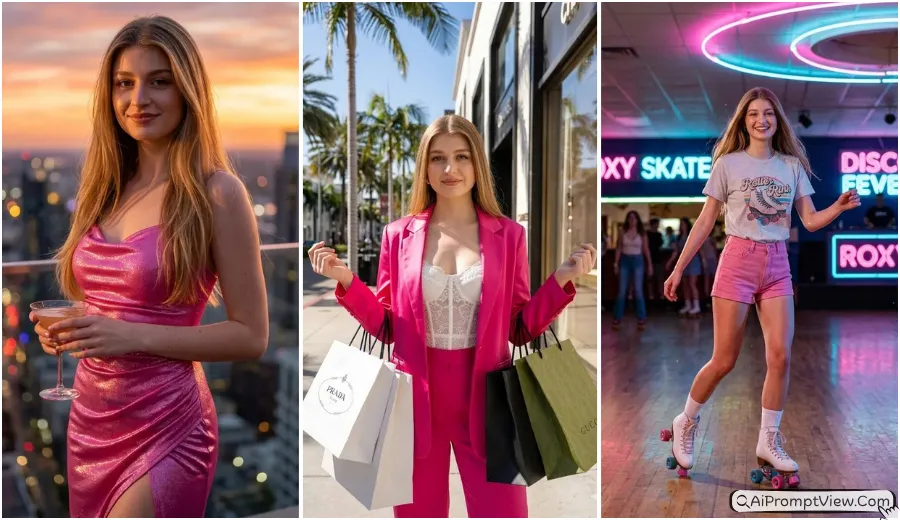
Gemini AI Coachella Festival Aesthetic Girls Photo Prompts 2026 – Trendy Boho Style Edits

Gemini AI The Coachella Festival aesthetic special girls photo prompts are perfect for creating trendy USA festival style photos with desert vibes, boho fashion, and golden hour glow. If you love Coachella outfit ideas, festival fashion photoshoot, and aesthetic Instagram looks, then this article will help you turn your normal image into a stylish festival scene. Here you will get realistic photo editing prompts that focus on outfits, poses, and backgrounds inspired by Coachella Valley music festival style.
You can use Gemini AI Nano Banana, Flow AI or ChatGPT image tools to apply these prompts easily. Just upload your photo and copy paste the prompt to get high quality edits. These prompts are written in a simple and clear way so beginners can also use them without any problem. The main focus is to keep your real face safe while creating a natural festival look with proper lighting and realistic details.
Best Coachella Festival Aesthetic Girls Photo Prompts
1. Golden Hour Desert Twirl
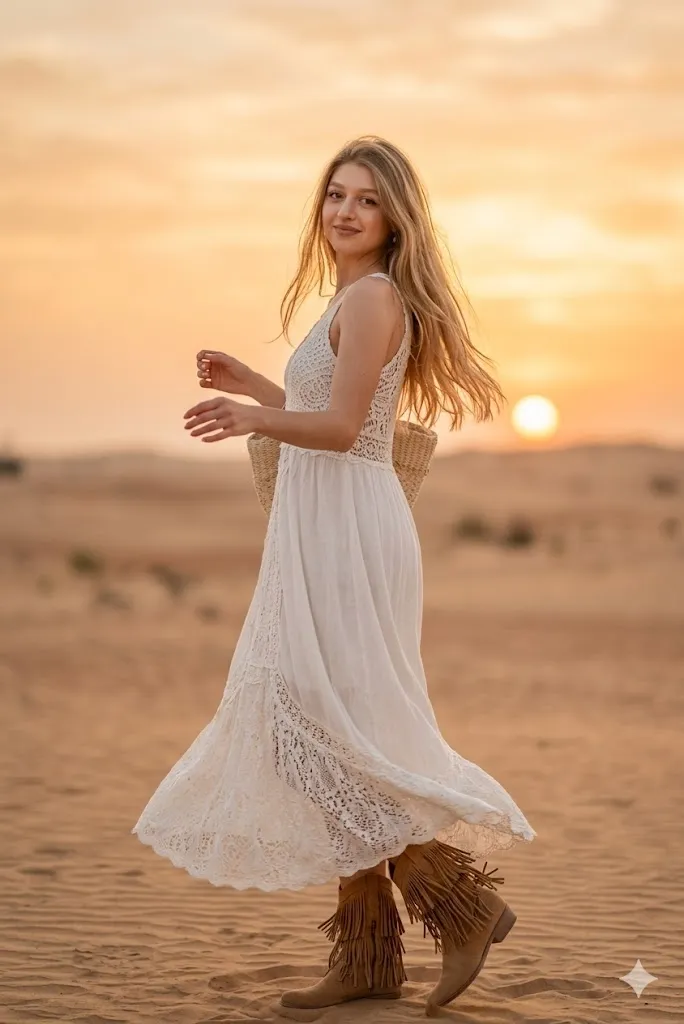
Edit my photo and change my outfit into a white lace crochet maxi dress with soft fabric texture and add tan suede fringe boots. Change the background into a wide desert area during sunset with warm orange light and soft sky tones. Keep my face exactly same as original photo and do not change facial features. Change my pose into a natural twirl from side angle while looking back with a soft smile. Add shallow depth blur in background using 85mm lens style and keep skin texture very realistic in high quality.
2. Vintage Festival Van Style
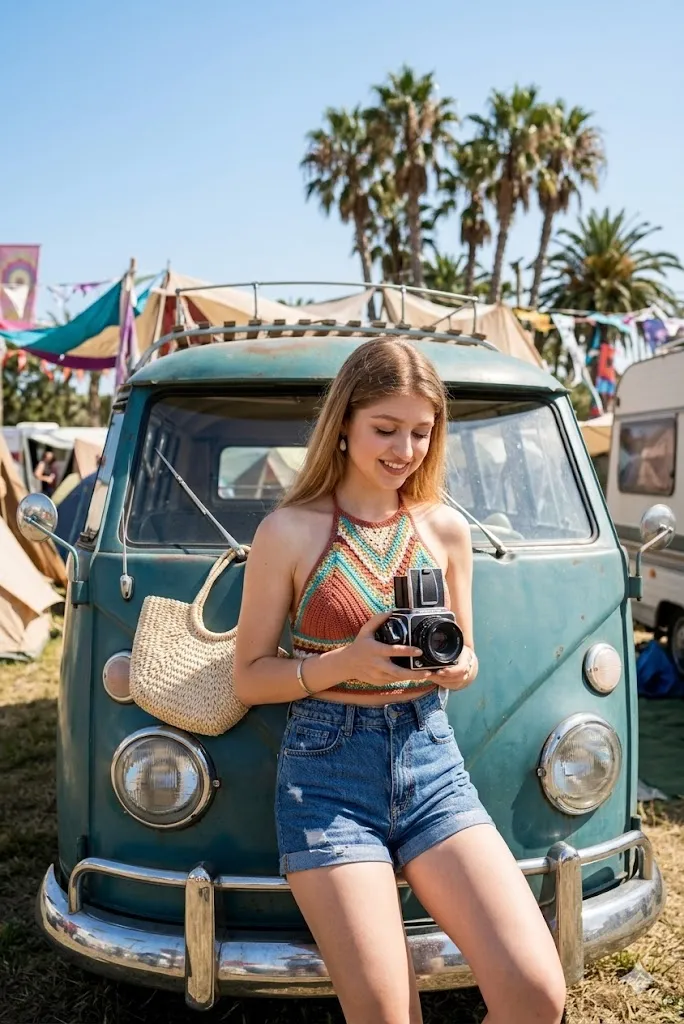
Edit my photo and place me near a vintage teal color van from old times. Change my outfit into high waist denim shorts and a colorful knitted halter top. Change the background into a festival camp area with palm trees and tents. Keep my real face same and natural. Change my pose into sitting on the van bumper while holding a vintage camera in hand. Use bright daylight lighting with clear shadows and keep overall look very realistic and sharp in high resolution.
3. Desert Flower Look
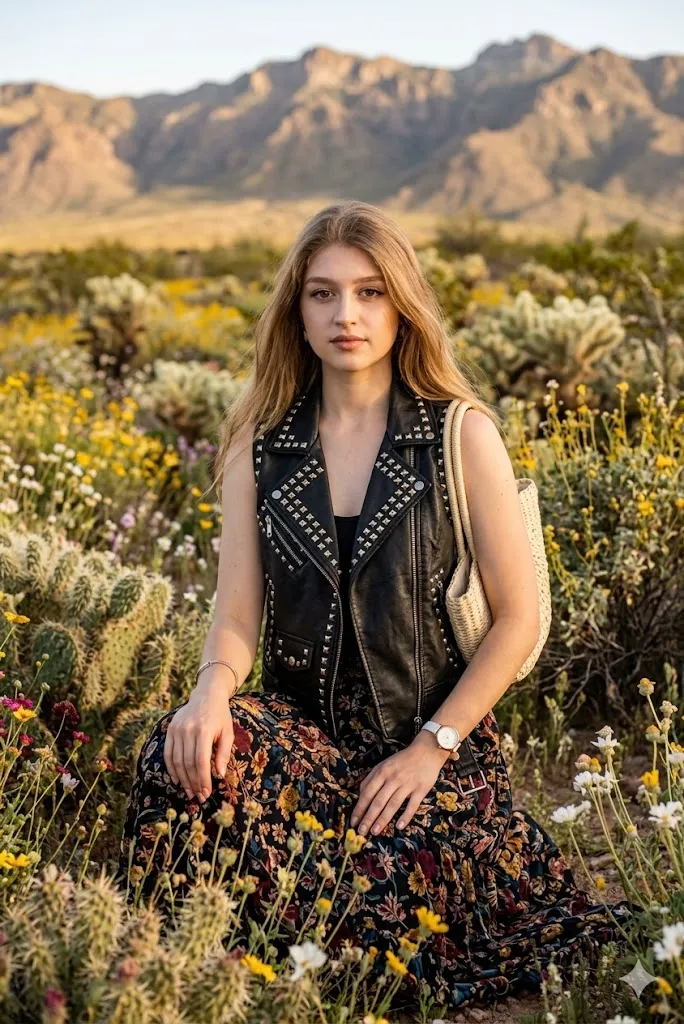
Edit my photo and change my outfit into a long floral skirt with soft flow and a black leather vest with silver studs. Change the background into a desert flower field with mountains far in distance. Keep my original face same without any change. Change my pose into sitting on knees among flowers while looking straight at camera with calm expression. Add strong detail in fabric and skin with high quality texture so image looks like real photoshoot.
4. Sunset Freedom Pose
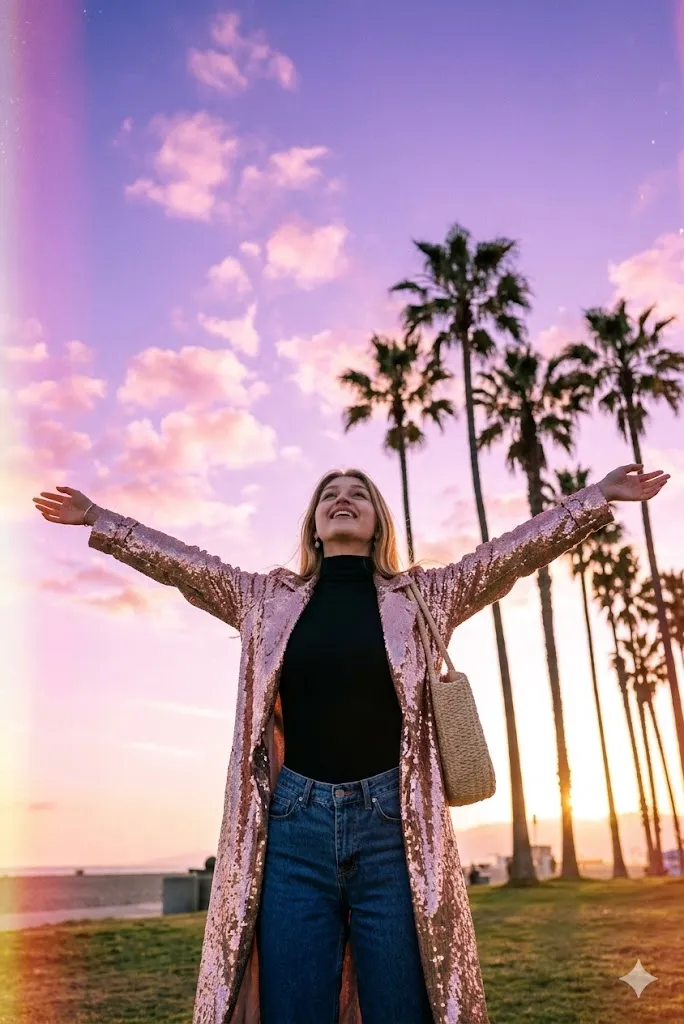
Edit my photo into a wide angle evening shot. Change my outfit into a long shining coat over a bodysuit. Change the background into tall palm trees with purple and pink sky during sunset time. Keep my face same and natural. Change my pose into standing with open arms showing freedom feeling. Add light grain effect for film style look but keep image very realistic and clear with cinematic lighting.
5. Boho Tent Dream Look
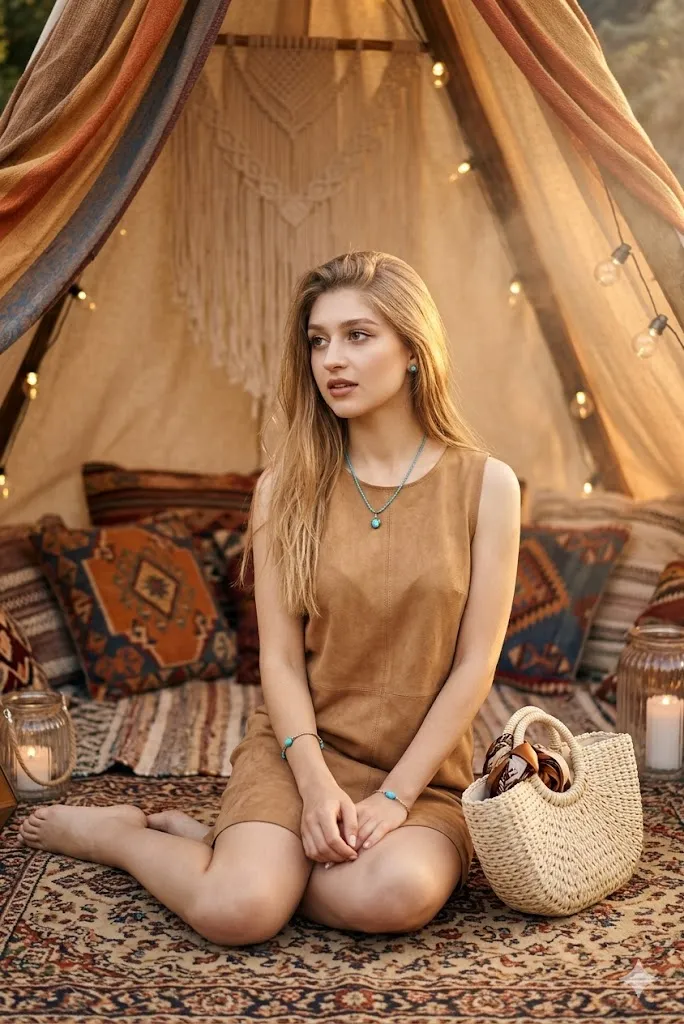
Edit my photo and change my outfit into a tan suede dress with simple turquoise jewelry. Change the background into a cozy boho tent setup with pillows and rugs. Keep my face same as original photo. Change my pose into sitting cross leg on a rug and looking slightly away from camera. Use warm soft lighting with glowing effect to match festival mood and keep full image very realistic and natural.
6. Neon Ferris Wheel Night
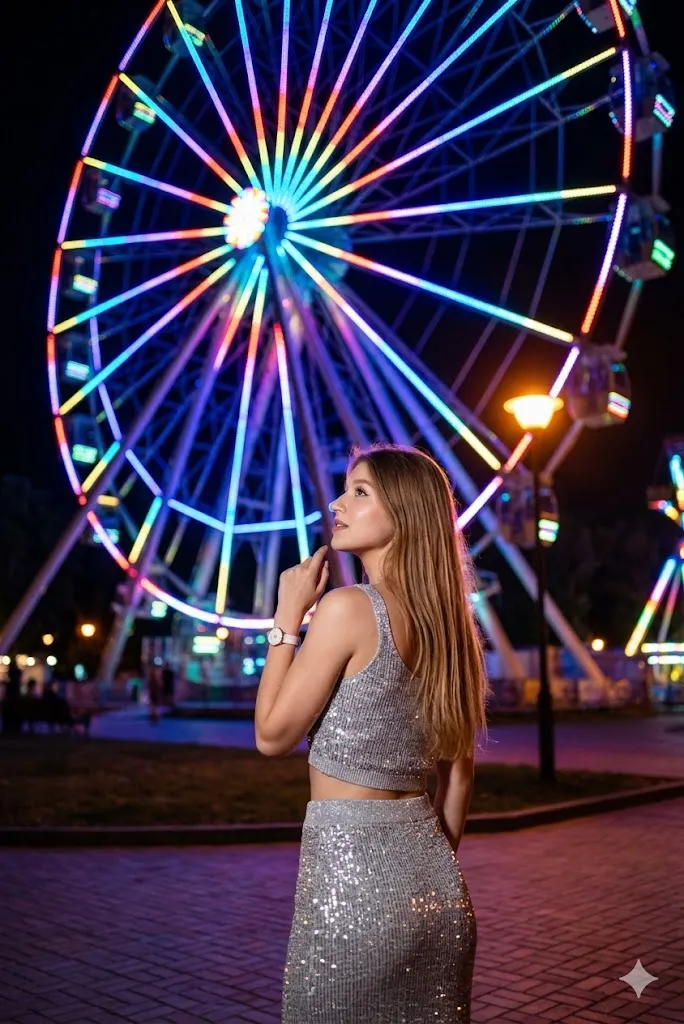
Edit my photo and change the background into a big glowing ferris wheel at night with colorful neon lights. Change my outfit into a silver shiny skirt with matching crop top. Keep my real face same. Change my pose into standing with back side and looking up at wheel while showing partial face. Add light blur effect in background lights for professional night photography look with high detail clarity.
7. Main Stage Energy Look
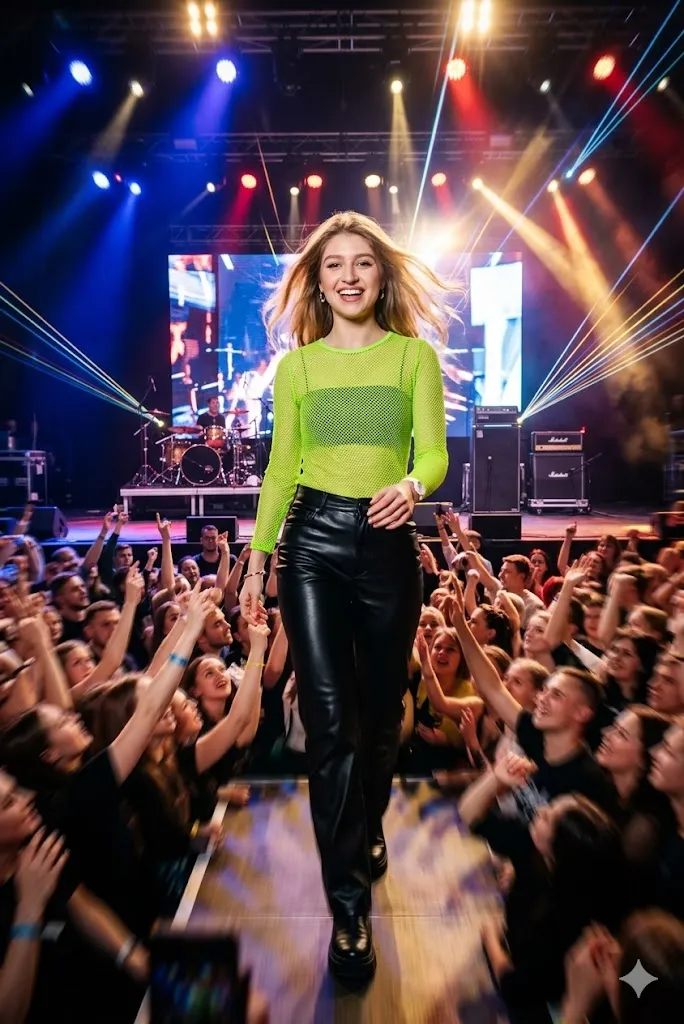
Edit my photo and change my outfit into black leather pants with neon green mesh top. Change the background into a live music stage with crowd looking at me from my background and bright lights. Keep my face same and real. Change my pose into walking towards camera with happy and excited expression. Add strong light effects and motion feel but keep face sharp and natural with high quality finish.
8. Neon Reflection Style
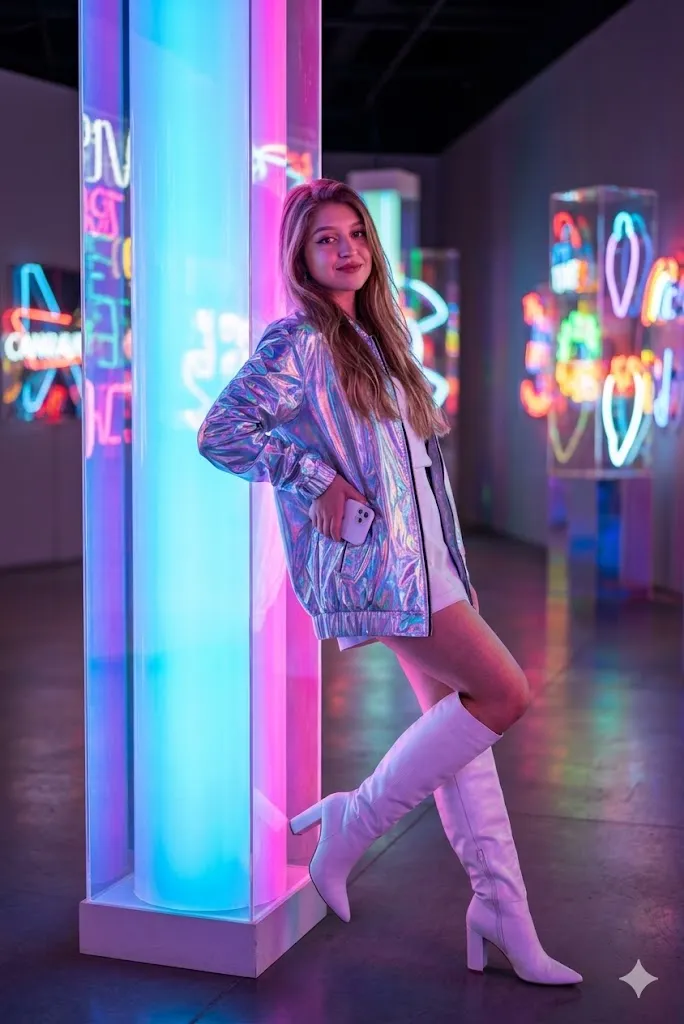
Edit my photo and place me near a neon light art setup. Change my outfit into a holographic jacket with white boots. Keep my face same without change. Change my pose into leaning back on a glowing pillar with confident look. Add neon light reflection on skin and clothes with high contrast lighting and keep image very sharp and realistic.
9. Night Food Street Look
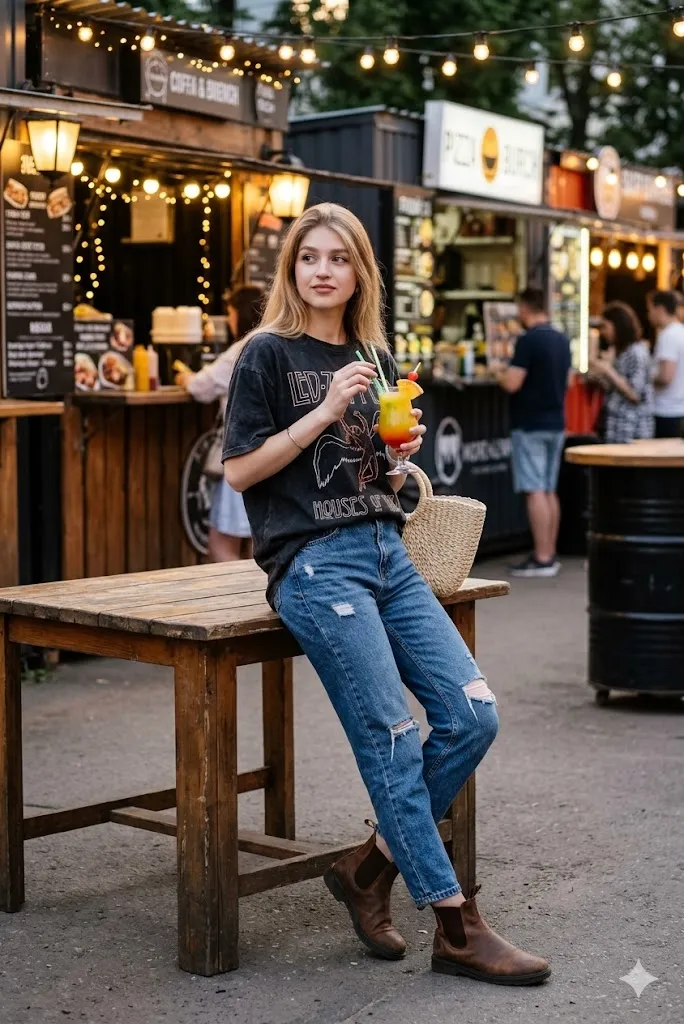
Edit my photo and change my outfit into an oversized vintage band t shirt with boots. Change the background into a food stall area with lights above. Keep my face same and natural. Change my pose into leaning on a table while holding a colorful drink. Make it look like a natural street style photo with soft shadows and real lighting.
10. Glitter Rain Moment
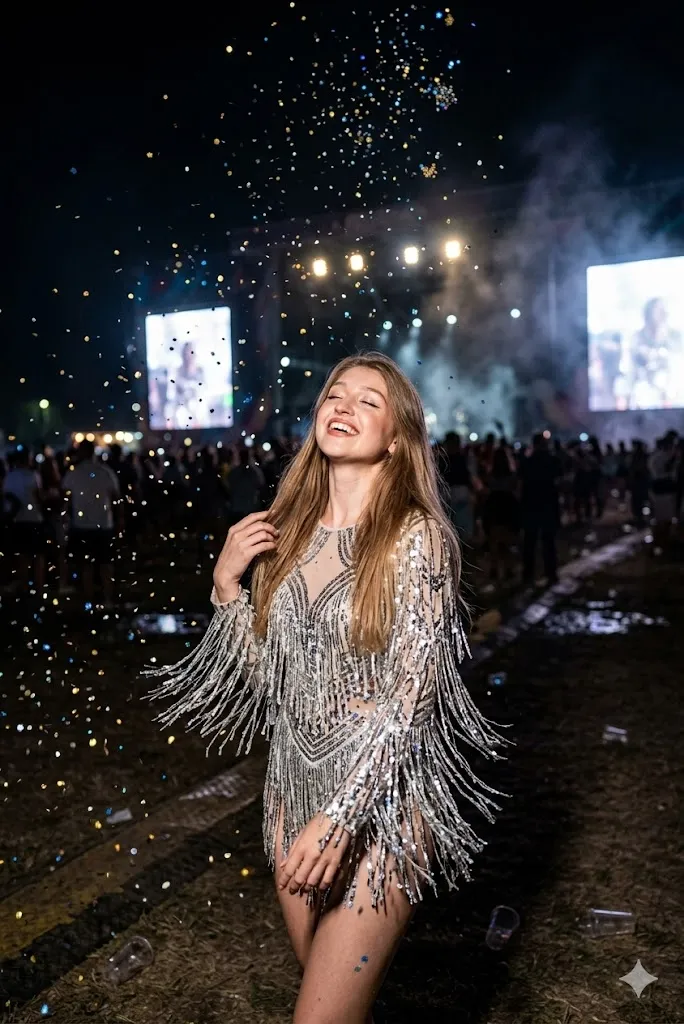
Edit my photo and change my outfit into a shiny fringe bodysuit. Change the background into a dark open festival ground with glitter falling in air. Keep my face same as original. Change my pose into looking up with closed eyes and big smile. Add fast capture effect to freeze glitter in air and keep image very detailed and realistic.
Last Words
Gemini AI The Coachella Festival Aesthetic special girls photo prompts are really fun to try. I personally tested these prompts and results looked very real and stylish. If you follow the prompts properly and use a clear photo, you will get amazing edits. Try different poses and lighting to see what works best for you. These prompts are simple but powerful if used in the right way.