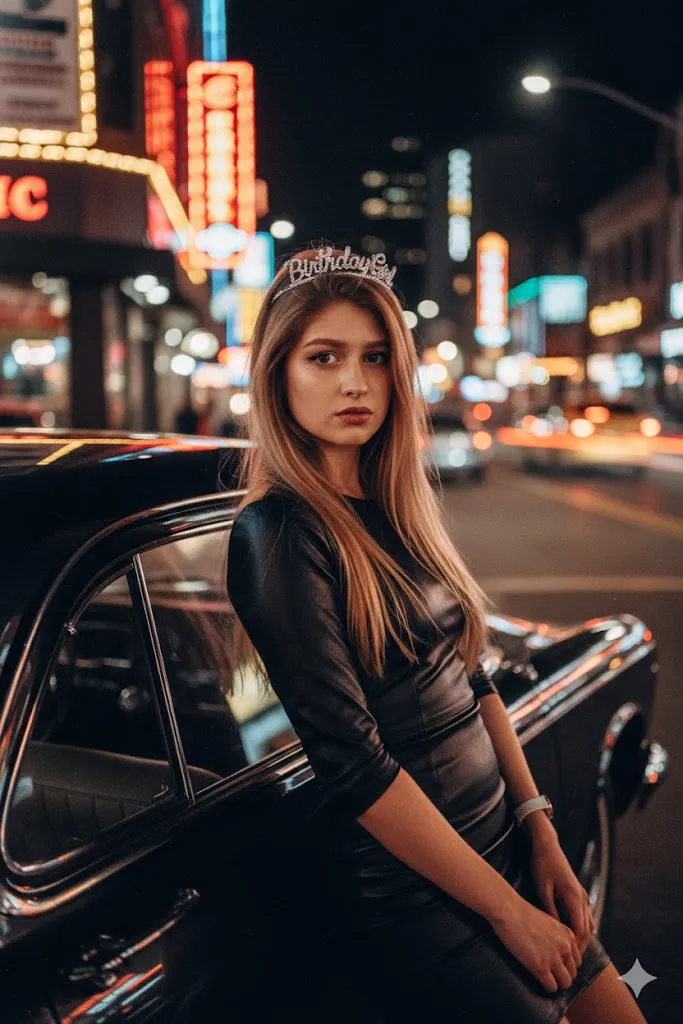
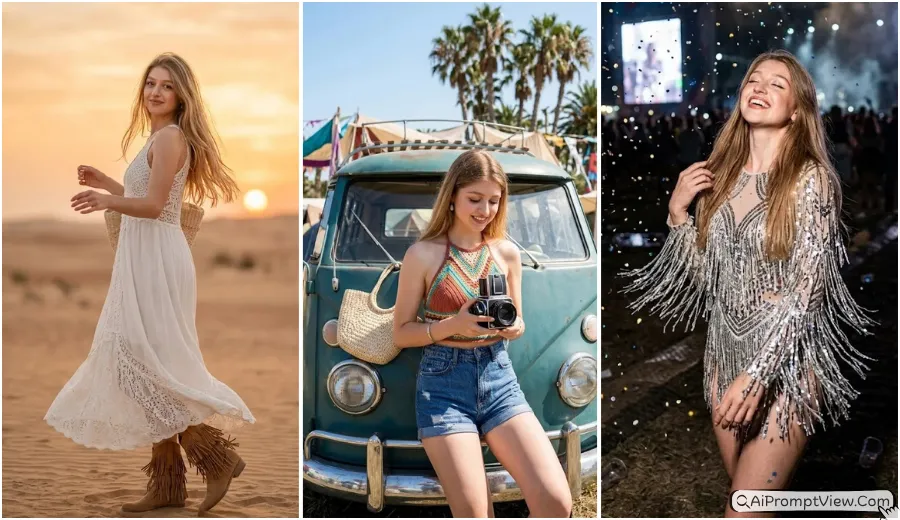
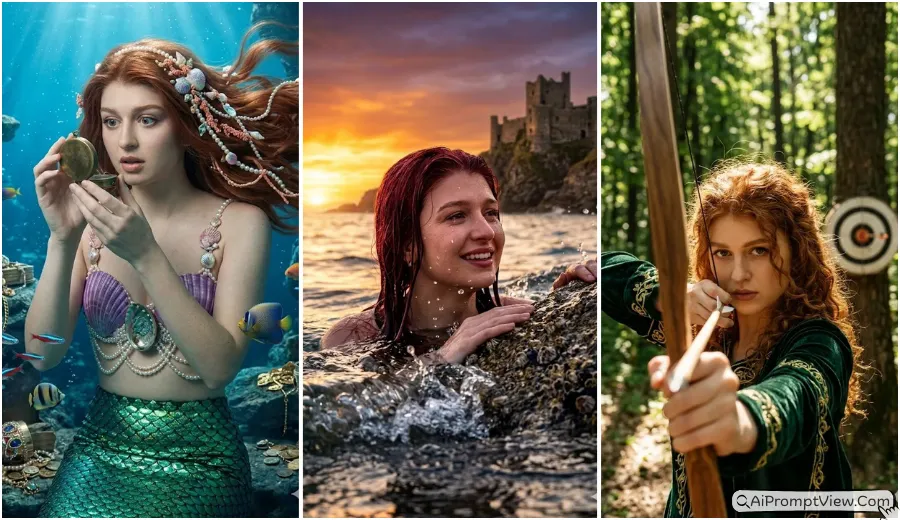
10 Barbie Doll Style AI Photo Editing Prompts (Gemini Girl Prompts 2026)

Barbie doll style AI photo editing prompts free full hyper realistic help you turn your normal photo into a stylish pink theme photo with a luxury feel. In this post you will get detailed prompts that keep your real face safe and only change outfit background and lighting. If you want a clean Barbie style look with natural skin and sharp details then these prompts will help you a lot.
You can use tools like Gemini Ai Nano Banana mode or ChatGPT image tools to edit your photos. Just upload your image and copy paste the prompt. These prompts are written in a simple way so the tool understands clearly what to change and what to keep same. This makes your final result look real and clean.
Barbie Doll Style Hyper Realistic Photo Prompts
1. Luxury Shopping Spree Look
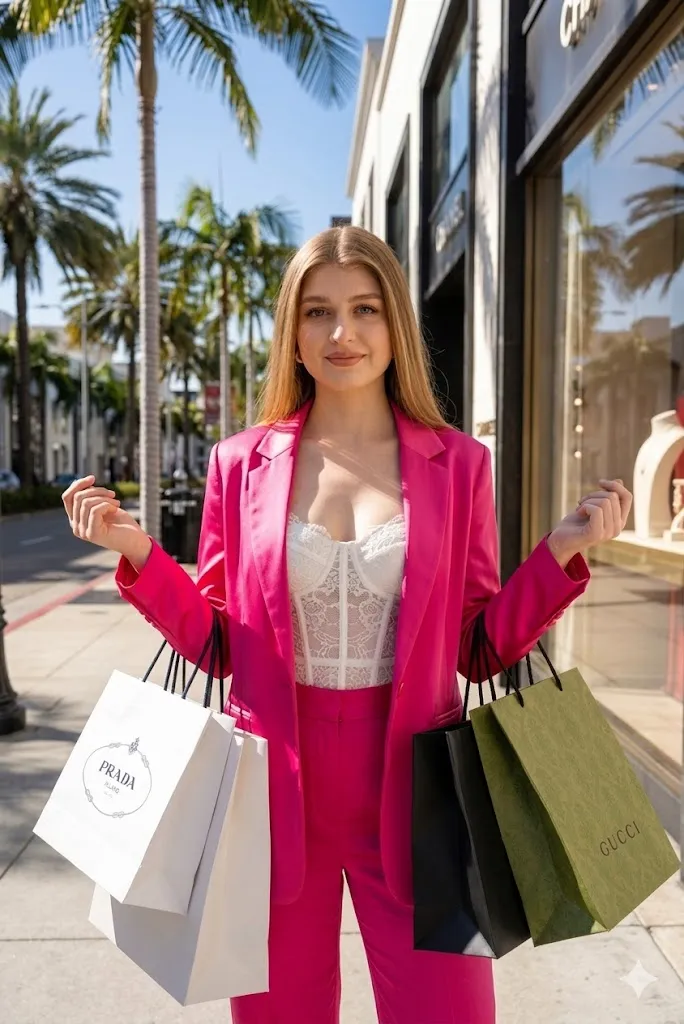
Edit my photo into a hyper realistic fashion scene. Keep my face same with same skin texture eyes and smile. Change my outfit into a premium hot pink silk blazer with matching pants and a white lace top. Add luxury shopping bags in my hands. Place me on a sunny rich street with palm trees and stylish store windows in background. Use soft natural daylight with clean shadows. Add camera feel like 35mm lens with high detail fabric and sharp focus. Make the image look like a real fashion shoot in 8k quality.
2. Rooftop Sunset Gala Style
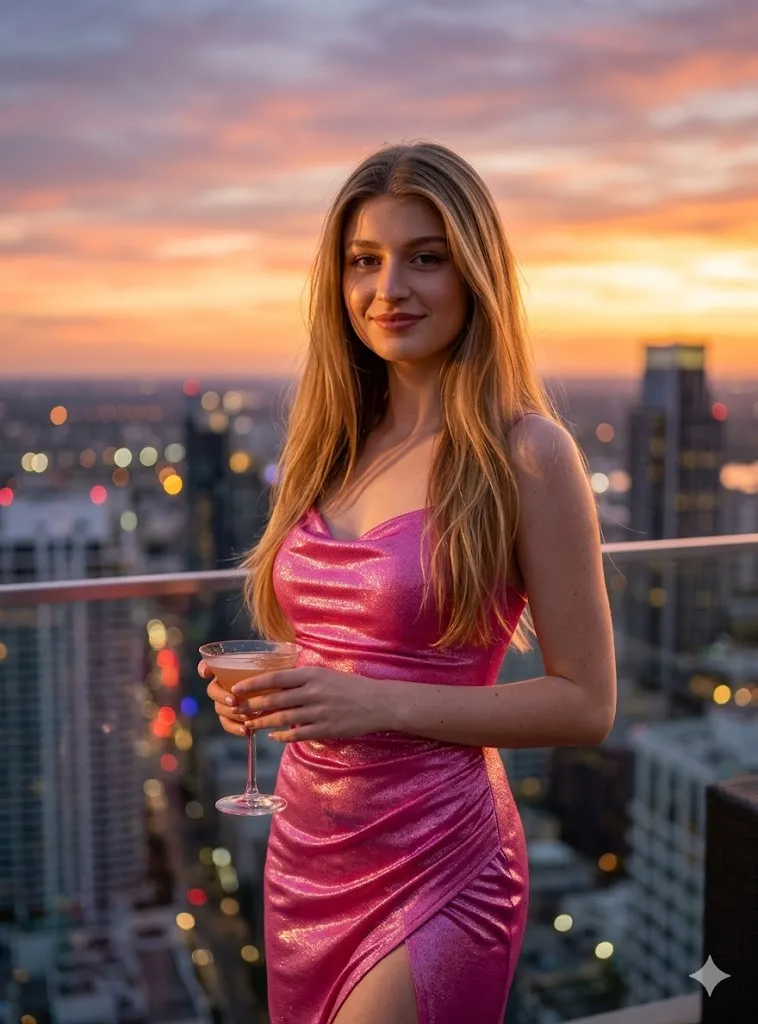
Edit my photo into a high end evening look. Keep my face exactly same with natural skin and hair flow. Change outfit into a shiny barbie pink gown with a side slit. Place me on a rooftop with a sunset sky and soft city lights in background. Add warm golden light on face and soft shadows. Keep details very sharp and realistic with skin pores visible. Make it look like a professional photo with depth and 8k clarity.
3. Pink Office Boss Look
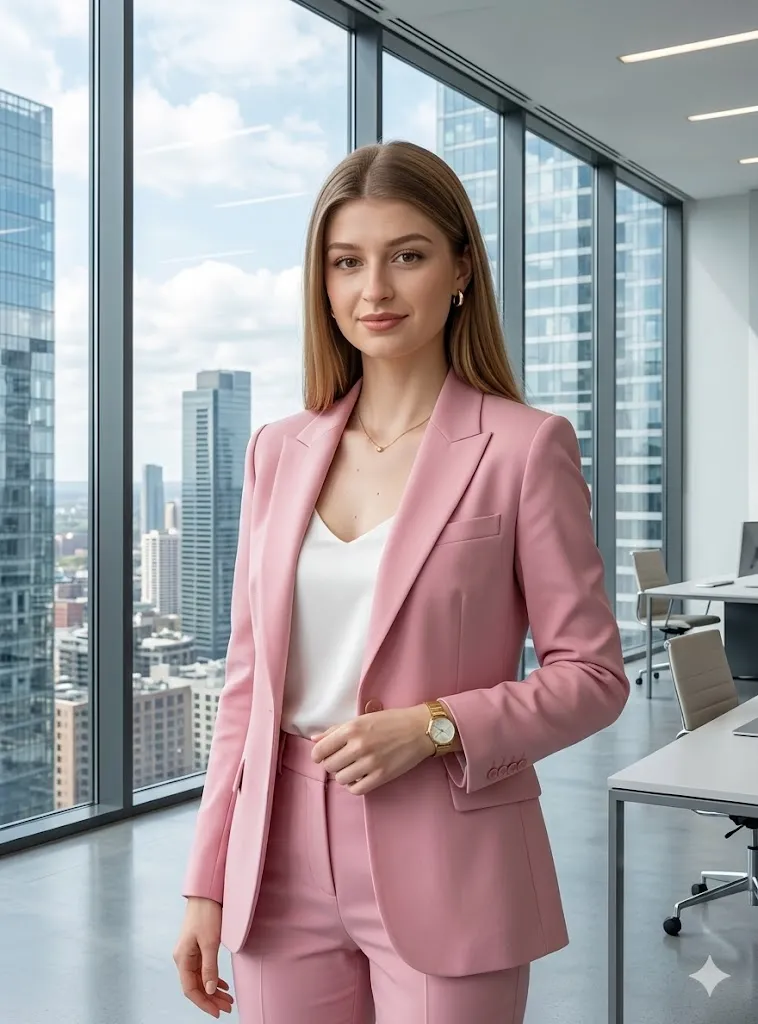
Edit my photo into a modern office boss style. Keep my face same without any change. Dress me in a soft pink formal suit with simple gold watch and clean jewelry. Place me inside a glass office with a tall building view behind. Add clean lighting with sharp focus and natural colors. Make the image look like a business magazine photo with realistic texture and smooth light balance.
4. Pink Supercar Entry Scene
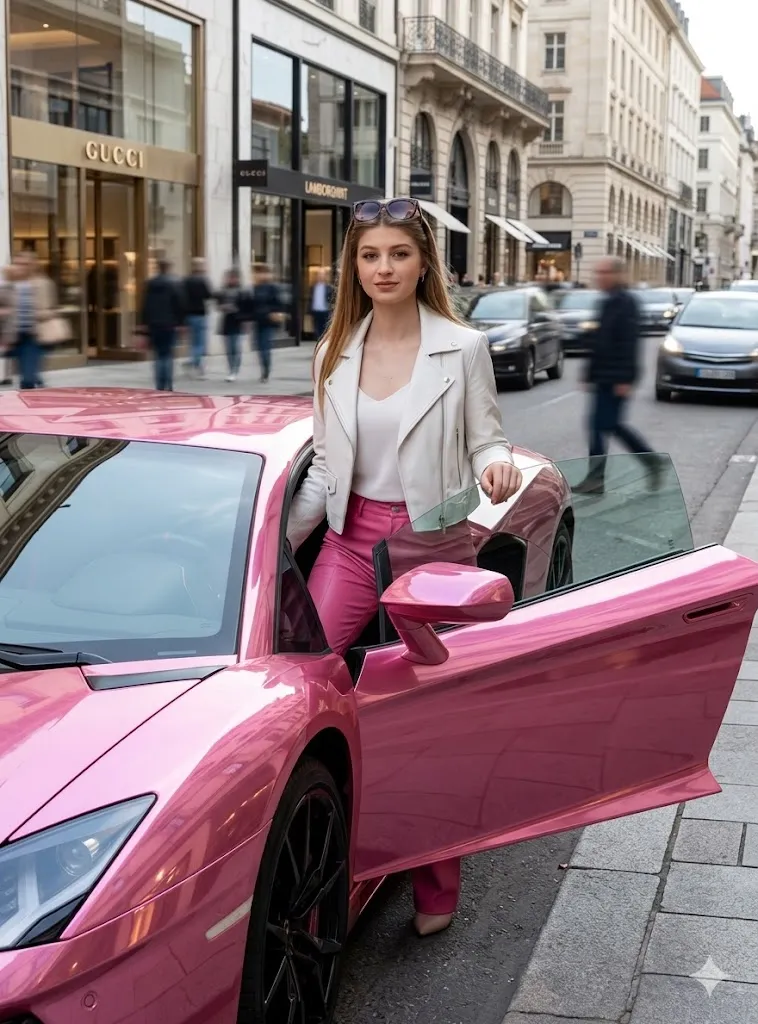
Edit my photo into a stylish street entry look. Keep my face same and natural. Add a pink luxury sports car and show me stepping out of it. Change outfit into pink leather pants and a white short jacket with sunglasses on my head. Add city street background with light motion blur. Show real reflections on the car and natural light on my face. Make the image cinematic and very realistic.
5. Floral Garden Tea Party
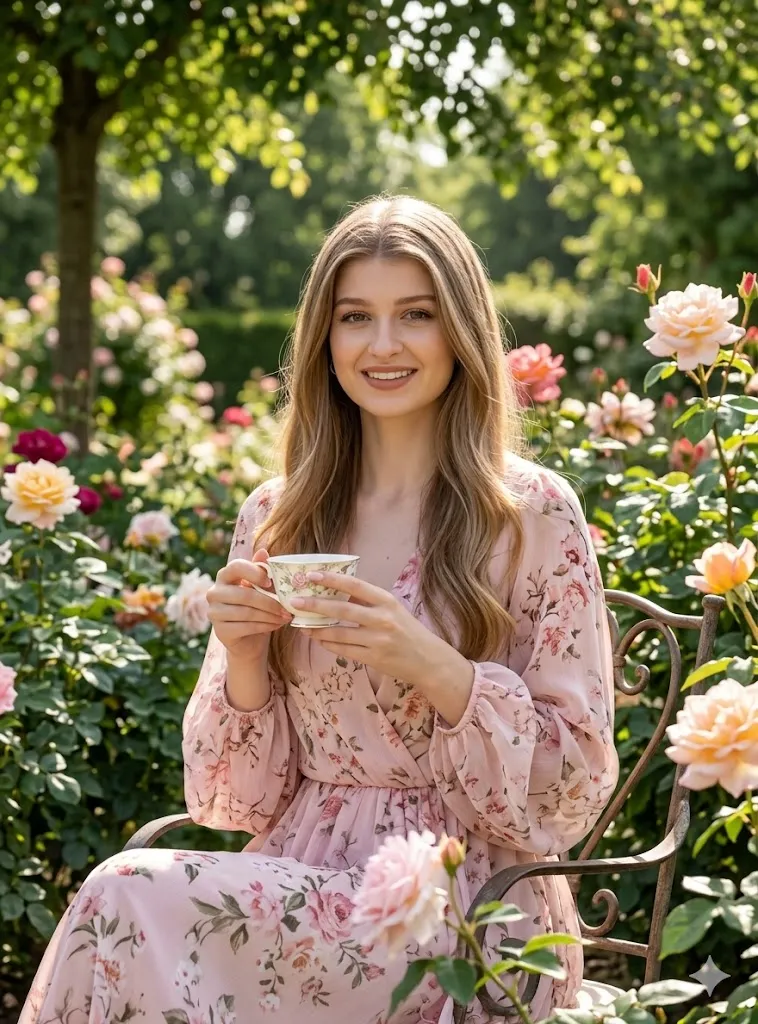
Edit my photo into a soft garden scene. Keep my face same with natural skin and smile. Dress me in a light pink floral dress with soft sleeves. Place me in a rose garden sitting with a tea cup. Add soft sunlight coming through trees. Keep flowers very detailed and natural. Use a calm light tone and make it look like a fashion photo shoot with high clarity and real textures.
6. Dreamhouse Poolside Relax
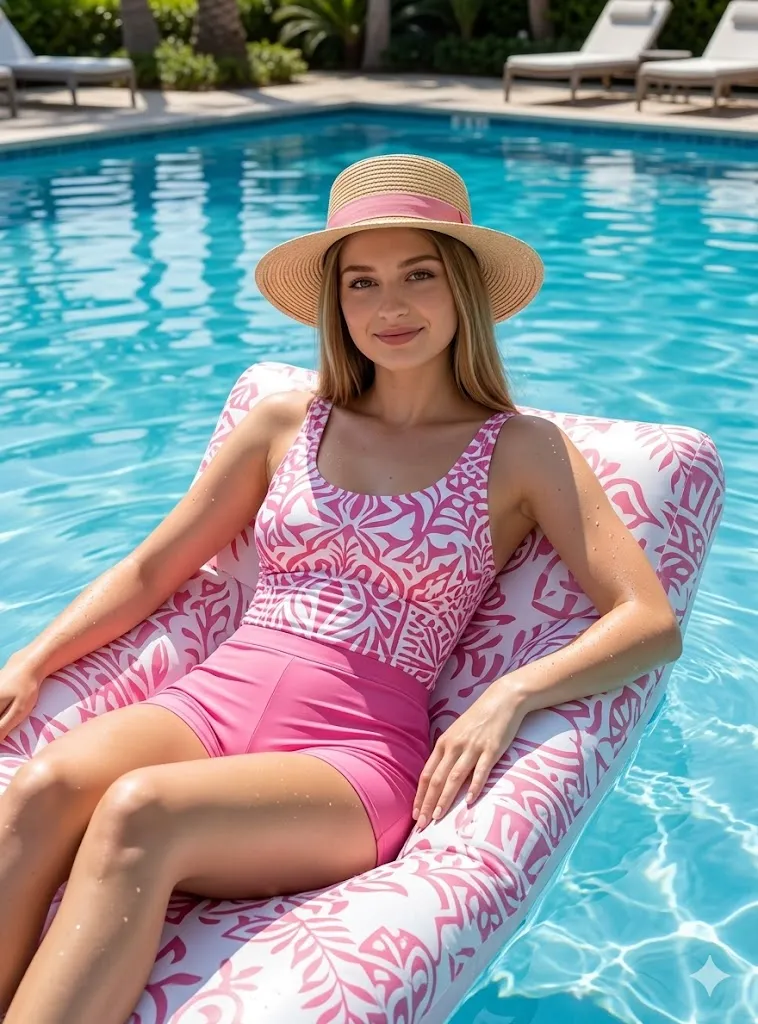
Edit my photo into a summer pool scene. Keep my face same and clear. Dress me in a pink and white swim outfit with a hat. Place me relaxing on a float in a clean blue pool. Add water shine and small drops on skin. Use bright sunlight and soft shadows. Make the pool reflection look real and clean. Keep colors fresh and image quality high like 8k photo.
7. Pink Winter Snow Look
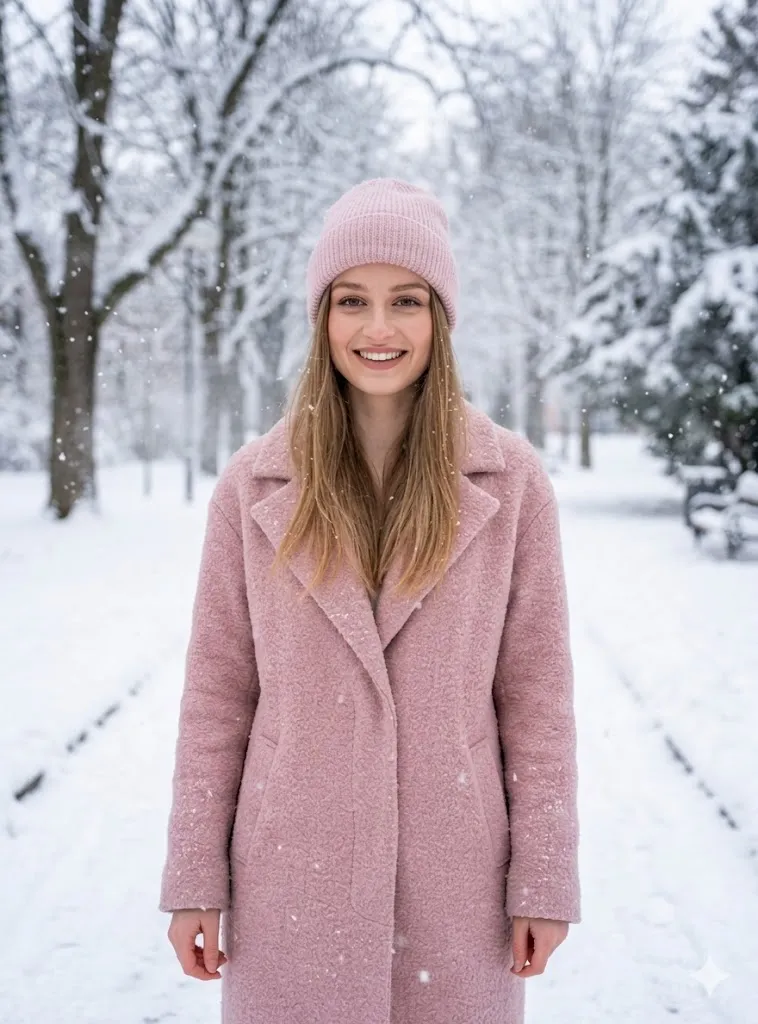
Edit my photo into a winter theme. Keep my face same with natural expression. Dress me in a soft pink winter coat with a cap and boots. Place me in a snowy park with falling snow. Add cold air effect and soft light on face. Make snow texture very real and detailed. Keep lighting soft and image very sharp like a real winter photo.
8. Retro Roller Style Vibe
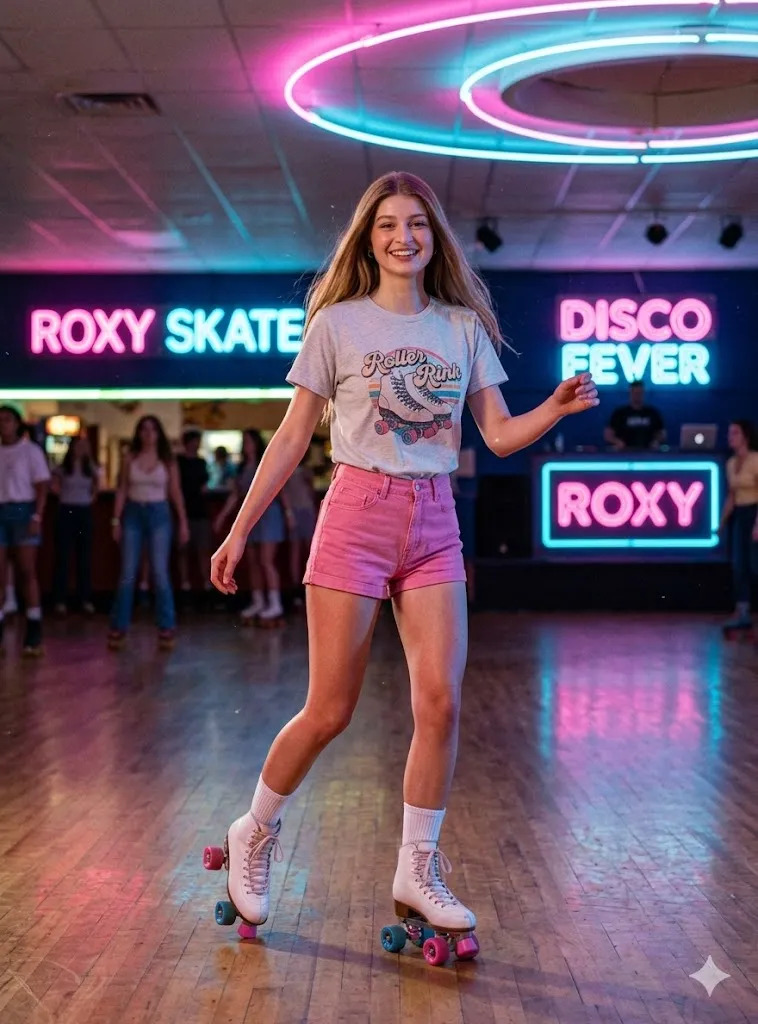
Edit my photo into a retro skating scene. Keep my face same and natural. Dress me in pink shorts and a casual tee with roller skates. Place me in a skating area with neon lights. Add pink and blue light mix with soft grain effect. Make pose active and fun. Keep details clear and realistic like a real photo with strong light depth.
9. Airport Travel Luxury Look
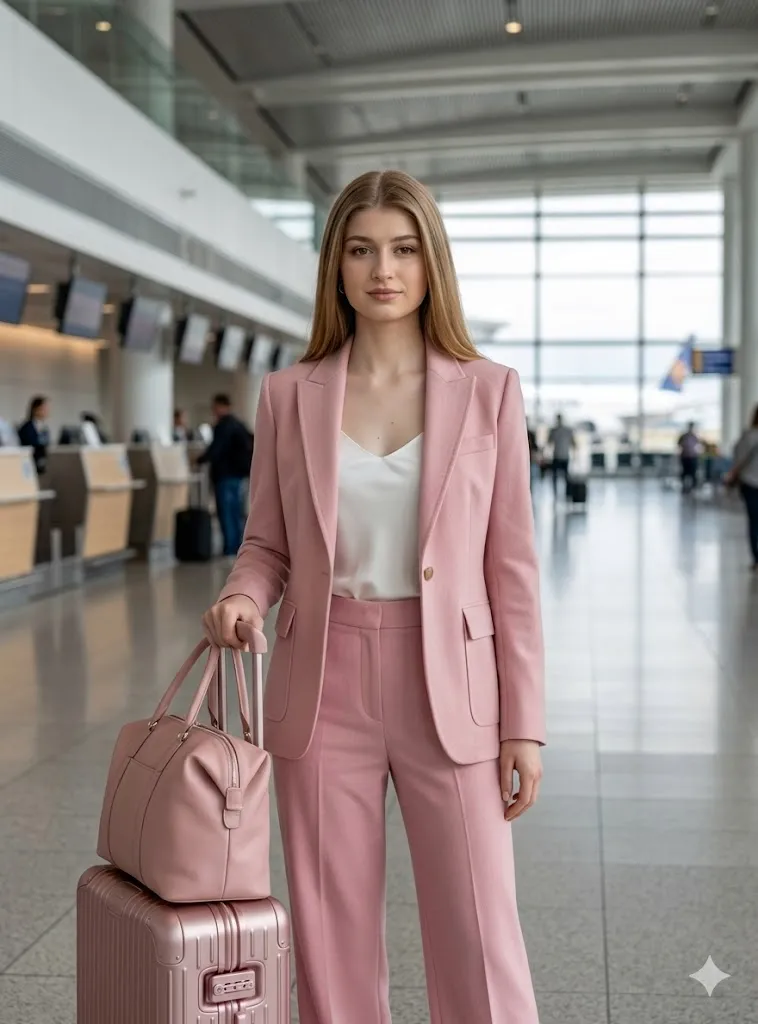
Edit my photo into a travel style look. Keep my face same without change. Dress me in a soft pink travel outfit. Add stylish luggage and place me in a modern airport. Use indoor light with soft blur in background. Keep focus on me with clean detail. Make image look like a real travel shoot with depth and natural color.
10. Pink Cafe Brunch Scene
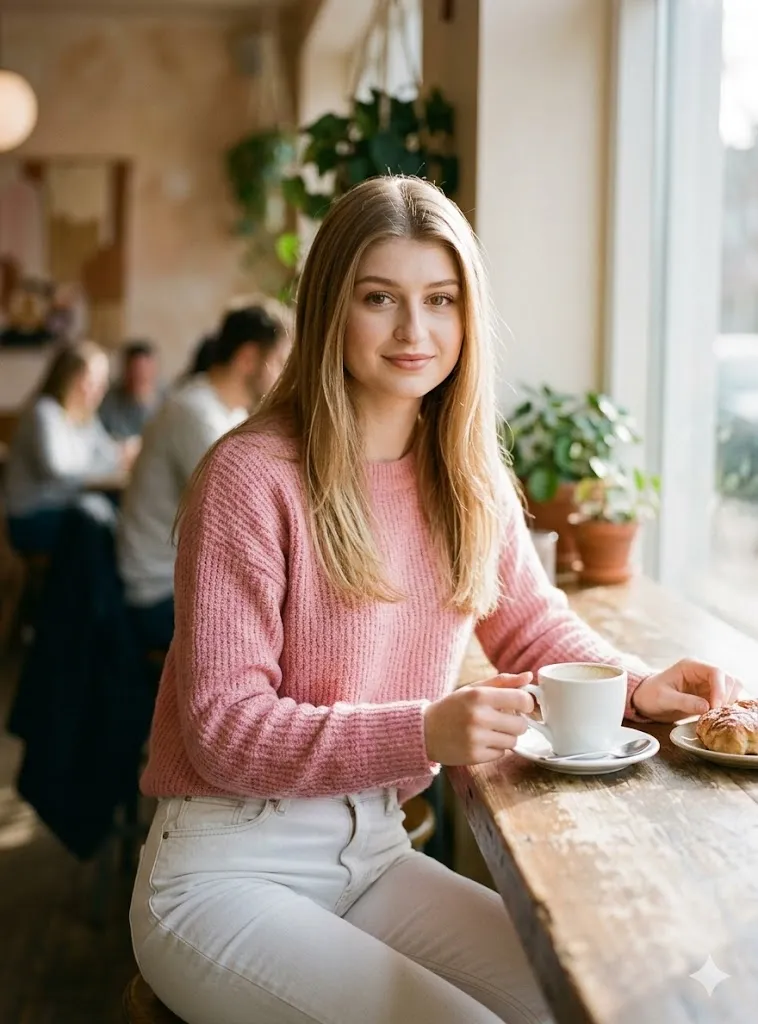
Edit my photo into a cafe setting. Keep my face same and natural. Dress me in a pink sweater with white jeans. Place me at a cafe table with coffee and snack. Add soft morning light and background blur. Keep details smooth and clear. Make it look like a real lifestyle photo with natural light and soft tones.
Last Words
I personally tried these Barbie doll style AI photo editing prompts free full hyper realistic on my own photos and results looked very real and clean. The best part is your face stays same and only style changes. Try them with a clear photo and simple lighting. You will get much better output. If you like clean and real edits then these prompts will help you a lot.